
Description
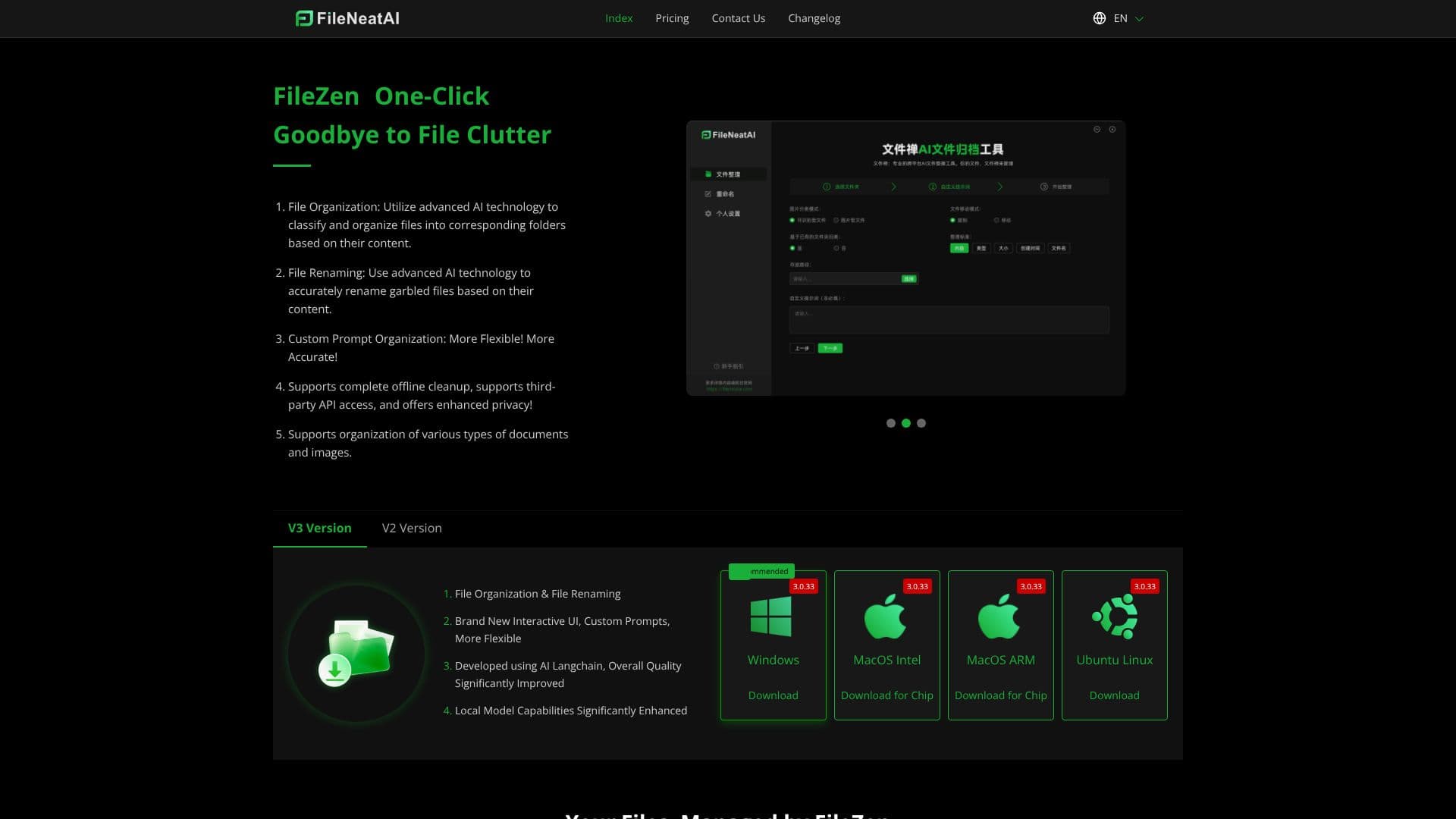
FileZen, also known as FileNeatAI, is a professional AI file organization tool engineered to streamline the classification and management of text files and images on your computer. Leveraging advanced AI capabilities, FileZen intelligently reads the content of each file within a specified folder and automatically sorts them into appropriate subfolders.
Read More
Beyond organization, FileZen also excels at file renaming. It utilizes AI to accurately rename files that have garbled or unclear names, basing the new names on the file's actual content. This dual functionality addresses common digital clutter issues, saving users significant time and effort.
The tool offers enhanced flexibility with its custom prompt organization feature. Users can provide specific keywords or prompts to guide the AI's classification and renaming processes, ensuring results align with their personal or professional needs. FileZen supports complete offline cleanup, providing an option for users who prioritize data privacy. For those who prefer cloud-based solutions or require access to more powerful models, it also offers third-party API access.
FileZen supports a wide variety of document types and images. The V3 version boasts a brand-new interactive UI, custom prompts, and significantly improved local model capabilities, developed using AI Langchain for overall quality enhancement. Previous versions, like 2.4.7, also offer stable and reliable basic file organization and renaming features with a clean interface.
Key benefits include more intelligent, flexible, and faster file organization through simple drag-and-drop operations and iterative prompt refinement. Similarly, file renaming is made more intelligent, convenient, and precise. FileZen's commitment to security and privacy is underscored by its multiple AI model selection, including local deployment and third-party APIs, ensuring data never leaves the user's control when offline.
FileZen is suitable for a broad audience, from individuals struggling with personal file clutter to mid-level managers in enterprises who handle large volumes of documents. It's particularly beneficial for users who spend hours daily on file management tasks, offering a powerful solution to reclaim time and improve digital workflow efficiency.
- CategoryAI Document & PDF Tools
- Pricing ModelFreemium
- DeploymentCloud, Local
- PlatformsWindows, macOS, Linux
FileZen's Core Features
AI-powered file classification based on content
AI-driven file renaming based on content
Supports organization of various document types and images
Customizable prompts for tailored organization and renaming
Offline cleanup capabilities for enhanced privacy
Option for third-party API access
Supports local model deployment
Brand new interactive UI (V3)
Developed using AI Langchain
Stable and reliable performance
Simple drag-and-drop interface
Iterative refinement of organization results
How to use FileZen?
Configure: Select folders for organization or files for renaming.
Organize: Choose an organization mode and input key prompts.
Rename: Select a naming mode and input key prompts for garbled files.
Refine: Adjust prompts and re-run if initial results are not satisfactory.
Deploy: Choose between local model deployment or third-party API access for enhanced privacy.
Download: Select the appropriate version for your operating system (Windows, macOS, Linux).
FileZen's Use Cases
- Automated File Sorting
- Bulk File Renaming
- Personal Document Management
- Business Document Organization
- Privacy-Focused Cleanup
- Customizable AI Workflows