Description
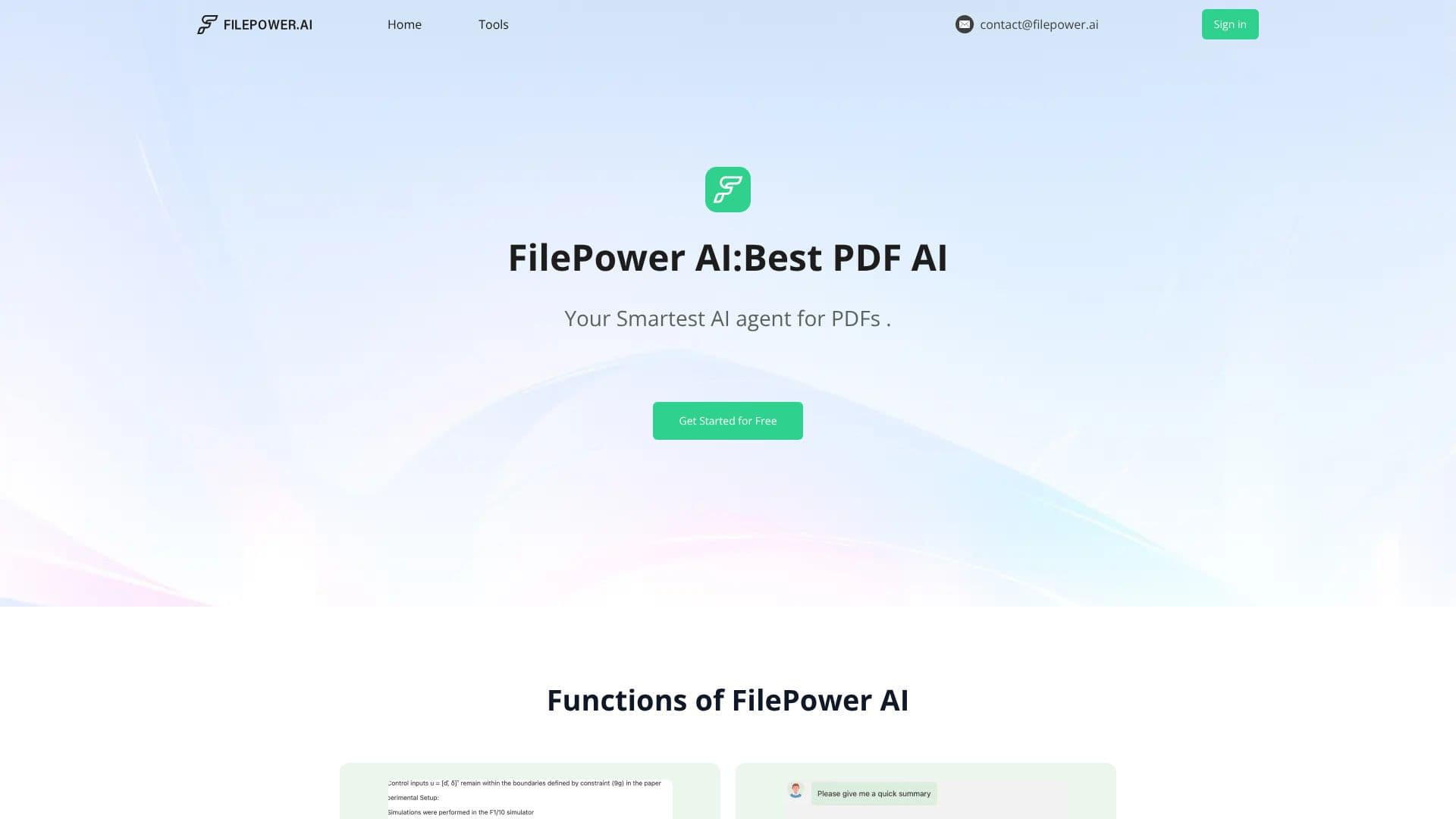
FilePower AI positions itself as the smartest AI agent for your PDF, PPT, and Doc files. It aims to simplify document management and content generation through advanced AI functionalities. The platform allows users to interact with their documents by asking questions and receiving direct answers, making complex information more accessible.
Read More
Key capabilities include rapid summarization of lengthy files, enabling users to grasp essential information quickly. Furthermore, FilePower AI offers one-click translation services, supporting documents in various languages. The tool also provides document management features, helping users organize their files akin to a digital library. This comprehensive approach is designed to enhance productivity and reduce the time spent on document-related tasks.
FilePower AI highlights its use of the most advanced LLM for smarter responses and a longer memory for better context understanding. It supports all file formats, ensuring versatility for users. A free trial is available, allowing potential users to experience its features risk-free. The platform emphasizes its superiority over other tools by encouraging users to try it and discover the difference.
Use cases span various professional and academic needs, such as quickly summarizing work reports, creating detailed research reports, processing financial data, and streamlining marketing tasks. User testimonials praise its speed, accuracy, advanced LLM, context understanding, and data processing capabilities, noting significant time savings and workflow improvements.
FilePower AI is committed to user privacy and security, employing advanced encryption to protect files and data. The platform is designed to be a powerful yet user-friendly solution for anyone dealing with a high volume of documents.
- CategoryAI Document & PDF Tools
- Pricing ModelFreemium
- DeploymentCloud
- PlatformsWeb
FilePower AI's Core Features
Chat with documents to ask questions and get answers
Summarize documents quickly for easy understanding
Translate documents to all voices with one click
Organize documents like a library with document management
Utilizes advanced LLM for smarter responses
Features longer memory for better context understanding
Supports all file formats for user convenience
Offers a free trial for risk-free experience
Provides advanced encryption for file and data safety
Helps generate any work content users desire
How to use FilePower AI?
Upload your document: Select and upload your PDF, PPT, or Doc file to the platform.
Interact with the AI: Use the chat feature to ask specific questions about your document's content.
Summarize content: Request a summary of the document to quickly grasp key information.
Translate documents: Utilize the one-click translation feature for multilingual needs.
Manage files: Organize your uploaded documents within the platform's library system.
Generate content: Leverage the AI to help create desired work content based on your documents.
FilePower AI's Use Cases
- Summarize Reports
- Document Translation
- Information Extraction
- Research Assistance
- Financial Data Processing
- Content Generation
- File Organization