Description
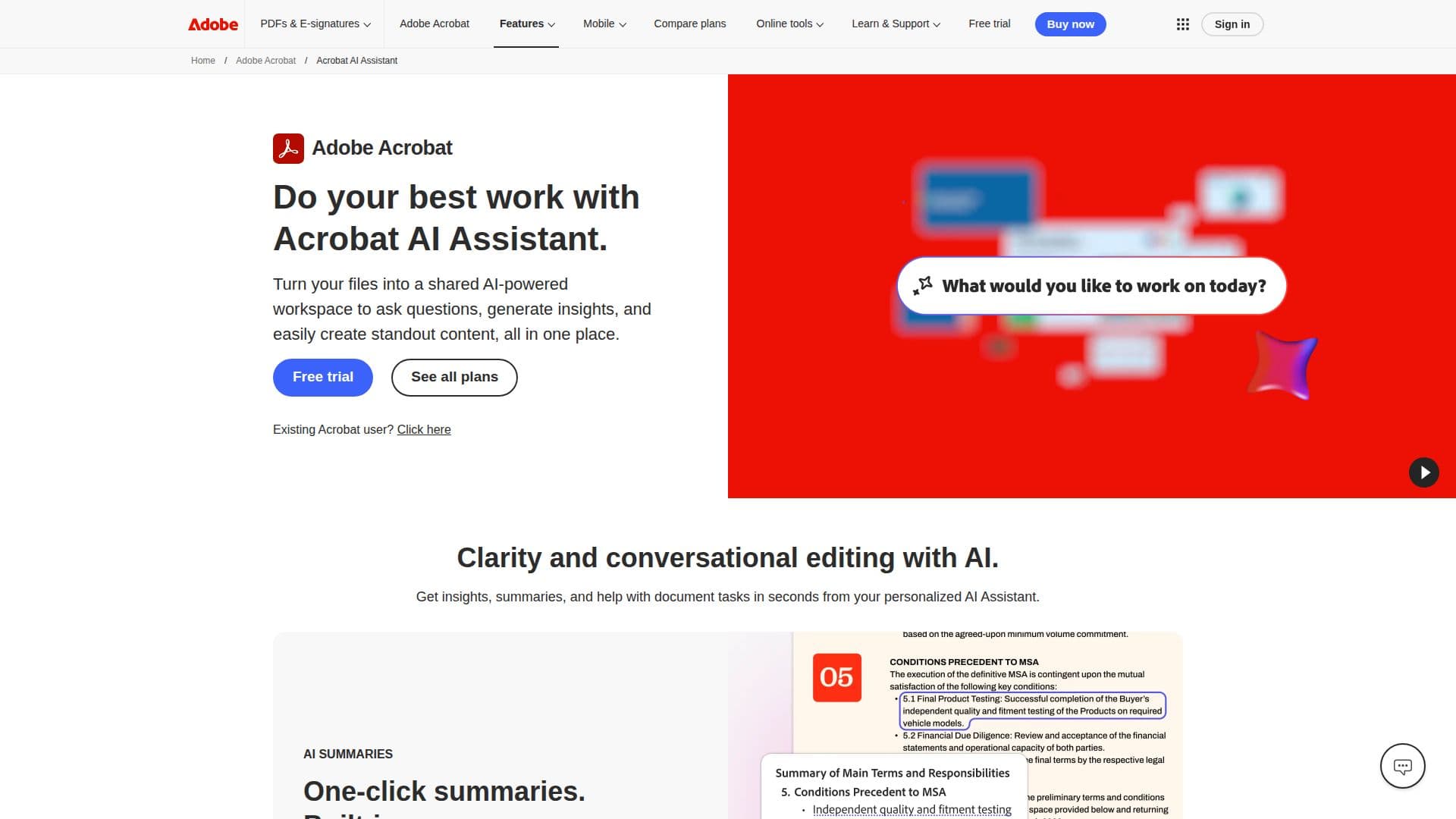
The Acrobat AI Assistant is a powerful generative AI tool designed to enhance document management and streamline workflows. With this tool, users can interact with their PDFs in a conversational manner, asking questions and receiving instant summaries of their documents. This capability is particularly useful for professionals who need to quickly extract key information from lengthy reports or contracts.
Read More
One of the standout features of the Acrobat AI Assistant is its ability to generate one-click summaries that provide clear overviews of documents, complete with precise citations linking back to the original content. This ensures that users can trust the information they receive while saving valuable time on PDF tasks.
The AI Assistant also facilitates editing by allowing users to rewrite text to fit different tones or lengths with just a click. This feature is ideal for those who need to adjust their documents for various audiences without the hassle of using multiple applications. Additionally, the tool can automatically recognize contracts and highlight key terms, making it easier to analyze important documents quickly.
Incorporating the AI Assistant into your workflow transforms how you handle PDFs. Users can create a shared AI-powered workspace, known as PDF Spaces, where they can bring together multiple files and links. This feature allows for collaborative research, strategy development, and planning, all guided by the AI Assistant. Furthermore, users can generate audio overviews of lengthy documents, making it convenient to digest information on the go.
The Acrobat AI Assistant is designed for a wide range of users, from students and educators to business professionals and teams. It empowers users to work smarter, not harder, by automating repetitive tasks and providing insights that drive decision-making. With a focus on data privacy, users can rest assured that their content remains secure and is not used to train Adobe's AI models.
Overall, the Acrobat AI Assistant is a game-changer for anyone looking to enhance their document management processes. By leveraging AI technology, it simplifies complex tasks, improves collaboration, and ultimately boosts productivity across various industries.
- CategoryAI Document & PDF Tools
- Pricing ModelSubscription
- DeploymentCloud
- PlatformsWeb, Mobile, Desktop
Acrobat AI Assistant's Core Features
Generative AI document reading
One-click summaries with citations
AI-powered editing and rewriting
Contract analysis and key term recognition
Creation of shared PDF Spaces
Audio overviews of documents
Customizable AI Assistant responses
Integration with Adobe Express for content creation
How to use Acrobat AI Assistant?
Ask questions: Use the AI Assistant to inquire about specific content in your PDFs.
Generate summaries: Request one-click summaries for quick overviews of your documents.
Edit documents: Use the AI Assistant to rewrite text to fit different tones or lengths.
Analyze contracts: Upload contracts and let the AI Assistant highlight key terms.
Create PDF Spaces: Combine multiple files into a shared workspace for collaboration.
Generate audio overviews: Create audio summaries of lengthy documents for on-the-go listening.
Customize responses: Tailor the AI Assistant's responses to match your content tone.
Integrate with Adobe Express: Use templates and design tools to create polished presentations.
Acrobat AI Assistant's Use Cases
- Document Summarization
- Collaborative Research
- Contract Analysis
- Content Creation
- Audio Overviews