
Description
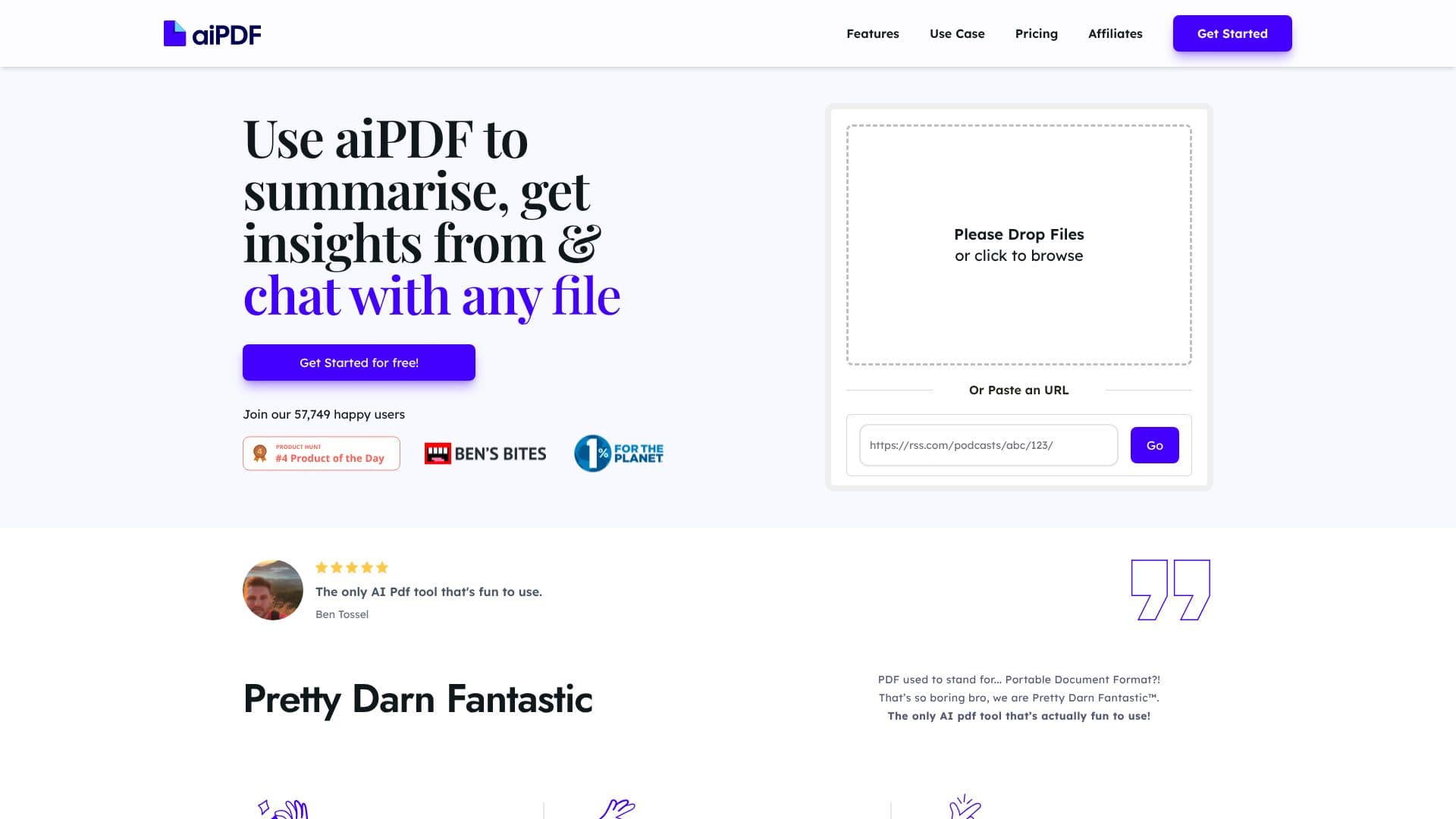
aiPDF transforms how you interact with documents by providing an AI-powered chat interface for PDFs and other file types. This tool is designed to make understanding and extracting information from your documents not only efficient but also enjoyable. Users can upload any document, from financial reports and academic essays to large ebooks, and immediately begin asking questions, extracting key information, and generating comprehensive summaries.
Read More
The core functionality of aiPDF revolves around its advanced AI that processes uploaded documents to provide instant answers. Responses are meticulously double-checked and are backed by specific sources extracted directly from the uploaded content, ensuring accuracy and traceability. The platform supports a wide array of input types, including PDFs, EPUB books, website URLs, and even YouTube videos, with ongoing efforts to expand its compatibility.
Beyond its robust summarization and Q&A capabilities, aiPDF distinguishes itself through its commitment to user privacy and environmental responsibility. The application employs rigorous safety systems to protect user documents and personal information, with options for manual deletion and automatic data purging based on subscription tiers. Furthermore, aiPDF contributes to environmental protection by donating monthly to charities through its affiliation with earth.fm, aligning business success with ecological well-being.
The user experience is designed to be intuitive and fun, setting it apart from more conventional tools. The AI system requires a brief preprocessing period, after which users can converse with their documents. It matches queries with relevant document sections to provide accurate, language-agnostic responses. aiPDF is accessible via a web browser, requiring no special software installation, and offers the convenience of exporting AI-generated responses.
This tool is ideal for students, researchers, business professionals, and anyone who needs to quickly digest and utilize information from lengthy or complex documents. Its ability to handle diverse file formats and provide contextually accurate answers makes it an invaluable asset for productivity and knowledge acquisition.
- CategoryAI Document & PDF Tools
- Pricing ModelFreemium
- DeploymentCloud
- PlatformsWeb Browser
aiPDF's Core Features
Chat with any PDF, EPUB, or URL
Summarize entire documents rapidly
Extract specific insights and answers
Get detailed references for AI responses
Supports multiple document types including YouTube videos
AI responses are tested against benchmarks
Prioritizes user privacy with secure storage
Option to manually delete documents
Automatic document deletion based on subscription tier
Supports all languages and responds in query language
No software download required, accessible via web browser
Export AI responses for convenience
How to use aiPDF?
Upload File or Paste URL: Drop your document or paste a URL into the app.
Ask Questions: Type your queries about the document content.
Receive Answers: Get instant, referenced responses from the AI.
Summarize Content: Request a summary of the entire document.
Extract Insights: Use the AI to pull out specific information.
Export Responses: Save AI-generated answers for later use.
aiPDF's Use Cases
- Document Summarization
- Information Extraction
- PDF Chatbot
- Research Assistance
- Content Analysis
- Learning Aid
- Web Content Interaction
- Video/Podcast Insights