Description
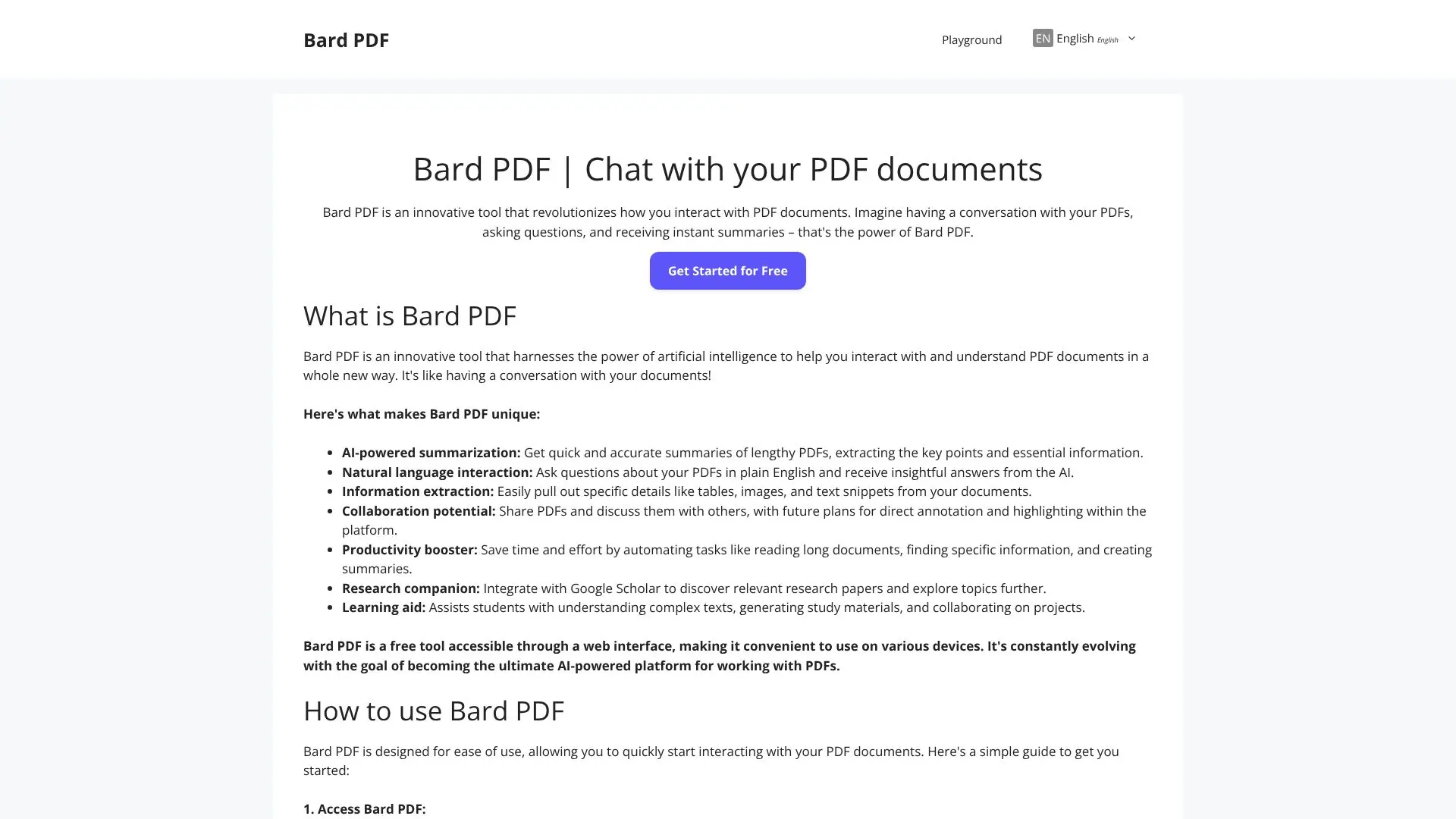
Bard PDF is an innovative AI-driven tool designed to revolutionize how individuals interact with and understand PDF documents. It transforms static PDFs into dynamic, conversational resources, allowing users to "chat" with their documents. This platform leverages artificial intelligence to provide powerful features for handling and collaborating on PDF files, making complex information more accessible and manageable.
Read More
At its core, Bard PDF offers AI-powered summarization, enabling users to quickly obtain concise overviews of lengthy documents, extracting key points and essential information. Its natural language interaction capability allows users to ask questions about the PDF content in plain English and receive insightful answers directly from the AI. Furthermore, the tool facilitates information extraction, making it easy to pull out specific details such as tables, images, and text snippets for further analysis or reference.
Bard PDF is positioned as a productivity booster, saving users significant time and effort by automating tasks like reading extensive documents, locating specific information, and generating summaries. It also serves as a valuable research companion, with plans for integration with Google Scholar to help users discover relevant papers and explore topics more deeply. For students, it acts as a learning aid, assisting in understanding complex texts, generating study materials, and potentially collaborating on projects.
The platform is accessible via a web interface, ensuring convenience and usability across various devices. Bard PDF is committed to continuous evolution, aiming to become the ultimate AI-powered solution for PDF document interaction. The process of using Bard PDF is straightforward: users provide a PDF URL, and then can begin asking questions, requesting summaries, or extracting information. The platform encourages iterative interaction, allowing users to ask follow-up questions and explore documents in depth. Future developments are planned to include direct annotation and highlighting features, further enhancing its collaborative potential.
- CategoryAI Document & PDF Tools
- Pricing ModelFree
- DeploymentCloud
- PlatformsWeb
Bard PDF's Core Features
AI-powered summarization of PDF documents
Natural language question answering for PDF content
Extraction of specific information like tables and text snippets
Web-based interface for easy access
Interactive chat functionality with documents
Ability to control summary length and focus
Potential for collaboration and knowledge sharing
Productivity enhancement through automated tasks
Support for research and learning
How to use Bard PDF?
Access Bard PDF: Navigate to the Bard PDF website in your web browser.
Provide PDF URL: Copy the URL of the online PDF document you wish to interact with.
Paste URL: Paste the PDF URL into the Bard PDF chat window.
Start Interacting: Ask questions, request summaries, or ask for specific information extraction.
Continue Conversation: Engage in follow-up questions to explore the document further.
Provide Feedback: Optionally, offer feedback to help improve the platform.
Bard PDF's Use Cases
- Document Summarization
- Information Extraction
- Interactive Q&A
- Research Assistance
- Learning Aid
- Productivity Boost
- Meeting Preparation
- Content Analysis