Description
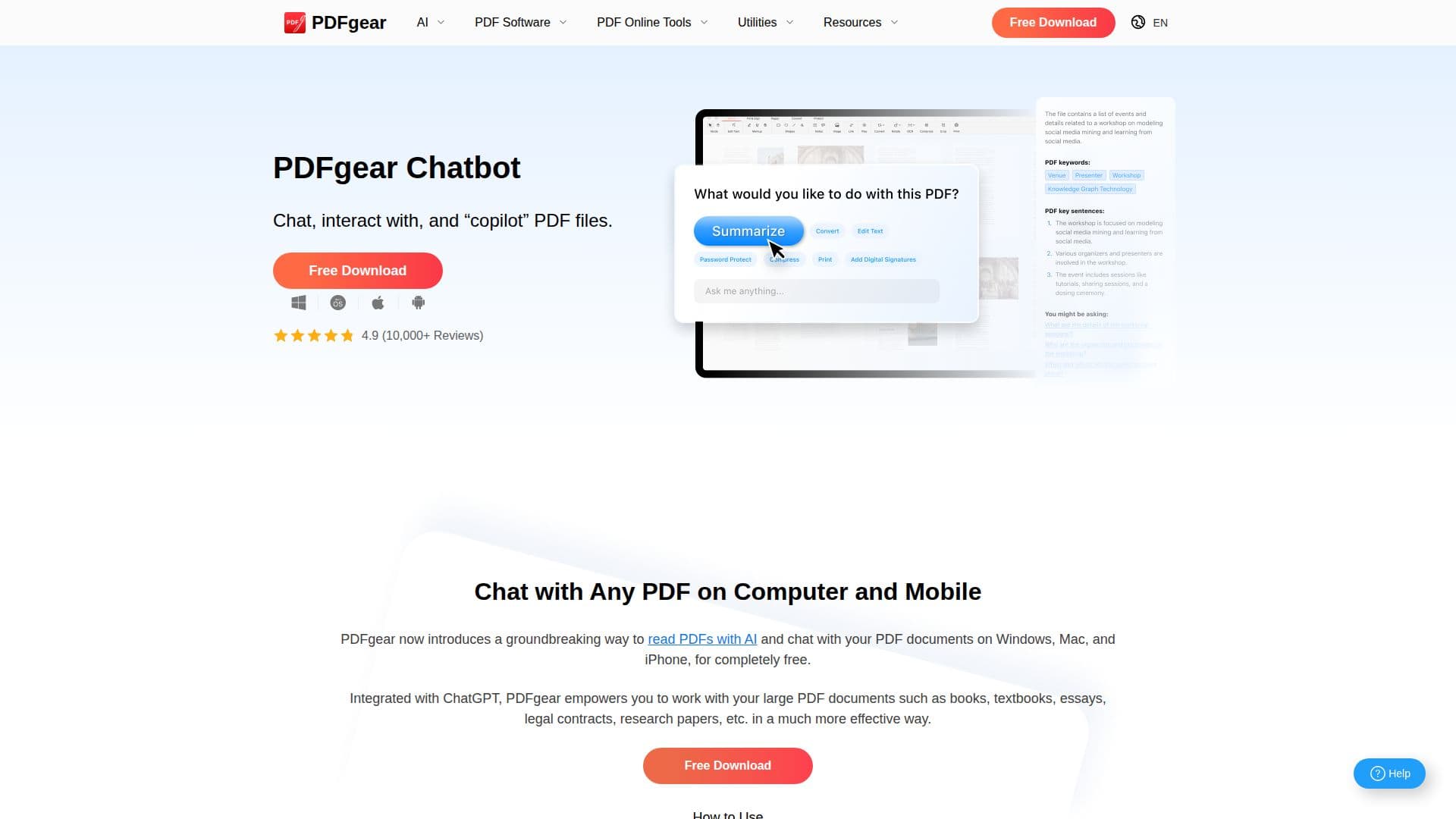
PDFgear Chatbot AI Assistant revolutionizes the way users interact with PDF documents by integrating advanced AI capabilities. Powered by ChatGPT-3.5-Turbo, this tool allows users to chat with PDFs, making it possible to summarize, translate, and extract information quickly and accurately. The chatbot can handle complex PDFs, providing precise answers to user queries and generating suggested questions for further exploration.
Read More
PDFgear is available for free, with no restrictions on usage, file size, or number of documents processed. It supports over 100 languages, including English, Spanish, French, and Chinese, ensuring accessibility for a global audience. The chatbot requires an internet connection to function, leveraging OpenAI’s ChatGPT API for its operations.
The AI assistant is compatible with various platforms, including Windows, macOS, iOS, and Android, making it versatile for both desktop and mobile users. PDFgear also includes features like PDF merging, splitting, and annotation, enhancing document management capabilities.
PDFgear's AI-powered copilot feature streamlines workflows by allowing users to convert and organize PDFs using natural language commands. The tool also employs OCR technology to understand images within PDFs, ensuring comprehensive document analysis. With a focus on user privacy, PDFgear processes files locally, safeguarding user data.
Overall, PDFgear Chatbot AI Assistant offers a powerful, free solution for efficient PDF management, catering to individuals and teams seeking to optimize their document handling processes.
- CategoryAI Document & PDF Tools
- Pricing ModelFree
- DeploymentCloud
- PlatformsWindows, macOS, iOS, Android
PDFgear Chatbot AI Assistant's Core Features
Chat with PDF documents using AI
Summarize, translate, and extract information
Supports over 100 languages
Free usage with no restrictions
Compatible with Windows, macOS, iOS, Android
Integrates ChatGPT-3.5-Turbo
Includes PDF merging and splitting
OCR technology for image text recognition
Natural language processing for document interaction
Local processing for data privacy
How to use PDFgear Chatbot AI Assistant?
Download: Get PDFgear from the website
Install: Set up PDFgear on your device
Open: Launch PDFgear and upload a PDF
Interact: Use natural language to chat with PDFs
Summarize: Quickly summarize lengthy documents
Translate: Convert text into different languages
Extract: Pull specific information from PDFs
Annotate: Add comments and highlights to PDFs
PDFgear Chatbot AI Assistant's Use Cases
- Document Summarization
- Language Translation
- Information Extraction
- PDF Annotation
- Workflow Automation