Description
PDFSeek is a one-stop AI PDF assistant that combines full-text document translation, AI-powered chat and Q&A, and quick analysis of literature and other materials. It is designed to help university students, researchers, and industry professionals interpret PDF documents and get instant answers to their questions.
Read More
The translation engine uses AI to render document contents into multiple languages while intelligently handling multi-column content, corresponding results paragraph by paragraph, retaining formulas and charts, and translating text within charts. Translations can be shown bilingually or as translation only, edited directly, and exported to different formats. A side-by-side view keeps the chat and the original PDF open together, with answers linked to the source content for easy verification.
Beyond translation, PDFSeek lets users chat with one or multiple PDFs, organize files into folders for multi-file conversations, summarize academic articles and reports to extract key insights, and rely on built-in citations that anchor responses to the referenced pages. It offers a free tier and paid plans, with no sign-up required to start.
- CategoryAI Document & PDF Tools
- Pricing ModelFreemium
- DeploymentCloud
- PlatformsWeb
PDFSeek's Core Features
AI full-text PDF translation with multi-language support
Bilingual or translation-only display
Retains formulas and charts and translates text in charts
Chat and AI Q&A with PDFs
Multi-file chats organized into folders
PDF summarization and key-insight extraction
Cited sources anchored to PDF references
Side-by-side PDF and chat view
How to use PDFSeek?
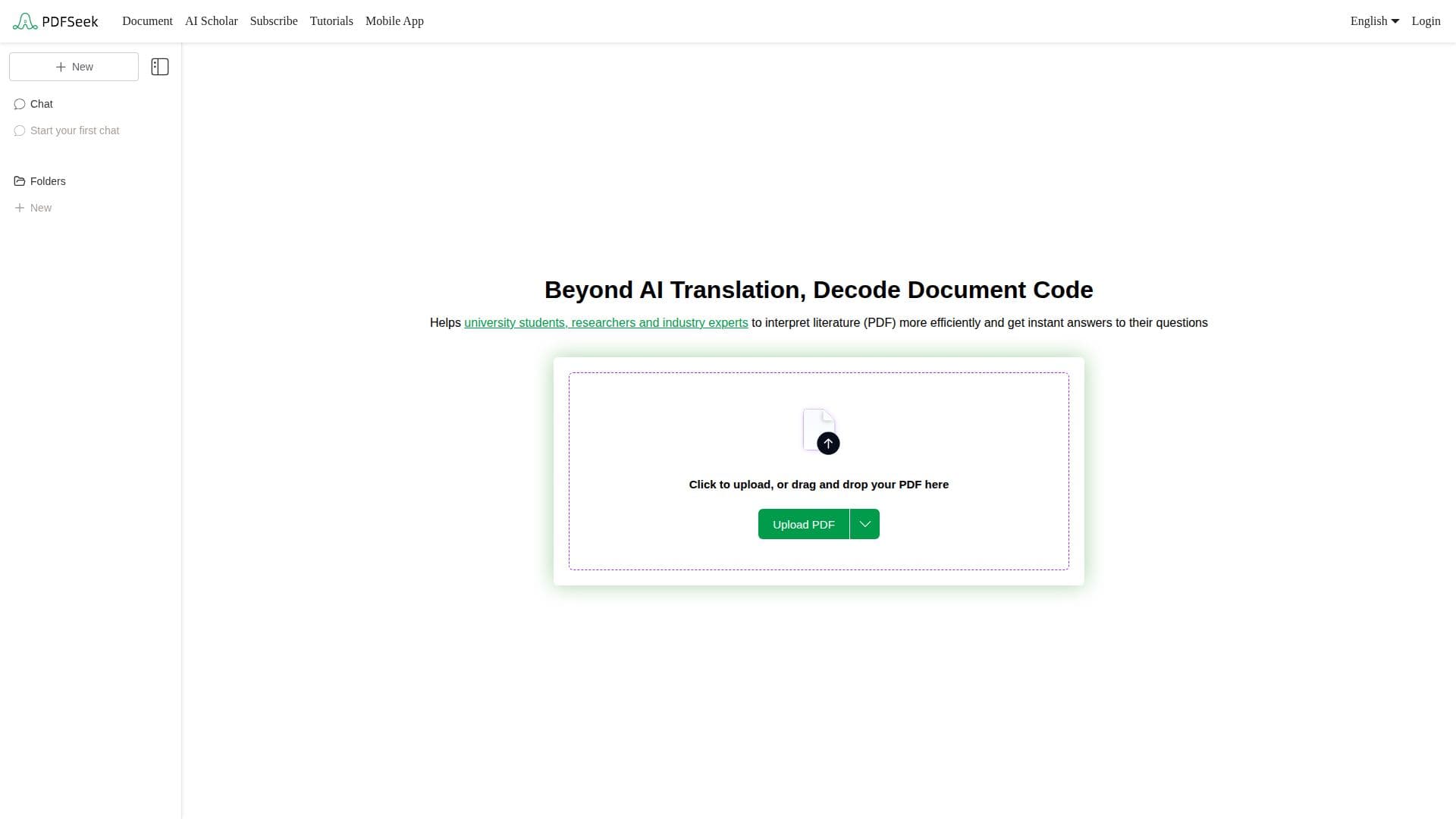
Upload: Click to upload or drag and drop your PDF file.
Translate: Select a translation engine and target language, then click Translate and switch between bilingual and translation-only views.
Ask AI: Use suggested questions or ask your own to get answers about the document's content.
Verify and export: Compare answers against the linked source in the side-by-side view, then edit and export the translated content.
PDFSeek's Use Cases
- Research reading
- Exam and homework help
- Professional documents
- Document translation
- Summarization