
Description
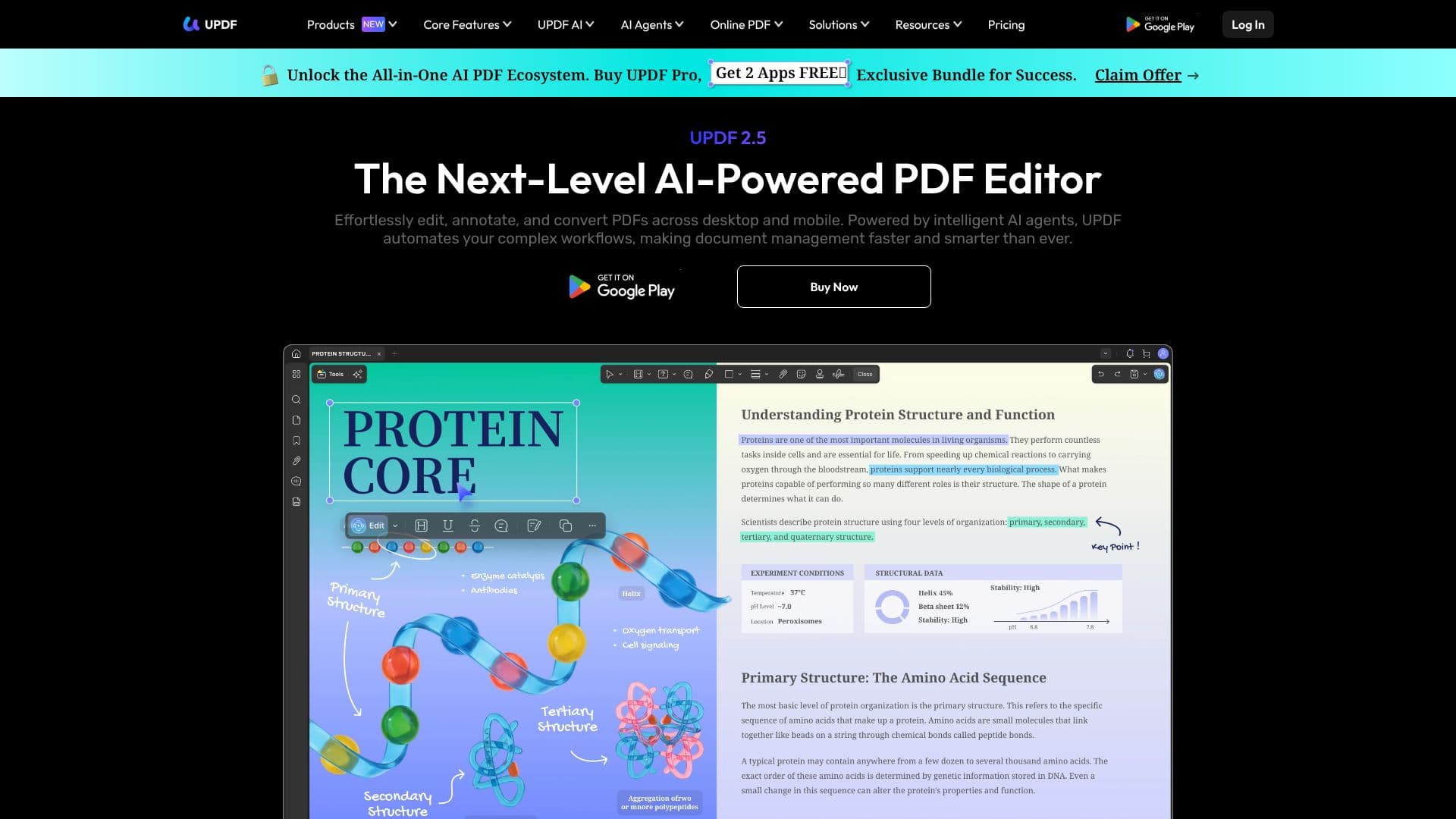
UPDF presents an all-in-one AI PDF ecosystem designed to streamline document management for users across various devices. This powerful tool integrates intelligent AI agents, leveraging technologies like GPT-5 and DeepSeek, to automate complex workflows and enhance productivity. Users can effortlessly edit text, images, and links within PDFs, organize pages by reordering, deleting, inserting, splitting, and rotating them, and add annotations such as highlights, shapes, and stickers.
Read More
The AI assistant within UPDF offers advanced capabilities, including smart summarization of lengthy reports into actionable insights, translation of documents into over 12 languages, and the generation of mind maps from complex data. Furthermore, users can engage in conversational interactions with their PDFs and images, asking questions and receiving structured answers, transforming documents into interactive workspaces. This feature is accessible via desktop applications and a web-based AI assistant.
UPDF ensures a consistent experience across multiple platforms, including Windows, Mac, iOS, and Android, with seamless synchronization between desktop and mobile devices. This anywhere access allows users to work efficiently from any location. The platform also prioritizes security with encrypted cloud storage, secure data transmission via SSL/TLS, and offline PDF tools for safeguarding sensitive information. UPDF AI operates on US servers and complies with user agreements, understanding information without collecting personal data.
Beyond its AI capabilities, UPDF provides robust PDF editing and management features, including the ability to add eSignatures and export comments. It is positioned as a cost-effective alternative to traditional PDF software, with a single payment covering multiple devices. The company also offers educational discounts and enterprise plans, catering to a broad range of users from individuals to large organizations. Frequent updates and support for 12 interface languages further enhance its user-friendliness and accessibility.
- CategoryAI Document & PDF Tools
- Pricing ModelFreemium
- DeploymentCloud, Desktop app
- PlatformsWindows, Mac, iOS, Android, Web
UPDF AI PDF Editor's Core Features
AI-powered PDF editing
Intelligent AI agents for workflow automation
Smart summarization of documents
Multi-language translation (12+ languages)
Chat with PDFs and images for knowledge extraction
PDF annotation tools (highlights, shapes, stickers)
Page organization (reorder, delete, insert, split, rotate)
E-signature capabilities
Cross-platform synchronization (Windows, Mac, iOS, Android, Web)
Secure cloud storage and data transmission
Offline PDF editing tools
Cost-effective pricing compared to Adobe Acrobat
How to use UPDF AI PDF Editor?
Configure: Set up your PDF editing preferences and AI assistant settings.
Edit: Modify text, images, and links directly within your PDF documents.
Annotate: Add highlights, shapes, stickers, and eSignatures to your PDFs.
Organize: Reorder, delete, insert, split, or rotate pages as needed.
Utilize AI: Summarize, translate, or chat with your PDFs for insights.
Sync: Access and work on your documents across desktop and mobile devices.
UPDF AI PDF Editor's Use Cases
- Document Editing
- PDF Annotation
- Page Management
- AI Summarization
- Language Translation
- Interactive Q&A
- Cross-Platform Access
- Secure Document Handling