Description
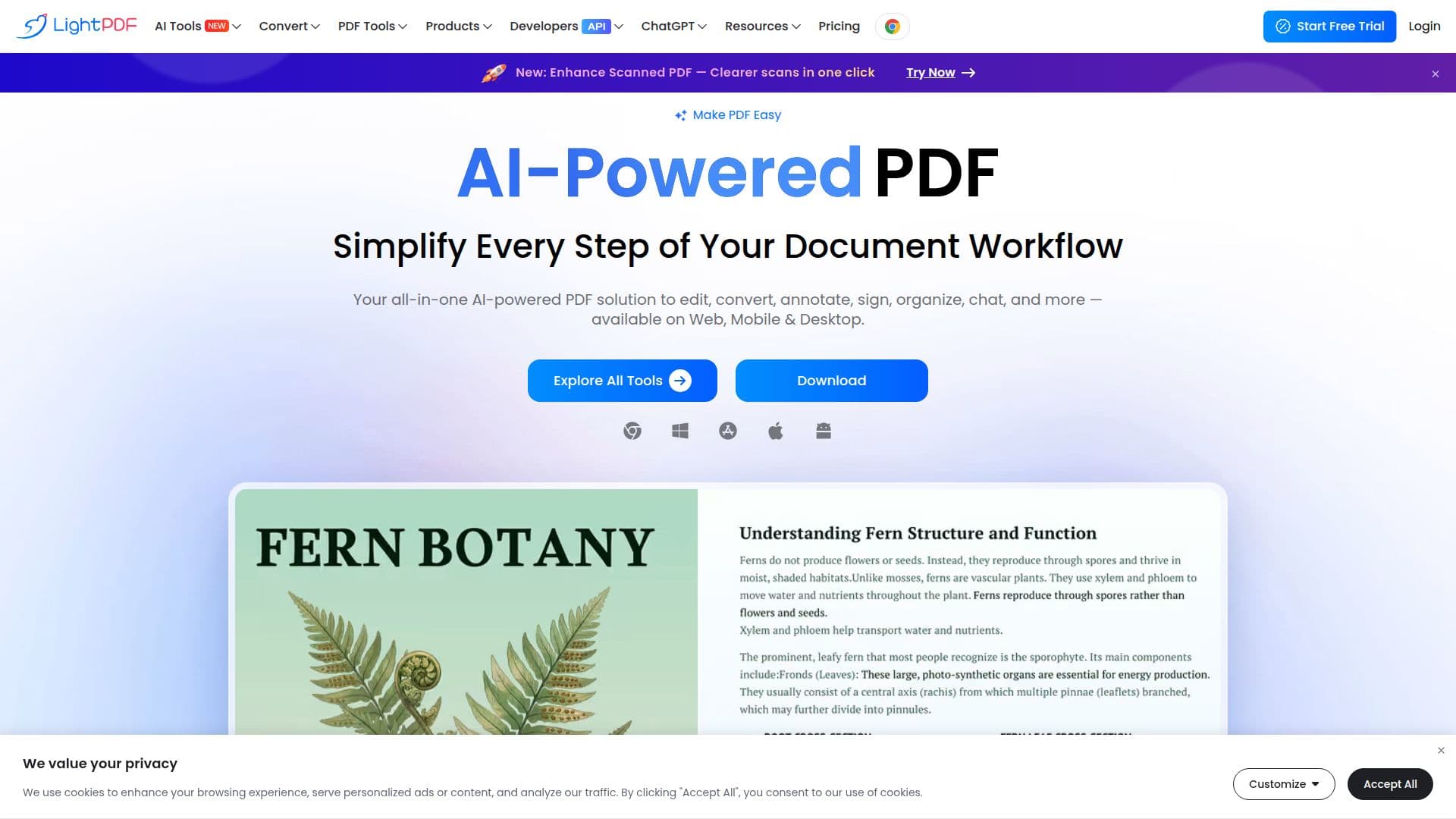
LightPDF is an all-in-one PDF solution that combines traditional PDF editing with AI-powered document tools. It provides cloud-based services to view, edit, convert, sign, annotate, merge, organize, and share PDF files, and is available on web, Windows, Mac, iOS, and Android with synced Pro benefits across platforms.
Read More
The AI tools let users chat with PDFs to get instant answers, summarize long documents, turn documents into mind maps, generate PDFs and presentations from text, translate PDFs while preserving layout, run OCR, and remove watermarks. A large conversion suite handles PDF to and from Word, PowerPoint, Excel, images, and many other formats.
LightPDF's free web application offers 20+ PDF tools, and its desktop app is a more advanced editor with batch conversion, fillable forms, OCR, and commenting. Developed by Apowersoft, it emphasizes secure workflows aligned with standards such as GDPR and ISO 27701, and is used by millions of users and enterprises.
- CategoryAI Document & PDF Tools
- Pricing ModelFreemium
- DeploymentCloud
- PlatformsWeb, Windows, macOS
LightPDF's Core Features
Cloud-based PDF editing, signing, and annotation
Chat with PDF for instant answers and key insights
AI PDF summarizer and AI mind map generation
AI PDF and presentation generation from text
PDF translation with layout preservation
Extensive conversion suite (PDF to/from Word, PPT, Excel, images)
OCR, watermark removal, merge, split, and compress tools
Cross-platform access on web, Windows, Mac, iOS, and Android
How to use LightPDF?
Choose a tool: Pick from editing, conversion, or AI tools on the web, desktop, or mobile app.
Upload your file: Add a PDF or supported document to the platform.
Process with AI or editing tools: Edit, convert, summarize, chat, translate, or sign as needed.
Export or share: Download the result or share it via link across your devices.
LightPDF's Use Cases
- Document conversion
- Understanding long documents
- Editing and signing
- Scanned document processing
- Multilingual work