Description
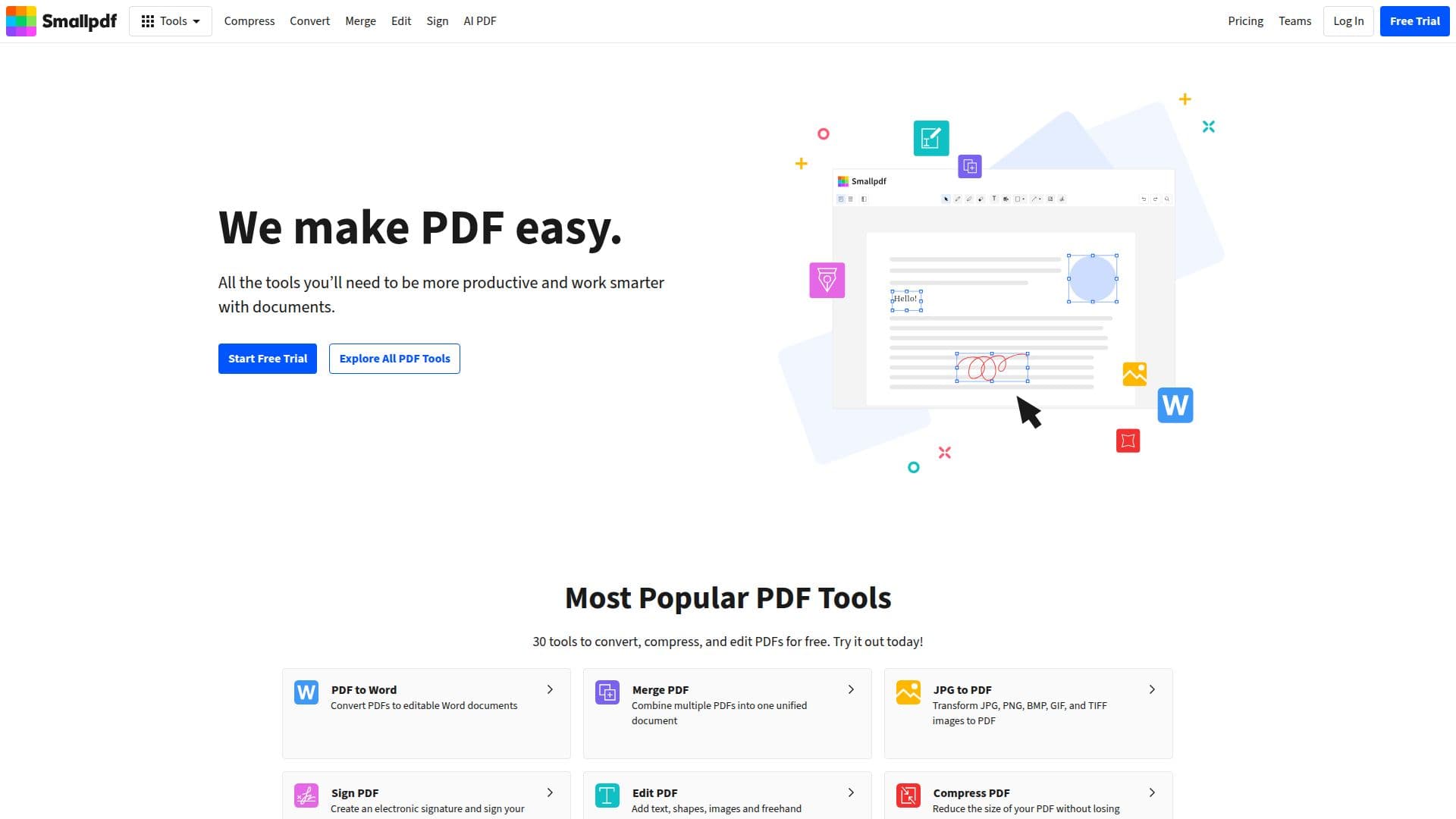
Smallpdf is a comprehensive solution designed to address all your PDF-related challenges. Launched in 2013 in Switzerland, it has grown to become a trusted platform for over a billion users worldwide. The platform offers a wide array of tools, including PDF conversion, compression, merging, editing, and signing, all accessible for free.
Read More
With Smallpdf, users can convert PDFs to editable formats like Word, Excel, and PowerPoint, making it easier to manipulate documents as needed. The platform also allows for the merging of multiple PDFs into a single file, which is particularly useful for creating cohesive documents such as proposals or reports. Additionally, users can compress PDFs to reduce file size without sacrificing quality, ensuring that documents are easy to share and store.
One of the standout features of Smallpdf is its ability to facilitate electronic signatures. Users can create and manage e-signatures, making it simple to sign contracts and agreements digitally. This feature is especially beneficial for businesses looking to streamline their document workflows.
Smallpdf is designed with user experience in mind, offering a clean and intuitive interface that makes it easy for anyone to navigate. The platform is accessible on various devices, including web, desktop, and mobile, allowing users to manage their documents from anywhere.
For teams, Smallpdf offers a Pro plan that includes additional features such as priority support, centralized billing, and access to AI-powered tools. This makes it an ideal choice for businesses of all sizes looking to enhance their document management processes. With a commitment to security, Smallpdf is ISO/IEC 27001 certified and complies with GDPR, ensuring that user data is protected at all times.
In summary, Smallpdf is a powerful tool for anyone needing to work with PDF documents. Its extensive range of features, ease of use, and commitment to security make it a top choice for individuals and businesses alike.
- CategoryAI Document & PDF Tools
- Pricing ModelFreemium
- DeploymentCloud
- PlatformsWeb, Mobile
Smallpdf's Core Features
PDF to Word conversion
Merge PDF
Compress PDF
Edit PDF
Sign PDF
Mobile app available
AI-powered tools
24/7 customer support
ISO/IEC 27001 certified
GDPR compliant
How to use Smallpdf?
Access the Smallpdf website to start using the tools.
Select the specific PDF tool you need, such as 'Convert' or 'Edit'.
Upload your PDF file to the platform.
Use the available features to modify your document as needed.
Download the finished document to your device.
For team use, consider signing up for the Pro plan for additional features.
Utilize the mobile app for document management on the go.
Contact customer support if you encounter any issues.
Smallpdf's Use Cases
- Document Conversion
- PDF Merging
- File Compression
- Electronic Signatures
- Document Editing