Description
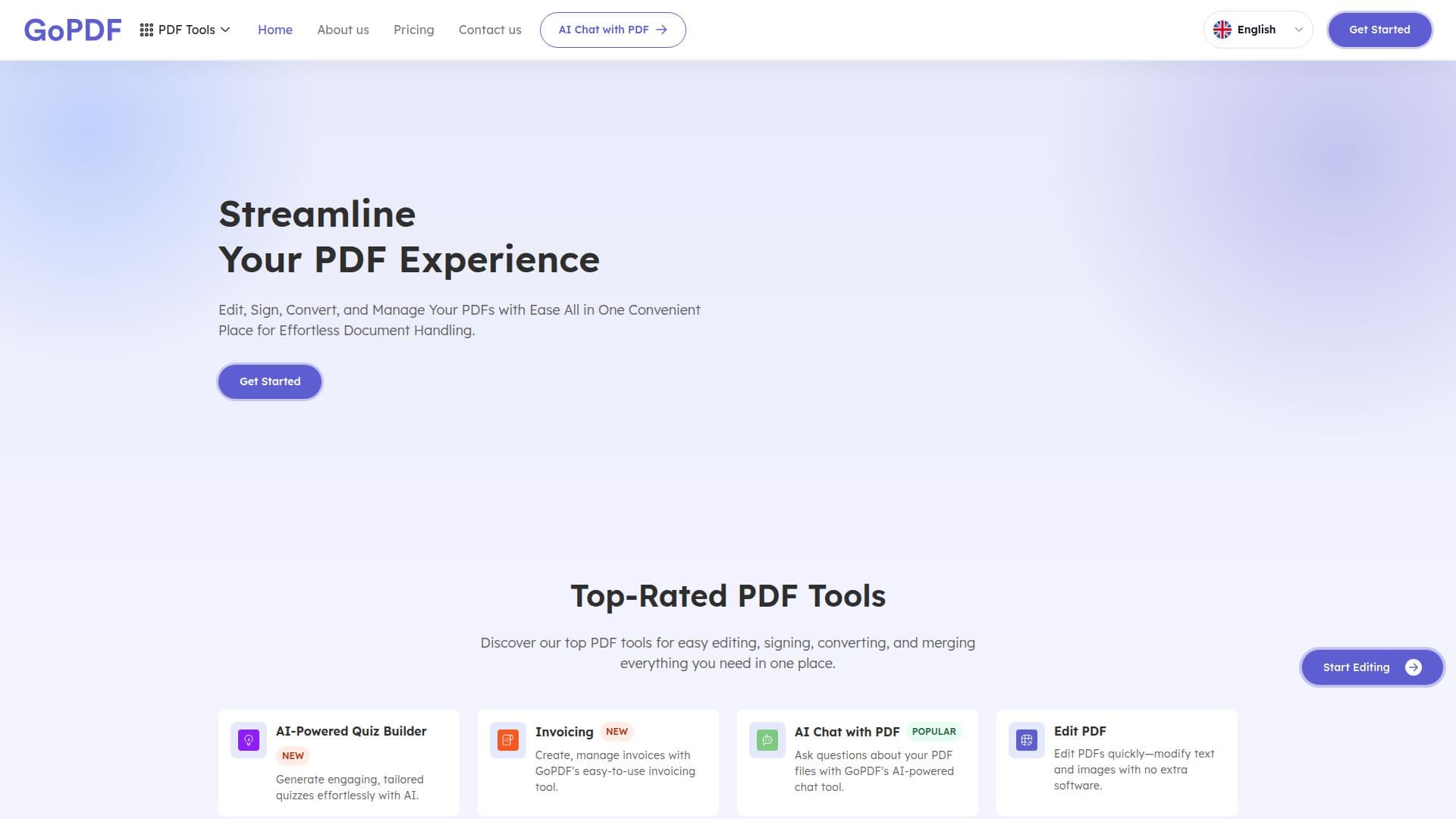
GoPDF (gopdf.io) is an online platform offering a range of tools to create, edit, compress, and manage PDF files directly in the browser, with no downloads or installations required. Users can add text, images, shapes, and freehand annotations to PDFs, fill out and e-sign forms, request signatures, and merge, split, crop, or remove pages, along with converting files between formats.
Read More
AI-driven features let users chat with their PDFs: after uploading one or more documents, GoPDF's AI scans the content and answers questions using natural language processing and semantic search, returning cited answers that point to the exact page or section. It supports multi-document chat, instant summaries, and OCR so scanned and image-based PDFs can be searched and queried. Conversion tools include PDF to Word (with OCR and formatting preservation) and PDF to JPG.
GoPDF offers a free plan with 2 GB of cloud storage and access to core editing, conversion, signing, and AI chat features, plus Pro and Business subscriptions that add more storage and higher usage limits. The service uses SSL encryption and states files are not stored beyond the session.
- CategoryAI Document & PDF Tools
- Pricing ModelFreemium
- DeploymentCloud
- PlatformsWeb
GoPDF's Core Features
Online PDF editor for text, images, shapes, and annotations
Fill, sign, and request e-signatures on PDFs
Merge, split, crop, compress, and reorganize PDF pages
Convert PDF to Word with OCR and preserved formatting
Convert PDF to JPG at high resolution, single pages or full documents
AI Chat with PDF for cited answers via semantic search
Multi-document chat and instant AI summaries
OCR support for scanned and image-based PDFs
How to use GoPDF?
Upload your PDF: Drag and drop or select a file in the browser.
Choose a tool: Edit, sign, compress, merge, or convert your document.
Work with AI: Start an AI project and ask questions to chat with or summarize the PDF.
Review answers: Check cited responses that point to the exact page or section.
Download: Save your edited or converted file.
GoPDF's Use Cases
- Edit PDFs online
- Sign and fill forms
- Convert PDFs
- Research with AI chat
- Organize documents