Description
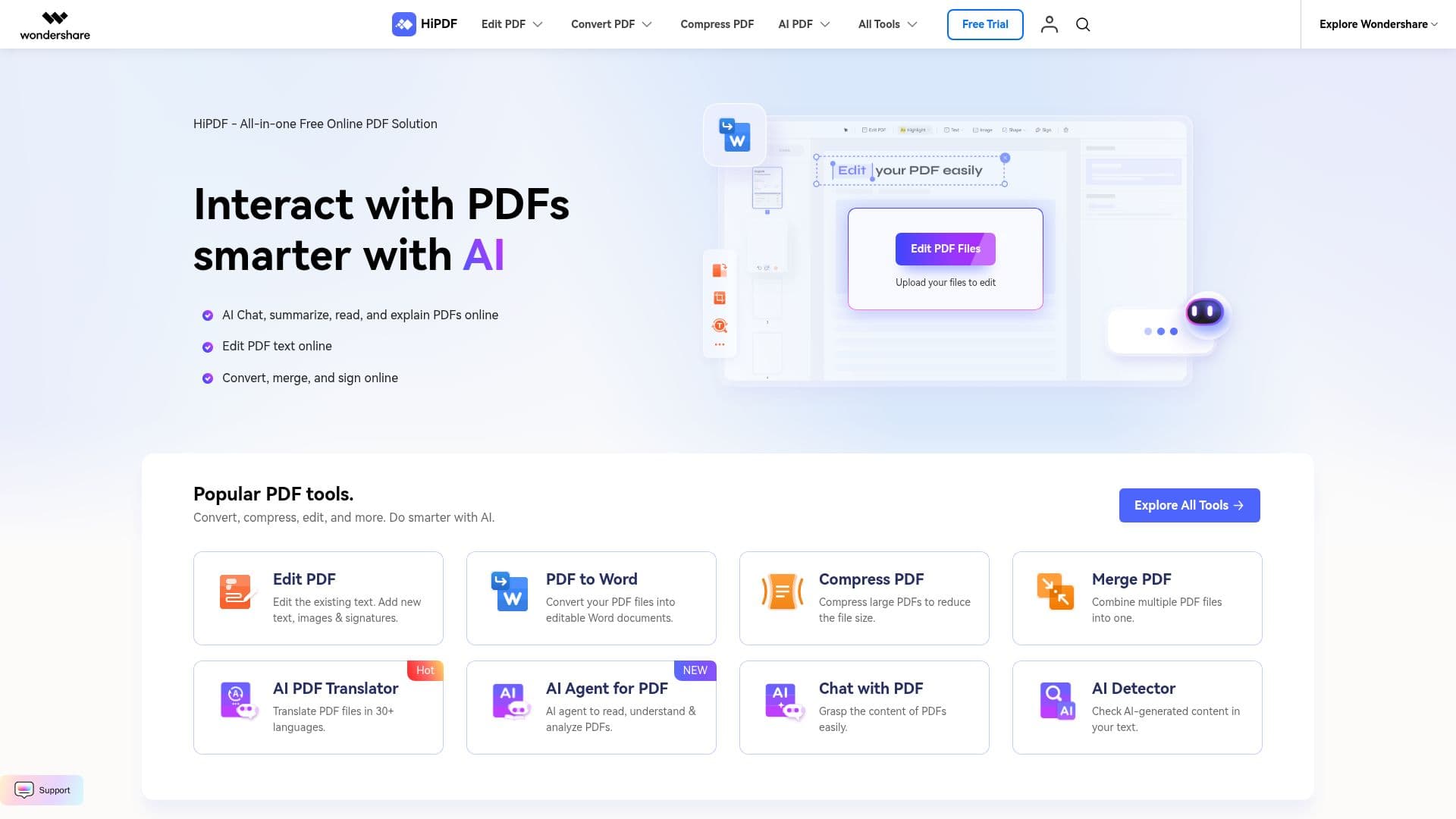
HiPDF is a comprehensive online platform designed to simplify the management of PDF files. It offers a wide range of tools that allow users to edit, convert, compress, and organize PDFs with ease. One of the standout features of HiPDF is its AI-powered capabilities, which include translating PDFs into over 50 languages, summarizing content, and providing insights through AI agents. Users can edit existing text, add new text, images, and signatures, and convert PDFs to various formats such as Word, Excel, and JPG. The platform also supports OCR technology, enabling the conversion of scanned PDFs into editable documents.
HiPDF is particularly useful for professionals, educators, and students who need to handle large volumes of PDF files efficiently. The platform allows for batch processing, which streamlines tasks such as converting multiple files at once or compressing PDFs to reduce file size. Users can also merge multiple PDFs into a single document, rearrange pages, and protect their files with passwords.
The platform is accessible from any device, whether desktop, mobile, or web, ensuring that users can manage their PDFs on the go. HiPDF also offers free templates for various documents, including tax forms and resumes, making it a versatile tool for both personal and professional use. While the platform is free to use, it does not provide specific pricing information for premium features.
Overall, HiPDF stands out as a robust PDF solution that combines traditional PDF management tools with advanced AI features, making it an ideal choice for anyone looking to enhance their PDF handling capabilities.
HiPDF's Core Features
Edit existing PDF text and add new content
Convert PDFs to Word, Excel, JPG, and more
Compress PDFs to reduce file size
Merge multiple PDFs into one document
AI-powered PDF translation in 50+ languages
OCR technology for scanned PDFs
Batch processing for multiple files
Password protection for PDFs
Free templates for various document types
AI agent for PDF summarization and insights
How to use HiPDF?
Upload: Add your PDF files to the platform
Edit: Modify text, images, and layout as needed
Convert: Change PDF format to Word, Excel, or others
Compress: Reduce file size for easier sharing
Merge: Combine multiple PDFs into a single document
Translate: Use AI to translate PDFs into different languages
HiPDF's Use Cases
- PDF Editing
- File Conversion
- Document Compression
- AI Translation
- Batch Processing