Description
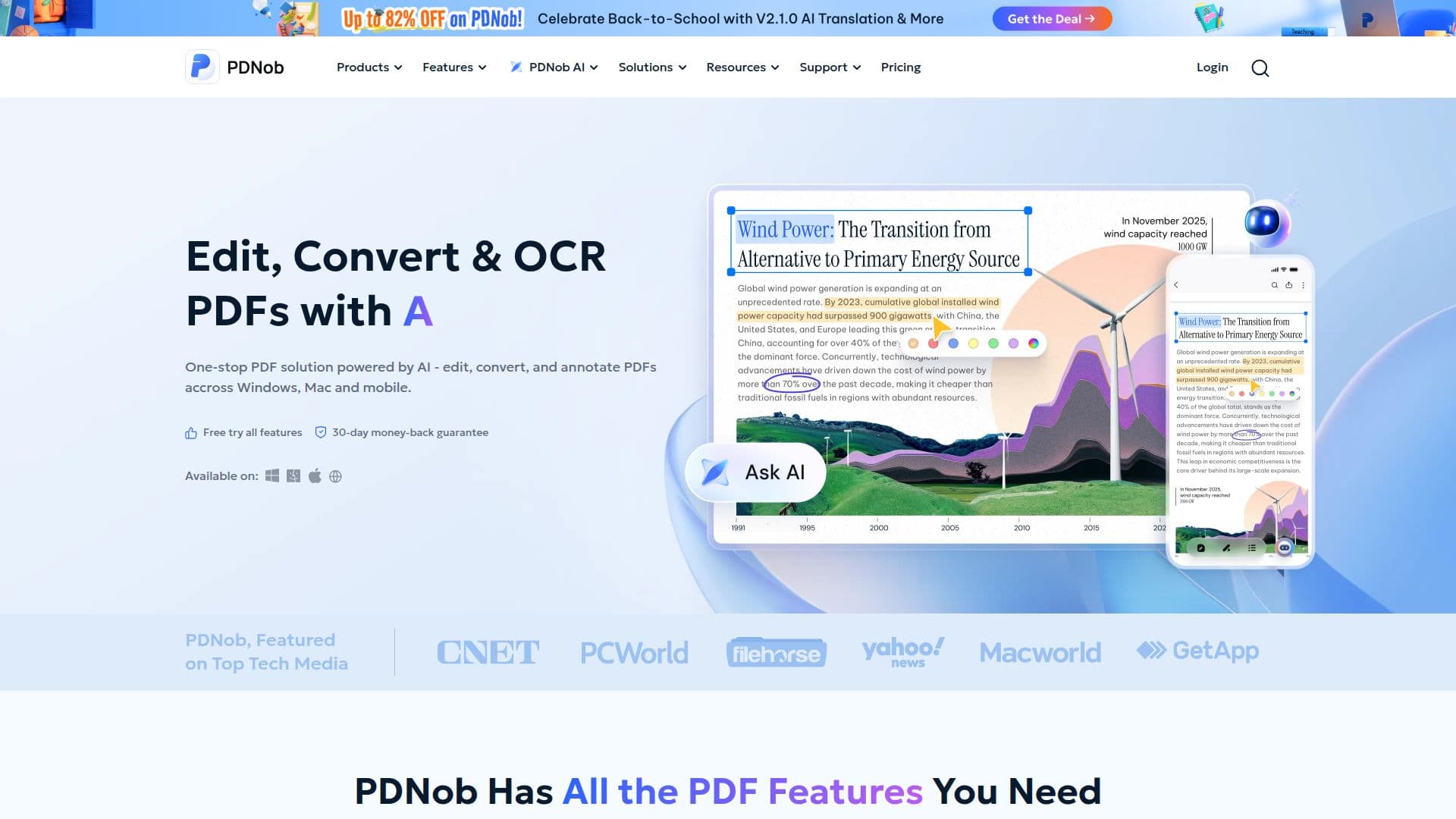
PDNob PDF Editor is a versatile AI-powered PDF editing tool designed to simplify document management. It allows users to edit, convert, and annotate PDFs with ease, offering a range of features that cater to various document needs. The software incorporates high-accuracy OCR technology, enabling the conversion of scanned documents into editable text and transforming them into Word, Excel, or PowerPoint formats without losing the original layout.
Users can edit PDFs as if they were Word documents, read and annotate them, and organize pages efficiently. The tool supports batch processing, allowing multiple files to be converted or created simultaneously, saving time and ensuring consistent output. PDNob PDF Editor is available for free download, with a trial version offering basic features and a paid version unlocking advanced functionalities such as full editing and conversions.
The editor is used by over 85 million students and professionals worldwide, praised for its simplicity and lightweight design compared to enterprise tools. It offers a free trial with no credit card required, and a Pro version priced at $64.99, providing lifetime updates and free tech support. PDNob ensures privacy and security with certifications like CMMI Level 5, PCI DSS, ISO, GDPR, and CPRA compliance.
PDNob PDF Editor is suitable for individuals and teams, offering flexible license management and centralized control. It supports cross-device collaboration across desktop, mobile, and web platforms, making it a comprehensive solution for document processing and management.
PDNob PDF Editor's Core Features
AI-powered PDF editing
High-accuracy OCR technology
Convert PDF to Word/Excel/PPT
Batch processing capabilities
Annotate and organize PDFs
Free trial available
Lifetime free updates
Cross-device collaboration
How to use PDNob PDF Editor?
Download: Access the free trial from the website
Install: Set up the software on your device
Edit: Use tools to modify and annotate PDFs
Convert: Transform PDFs into various formats
PDNob PDF Editor's Use Cases
- Document Editing
- PDF Conversion
- Annotation
- Batch Processing
- Cross-Device Collaboration