Description
Tenorshare AI provides a comprehensive collection of free AI-powered tools aimed at improving writing quality and streamlining content creation processes. The platform's flagship offering, Tenorshare AI Bypass, is designed to transform robotic AI-generated text into natural, human-sounding prose, ensuring it passes AI detection tools like Turnitin and Originality. This tool boasts a high success rate and has been trusted by millions of users.
Read More
Beyond text humanization, Tenorshare AI extends its capabilities to document analysis and presentation generation. The AI PDF Summarizer allows users to interact with PDFs, extract key information, and receive concise summaries. For visual content creation, the AI Presentation Maker helps generate stunning presentations instantly from customizable templates. Additionally, the AI Writer suite offers tools such as a paraphraser, translator, grammar checker, and paragraph generator, making school writing and content creation more accessible.
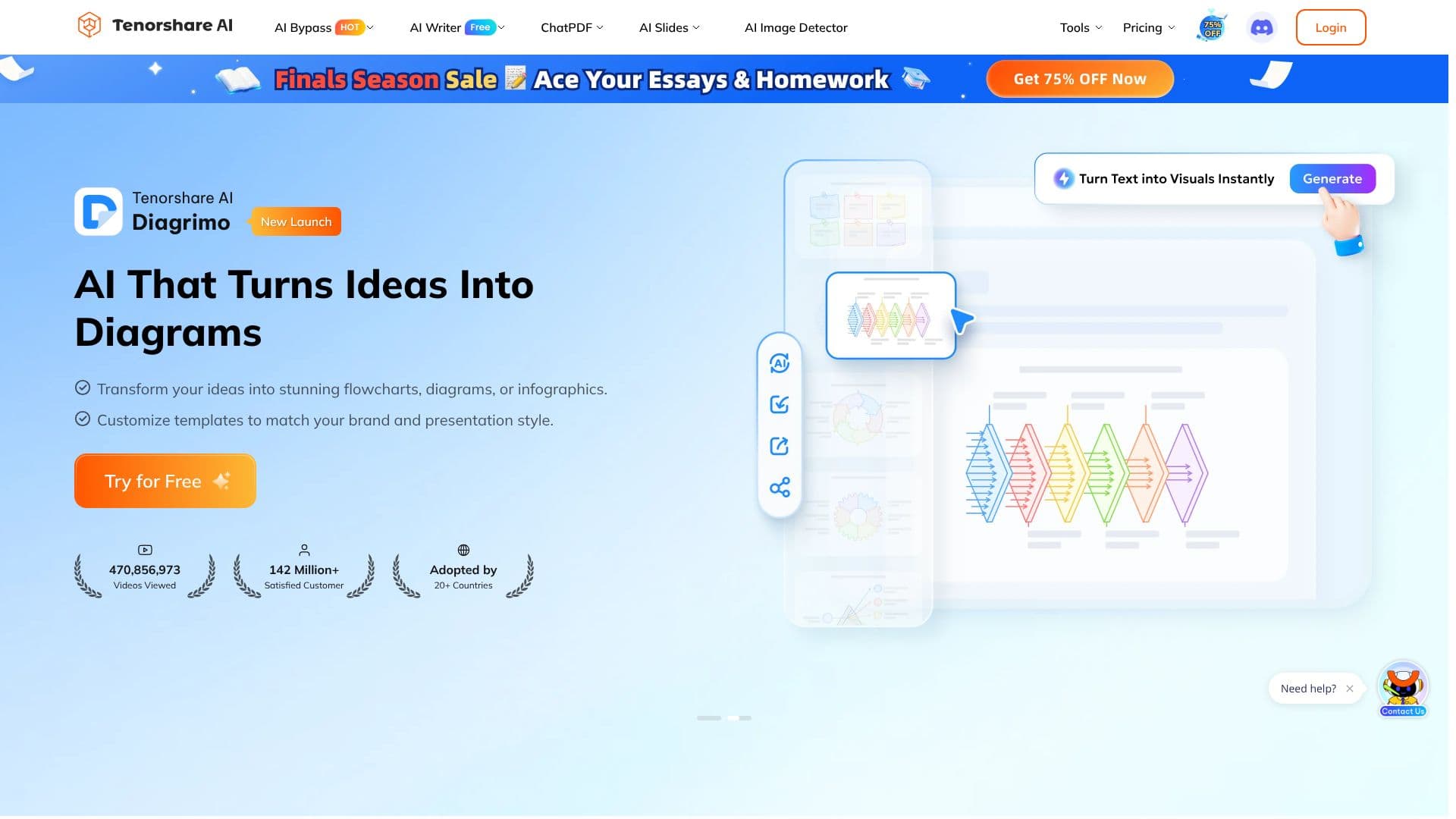
The platform also includes specialized tools like Diagrimo AI, which converts text ideas into visual diagrams, flowcharts, and infographics. For image analysis, an AI Image Detector is available to identify AI-generated images and deepfakes. Tenorshare AI is positioned as an all-in-one solution for students, content creators, and professionals seeking to enhance efficiency, reduce costs, and improve the quality of their written work and presentations. The service emphasizes ease of use and accessibility, offering free access to many of its powerful AI functionalities.
- CategoryAI Writing Assistants
- Pricing ModelFreemium
- DeploymentCloud
- PlatformsWeb
Tenorshare AI's Core Features
AI Humanizer to make AI text sound natural
AI PDF Summarizer for document analysis and chat
AI Writer for essays, homework, and general content
AI Slides Presentation Maker for instant presentation generation
AI Text-to-Visuals tool for creating diagrams and infographics
Built-in AI Detector to verify AI content
Paraphraser to rewrite text for clarity or originality
AI Translator supporting over 30 languages
Grammar Checker for tone and punctuation
Paragraph Generator from simple ideas
AI Answer Generator for quick responses
Sentence Expander and Shortener tools
Speech Generator for class or school events
AI Image Detector for deepfake detection
How to use Tenorshare AI?
Access Tools: Navigate to the Tenorshare AI website and select the desired AI tool.
Input Content: Paste or upload your text, PDF, or idea into the tool's interface.
Configure Settings: Adjust parameters or choose templates as needed for your task.
Generate Output: Click the generate button to receive your AI-processed content.
Review and Refine: Check the output for accuracy and make any necessary edits.
Download/Use: Save or copy your final content for use in your projects.
Tenorshare AI's Use Cases
- Humanize AI Text
- Summarize PDFs
- Generate Presentations
- Improve Writing Quality
- Translate Documents
- Visualize Ideas
- Detect AI Content
- Academic Writing