Description
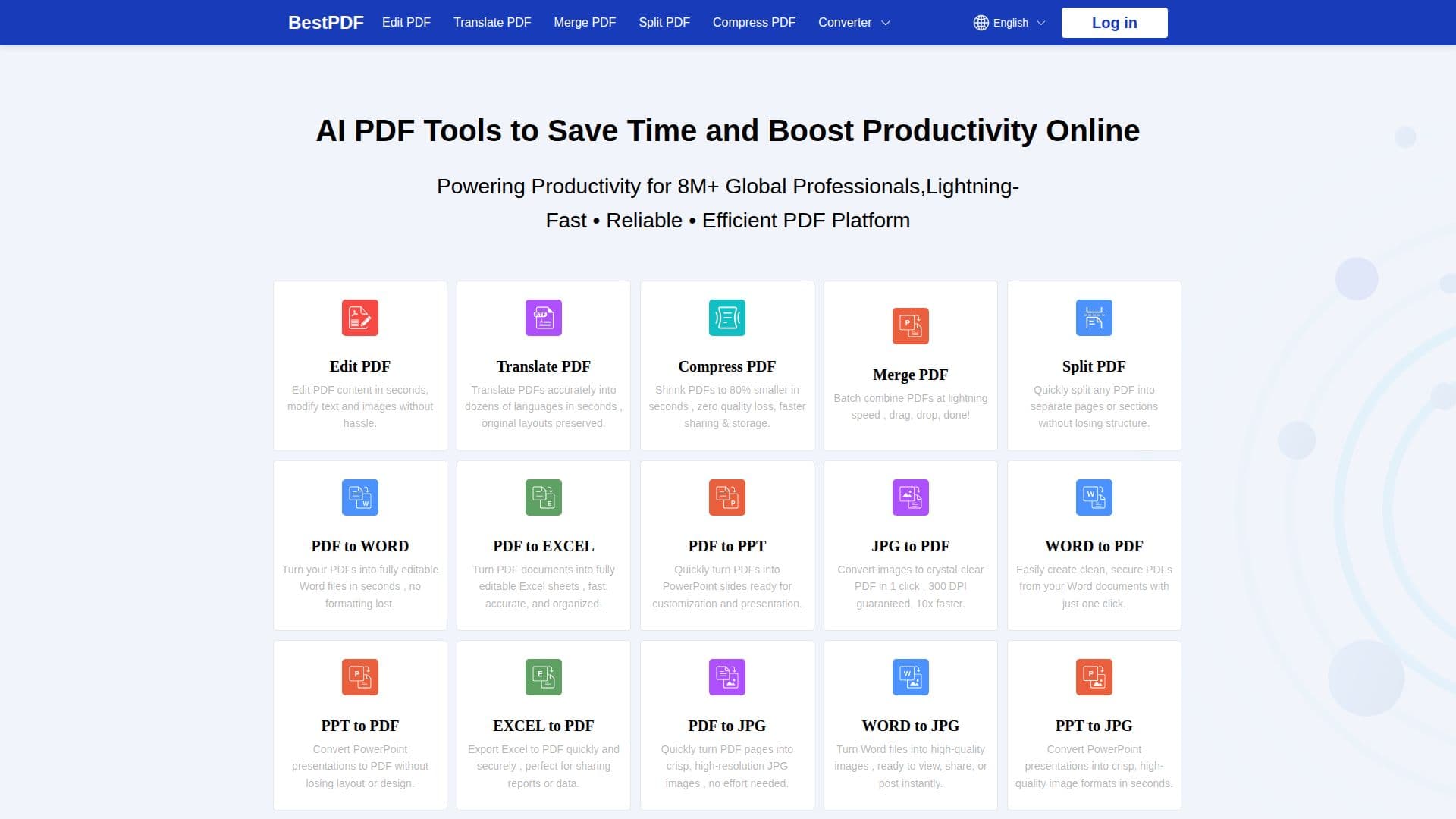
BestPDF is an online platform of PDF tools for converting, editing, and managing PDF files. It lets users edit PDFs, compress oversized files, merge and split documents, and convert PDF to and from formats such as Word, Excel, and PowerPoint, all from a web browser without installing any software.
Read More
The tools run in the browser and are designed to work on desktop and mobile, supporting major document and image formats including PDF, DOCX, XLSX, PPTX, and JPG. Bulk processing lets users convert or manage multiple documents at once, and output is produced without watermarks.
For privacy, BestPDF states that it does not store uploaded files and uses TLS encryption with compliance to frameworks such as GDPR and CCPA. The platform is operated by Hong Kong Yunmo Technology Co., Limited and is used by individuals, teams, and businesses to streamline document workflows.
- CategoryAI Document & PDF Tools
- Pricing ModelFree
- DeploymentCloud
- PlatformsWeb
BestPDF's Core Features
Online PDF editor
Convert PDF to and from Word, Excel, and PowerPoint
Compress PDF files
Merge and split PDFs
PDF translation
Bulk processing of multiple files
Mobile-friendly, no app installation required
No watermark on output
How to use BestPDF?
Choose a tool: Click Edit PDF or another tool to open it.
Upload your file: Drag and drop or select your PDF or document.
Make changes: Edit, convert, compress, merge, or split as needed using the online editor.
Download: Save the finished file instantly to your device.
BestPDF's Use Cases
- Edit PDFs online
- Convert documents
- Compress files
- Combine or split documents
- Translate PDFs