Description
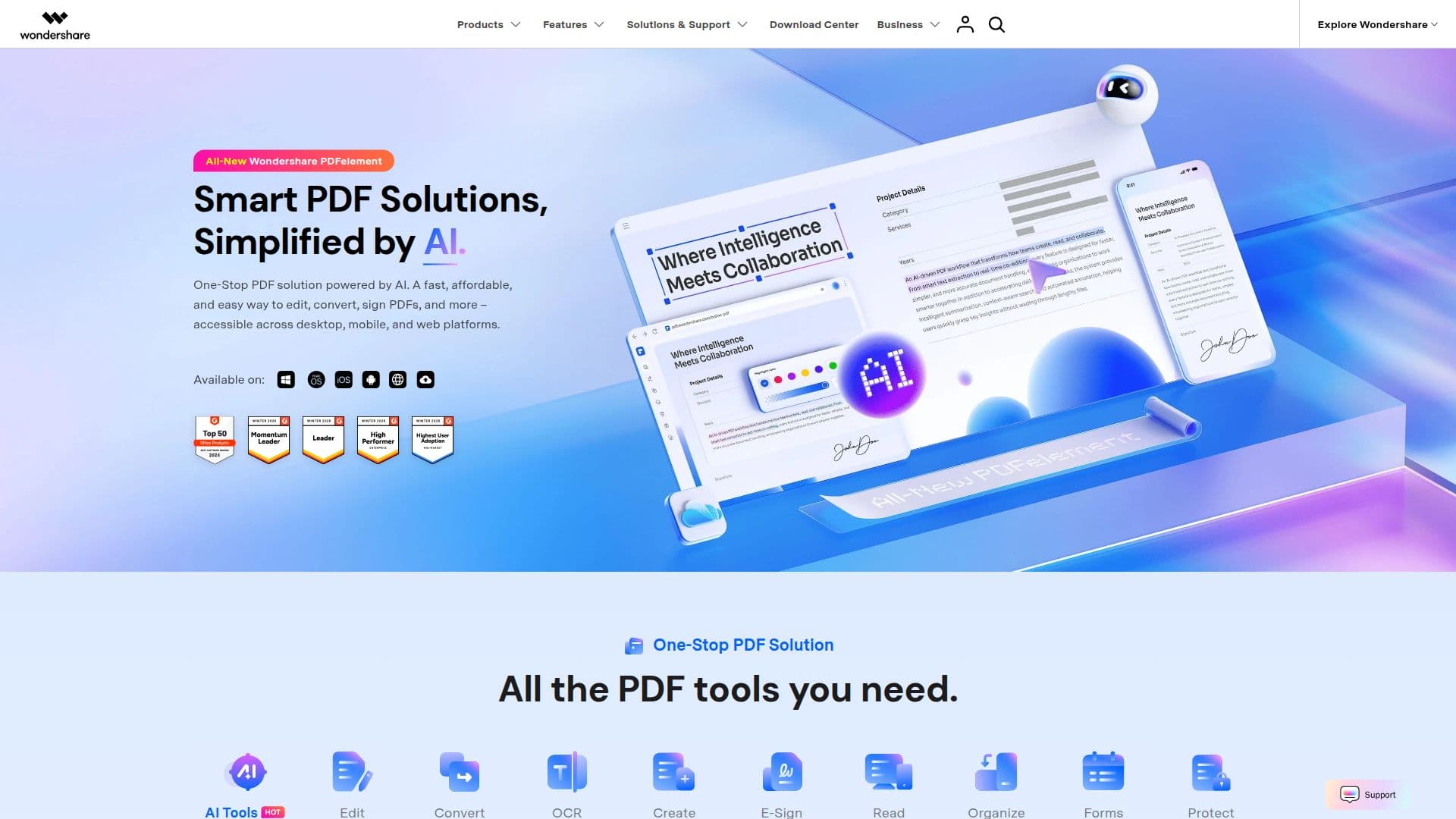
Wondershare PDFelement is a versatile PDF editor designed to simplify the way users interact with PDF documents. It offers a comprehensive suite of tools that enable users to create, edit, convert, protect, and sign PDFs seamlessly across various platforms, including desktop, mobile, and web. This software is particularly beneficial for professionals who require a reliable and efficient solution for managing their PDF documents.
Read More
The core functionality of PDFelement includes editing text and images within PDF files, converting PDFs to various formats such as Word, Excel, and PowerPoint, and creating PDFs from different file types. Users can also annotate documents, add comments, and fill out forms, making it an ideal tool for collaboration and document management.
PDFelement is designed with user-friendliness in mind, ensuring that even those with minimal technical expertise can navigate its features with ease. The software supports various industries, including healthcare, finance, legal, and education, providing tailored solutions to meet the specific needs of each sector. For instance, healthcare professionals can manage patient records securely, while educators can create and distribute learning materials efficiently.
In addition to its editing capabilities, PDFelement emphasizes security and compliance. Users can password-protect their documents, redact sensitive information, and ensure that their files meet regulatory standards. This focus on security is crucial for businesses that handle confidential information.
Wondershare PDFelement also integrates advanced AI features, allowing users to summarize, translate, and even chat with their PDF documents. This innovative approach enhances productivity and streamlines workflows, making it a valuable tool for anyone looking to optimize their document management processes.
Overall, Wondershare PDFelement stands out as a powerful yet easy-to-use PDF editor that caters to a wide range of users, from individuals to large organizations. Its combination of functionality, security, and user-friendly design makes it a top choice for anyone looking to enhance their PDF editing experience.
- CategoryAI Document & PDF Tools
- Pricing ModelFreemium
- DeploymentCloud
- PlatformsWindows, Mac, iOS, Android, Web
Wondershare PDFelement's Core Features
Edit PDF Text
Convert PDF to Word
Annotate PDF
Create PDF from Images
Password Protect PDF
OCR PDF
Batch Convert PDFs
E-Sign PDFs
Compress PDF
Flatten PDF
Auto Save
Image/Camera Signature
Text-Only Recognition
Summarize PDF
Chat with PDF
How to use Wondershare PDFelement?
Edit PDF: Open your PDF document and use the editing tools to modify text and images.
Convert PDF: Select the PDF file you want to convert and choose the desired output format.
Annotate PDF: Use the annotation tools to highlight, comment, or add shapes to your PDF.
Create PDF: Import images or documents to create a new PDF file instantly.
Wondershare PDFelement's Use Cases
- Healthcare Document Management
- Education Material Creation
- Legal Document Editing
- Business Report Generation
- Personal Document Organization