ToolPotion

Wondershare Filmora

Filmora is an AI-powered video editing software for desktop and mobile. It offers intuitive tools, AI features, and creative effects to produce professional videos. Easily edit, enhance, and share your stories with a user-friendly interface and advanced capabilities for creators of all levels.

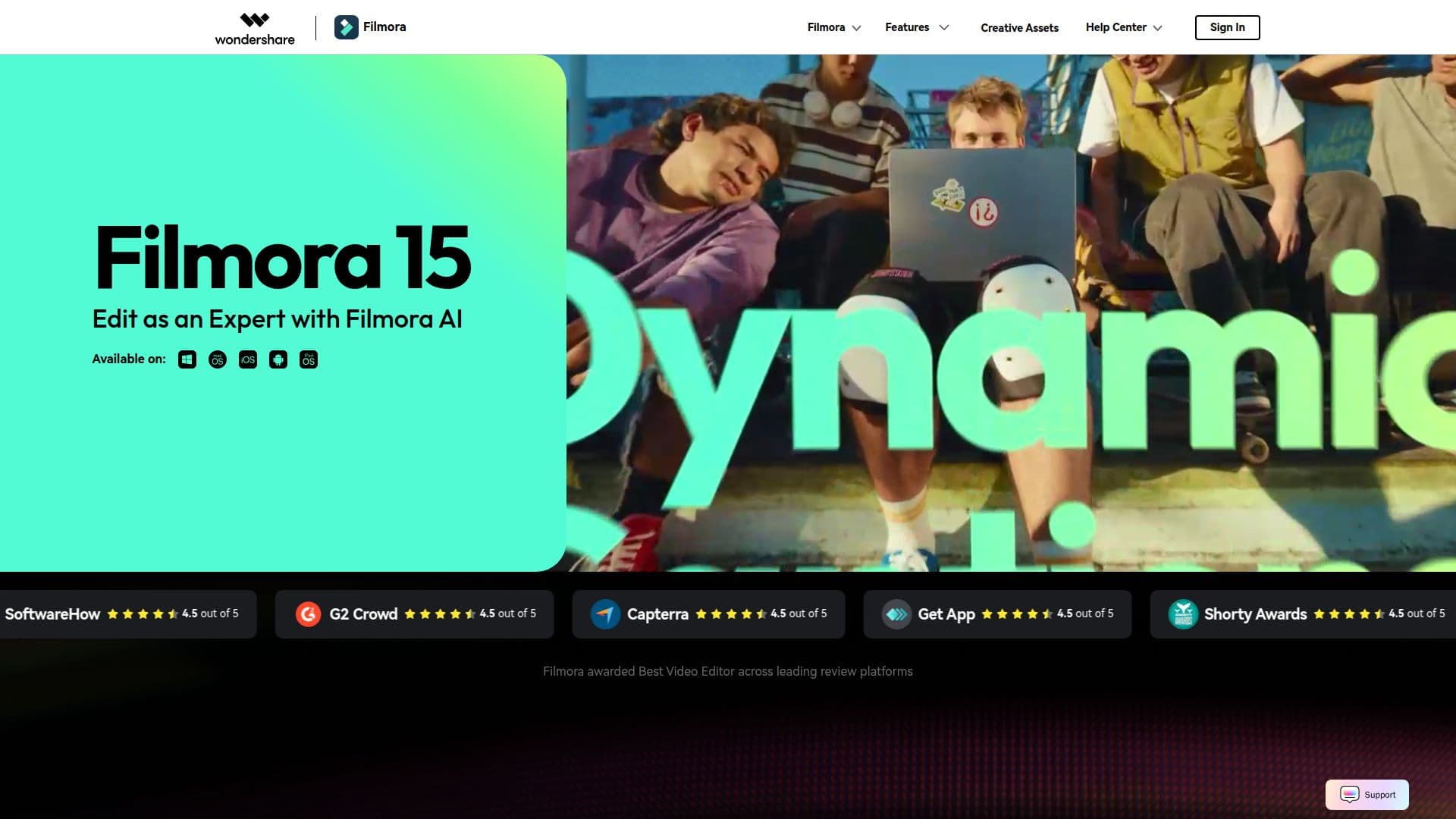
Wondershare Filmora screenshot

Description

Wondershare Filmora is a comprehensive AI-powered video editing software designed for both desktop and mobile users. It aims to empower creators by offering intuitive tools and advanced features that simplify the video production process, enabling users to create professional-quality videos with ease. The software integrates artificial intelligence to enhance editing workflows, allowing users to write, drag, or draw their ideas into motion.

Filmora's AI capabilities extend to features like AI Extension, which helps bring creative ideas to life, and AI-powered effects that add style to videos. Users can remove unwanted objects, eliminate backgrounds, and improve video clarity with AI enhancements. The platform is built around a streamlined editing flow, ensuring that creative visions can be realized efficiently. Precision, speed, and style are central to Filmora's design, catering to creators who want to perfect every edit.

Key editing tools include the Pen Tool for drawing motion paths and controlling speed, Animated Graphics for converting data into clear visuals, and Dynamic Titles for adding stylish subtitles that enhance audience engagement. Advanced features like dual timeline editing provide greater control, while Anchors and Keyframes allow for precise control over on-screen movement. The ability to import subprojects and use AI for color matching ensures a fluid and harmonious editing experience across different footage sources.

Filmora also provides access to a vast library of creative assets, including over 2.9 million royalty-free resources, templates, effects, music, and sound effects. This extensive collection inspires creativity and helps users produce magical content. The software is available across multiple platforms, including desktop, tablet, and mobile, allowing for creation anytime and anywhere. Millions of creators worldwide trust Filmora for their video production needs, appreciating its balance of professional power and user-friendliness.

The software is suitable for a wide range of users, from beginners to experienced editors, who want to create professional-looking videos without a steep learning curve. Its drag-and-drop interface, combined with a rich set of pre-defined templates, transitions, and effects, makes video editing smooth and efficient. Filmora's commitment to regular updates and its integrated library of resources further enhance its value proposition for content creators.

Wondershare Filmora's Core Features

  • AI-powered video editing tools

  • Intuitive drag-and-drop interface

  • Extensive library of creative assets (2.9M+ resources)

  • AI Extension for creative idea implementation

  • Object removal and background elimination

  • AI-enhanced video clarity and quality

  • Pen Tool for motion path creation

  • Animated Graphics for data visualization

  • Dynamic Titles with AI voice enhancement

  • Dual timeline editing for enhanced control

  • Anchors and Keyframes for precise movement control

  • Subproject import with AI color matching

  • Cross-platform availability (Desktop, Tablet, Mobile)

  • Direct export to YouTube with recommended compression

  • Social media video scheduler

How to use Wondershare Filmora?

  1. Configure: Select your desired editing tools and AI features.

  2. Import: Upload your video footage, audio, and other assets.

  3. Edit: Utilize the intuitive timeline, AI enhancements, and creative tools.

  4. Enhance: Add titles, effects, transitions, and music from the asset library.

  5. Refine: Use advanced features like keyframes and dual timelines for precision.

  6. Export: Choose your format and export directly to platforms like YouTube.

  7. Schedule: Utilize the social media scheduler for timely distribution.

Wondershare Filmora's Use Cases

  • Professional Video Editing
  • Content Creation
  • Marketing Videos
  • Personal Projects
  • Educational Content
  • Storytelling
  • Tutorials and How-Tos
  • Social Media Content
  • AI-Assisted Editing
  • Motion Graphics

FAQ from Wondershare Filmora

Wondershare Filmora Reviews

Loading...

Popular AI Tools Like Wondershare Filmora

Wondershare Filmora is an all-in-one video editing application for desktop and mobile, combining intuitive editing tools, AI-powered features, and creative effects. It is built…

FeaturedAI Video EditorsMarketing & Creative Agencies

A complete video editing application for desktop and mobile with AI-powered features and creative effects. It offers intuitive tools, a large creative asset library, and templates…

AI Video EditorsMedia & Entertainment

Adobe Premiere is professional video editing software that allows users to edit, trim, and enhance videos with precision. It features AI workflows for faster project completion…

AI Video Editors

Hiddle is an AI-powered motion-graphic video editor that transforms user prompts into polished, editable videos without the need for a timeline. It simplifies video creation for…

AI Video Editors

AI Apps

Morphic AI transforms storytelling by enabling users to generate, animate, and edit videos effortlessly. With advanced AI technologies, creators can seamlessly move from ideas to…

AI Video EditorsMarketing & Creative Agencies

Wondershare offers an AI-powered platform for creators, providing professional video production, design, and innovation tools. It transforms text into video, animates images, and…

AI Document & PDF Tools

AI Apps

Unlucid AI offers free uncensored AI tools for dreamers, enabling users to create, edit, and animate videos effortlessly. With an intuitive interface, anyone can turn their…

AI Video Editors

Wondershare offers an AI-powered platform for creators, enabling professional video production, design, and innovation. Transform text into video, animate images, and edit videos…

Other AI Tools