Description
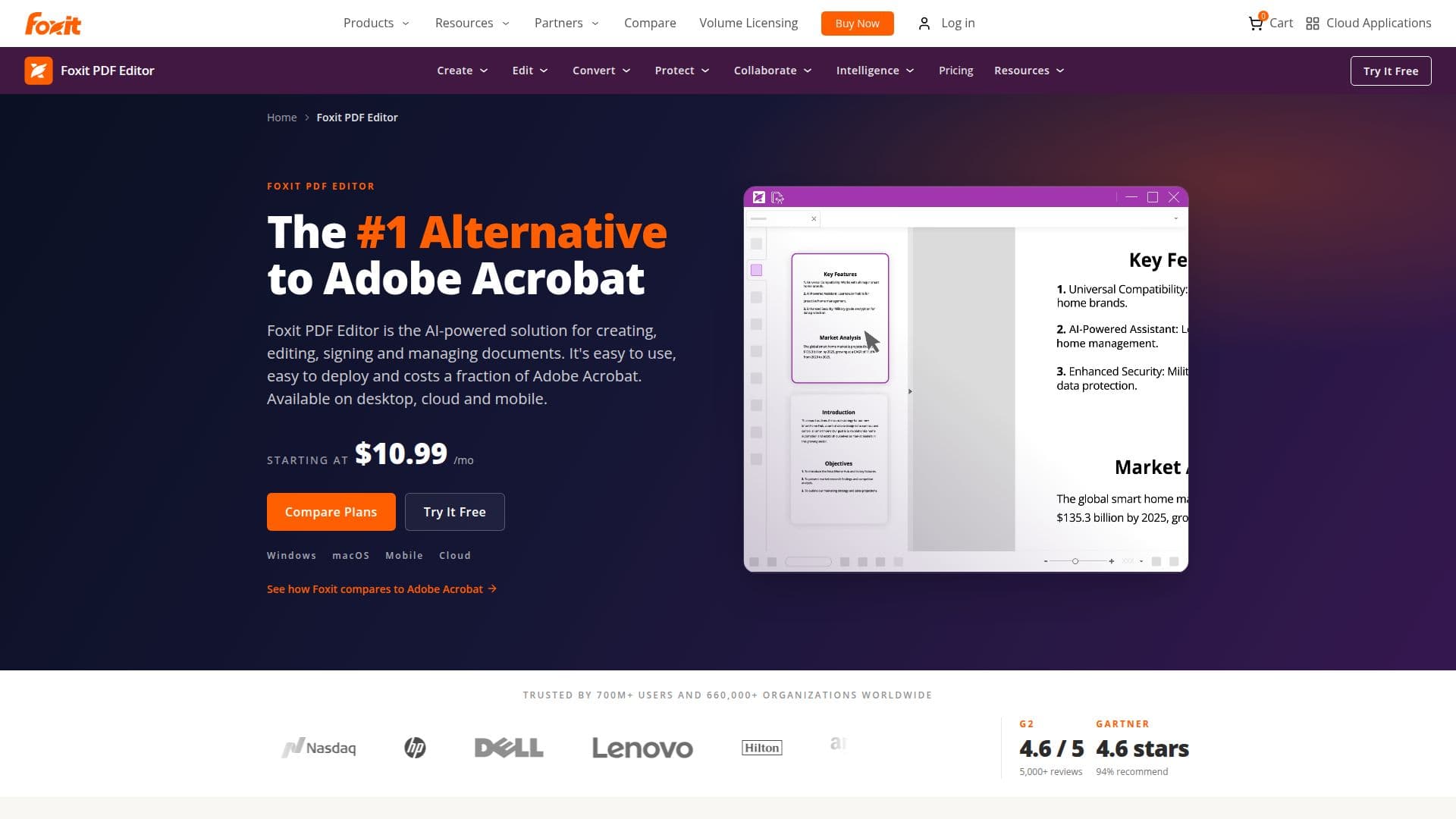
Foxit PDF Editor is a comprehensive AI-powered platform designed for creating, editing, converting, signing, and managing PDF documents across various devices, including desktop, mobile, and web. It stands out as a cost-effective alternative to Adobe Acrobat, providing users with a robust set of features at a lower price point. With Foxit PDF Editor, users can edit text, images, and pages within PDFs, convert documents to and from formats like Word, Excel, and PowerPoint, and create, fill, sign, and send PDF forms. The software also includes Optical Character Recognition (OCR) for scanned documents, allowing users to convert them into searchable PDFs.
Read More
One of the key advantages of Foxit PDF Editor is its enterprise-grade security features, which comply with various regulations such as SOC 2 Type 2, GDPR, and HIPAA. This makes it suitable for organizations that require stringent security measures. Additionally, the platform supports password protection, document redaction, and electronic signature workflows, ensuring that sensitive information remains secure.
Foxit PDF Editor is available in different pricing tiers, including a subscription model starting at $10.99 per user per month and a perpetual license option for a one-time fee of $209.99. The PDF Editor+ plan, which includes additional features such as mobile apps and AI Smart Redact, is priced at $159.99 per user per year. Users can also take advantage of a free trial to explore the software's capabilities before committing to a purchase.
The platform is designed for a wide range of users, from individual professionals to large enterprises, making it an ideal choice for anyone needing powerful PDF editing tools without the complexity and cost associated with other solutions. With Foxit PDF Editor, users can streamline their document workflows, enhance collaboration, and improve productivity, all while enjoying significant cost savings.
- CategoryAI Document & PDF Tools
- Pricing ModelSubscription and Perpetual License
- DeploymentCloud and Desktop
- PlatformsWindows, macOS, iOS, Android, Web
Foxit PDF Editor's Core Features
Edit text, images, and PDF pages
Convert PDFs to and from Word, Excel, and PowerPoint
Create, fill, sign, and send PDF forms
OCR for scanned documents
Password protection and document security
AI-powered document assistance
Electronic signature workflows
Cloud document management
Windows and macOS desktop apps
iOS and Android mobile apps
How to use Foxit PDF Editor?
Edit: Use the editing tools to modify text and images in your PDF.
Convert: Select the conversion option to change your PDF to Word, Excel, or PowerPoint.
Sign: Add your signature to the document using the e-signature feature.
Secure: Apply password protection to your PDF for enhanced security.
Foxit PDF Editor's Use Cases
- Document Editing
- PDF Conversion
- Form Management
- Secure Document Sharing
- Collaboration