Description
PDF-XChange Editor is a powerful PDF software developed by PDF-XChange Co Ltd, designed for viewing, converting, and editing PDF documents. Known for its speed and lightweight nature, it provides users with a comprehensive set of tools to manage PDF files effectively. The software includes features such as OCR (Optical Character Recognition) for converting scanned documents into editable text, and the ability to create and edit fillable forms. Users can also compare documents to identify differences, add placeholders for signatures, and create dynamic stamps with JavaScript actions.
The editor supports more than 400 features, with 257 available for free. It includes an AI Assistant feature that allows users to analyze and interact with PDF documents using AI models from OpenAI, Anthropic, and Google. However, users need to provide an API key to use these AI features. The software also offers enhancements like improved 3D model navigation and optimized document saving.
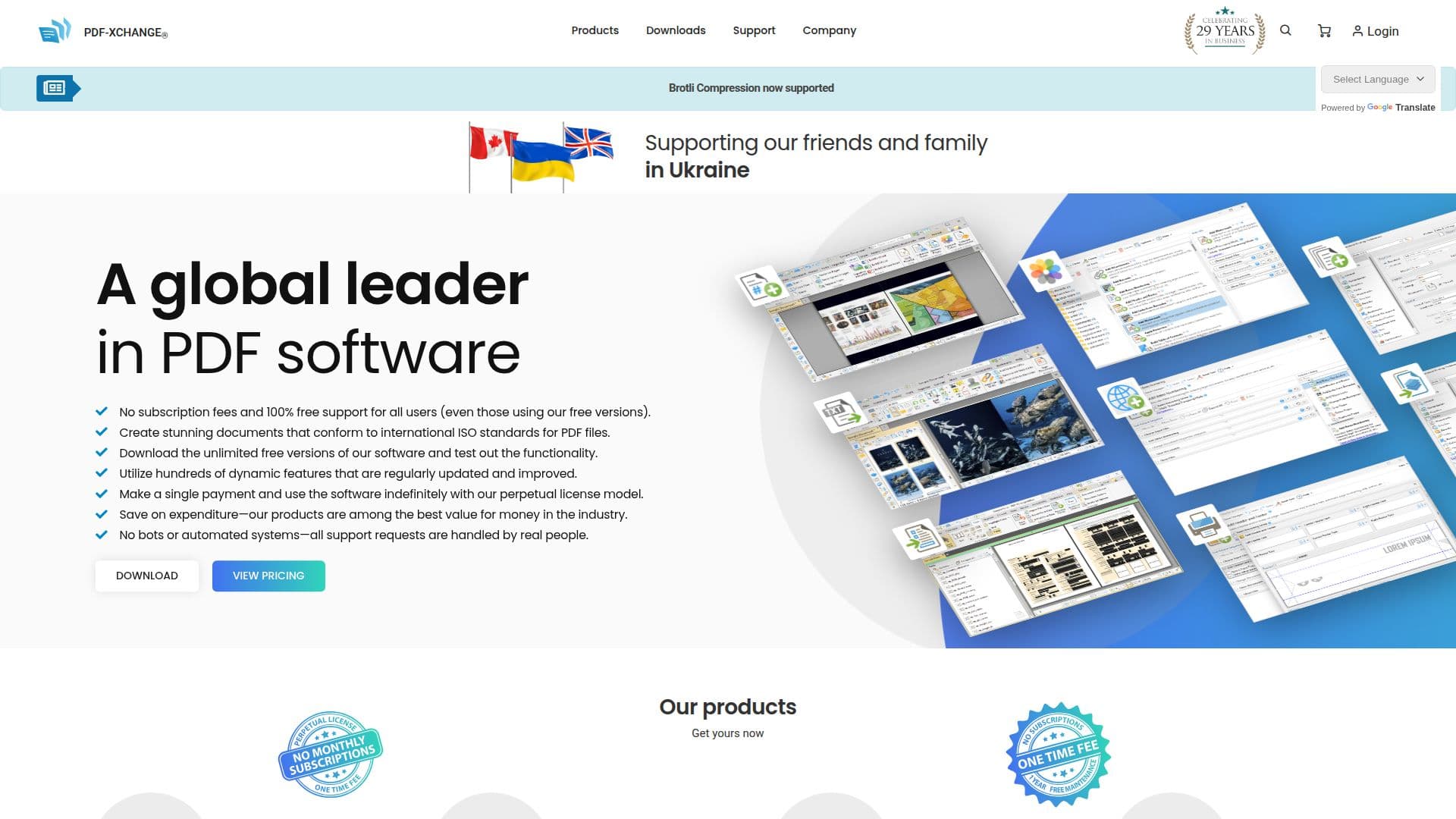
PDF-XChange Editor is available under a freemium model, with a free version offering substantial functionality. For advanced features, users can purchase a perpetual license, which includes one year of maintenance for updates and security enhancements. The pricing for a single-user license starts at USD $62.00, with various volume pricing options available for larger teams or organizations.
The software is suitable for a wide range of users, from individual professionals to large enterprises, and is particularly beneficial for those needing robust PDF editing capabilities without the high costs associated with some competitors. Its compatibility with ISO PDF standards ensures that documents are viewable and editable across all major PDF platforms.
PDF-XChange Editor's Core Features
OCR for scanned documents
Create and edit fillable forms
Document comparison
Add placeholders for signatures
Create dynamic stamps with JavaScript
AI Assistant for document analysis
Enhanced 3D model navigation
Optimized document saving
How to use PDF-XChange Editor?
Download: Access the software from the official website
Install: Follow the installation instructions
Configure: Set up preferences and connect AI models if needed
Use: Start editing, converting, and managing PDF documents
Optimize: Utilize advanced features for enhanced productivity
PDF-XChange Editor's Use Cases
- Document Editing
- Form Creation
- Document Comparison
- OCR Conversion
- Dynamic Stamps