Description
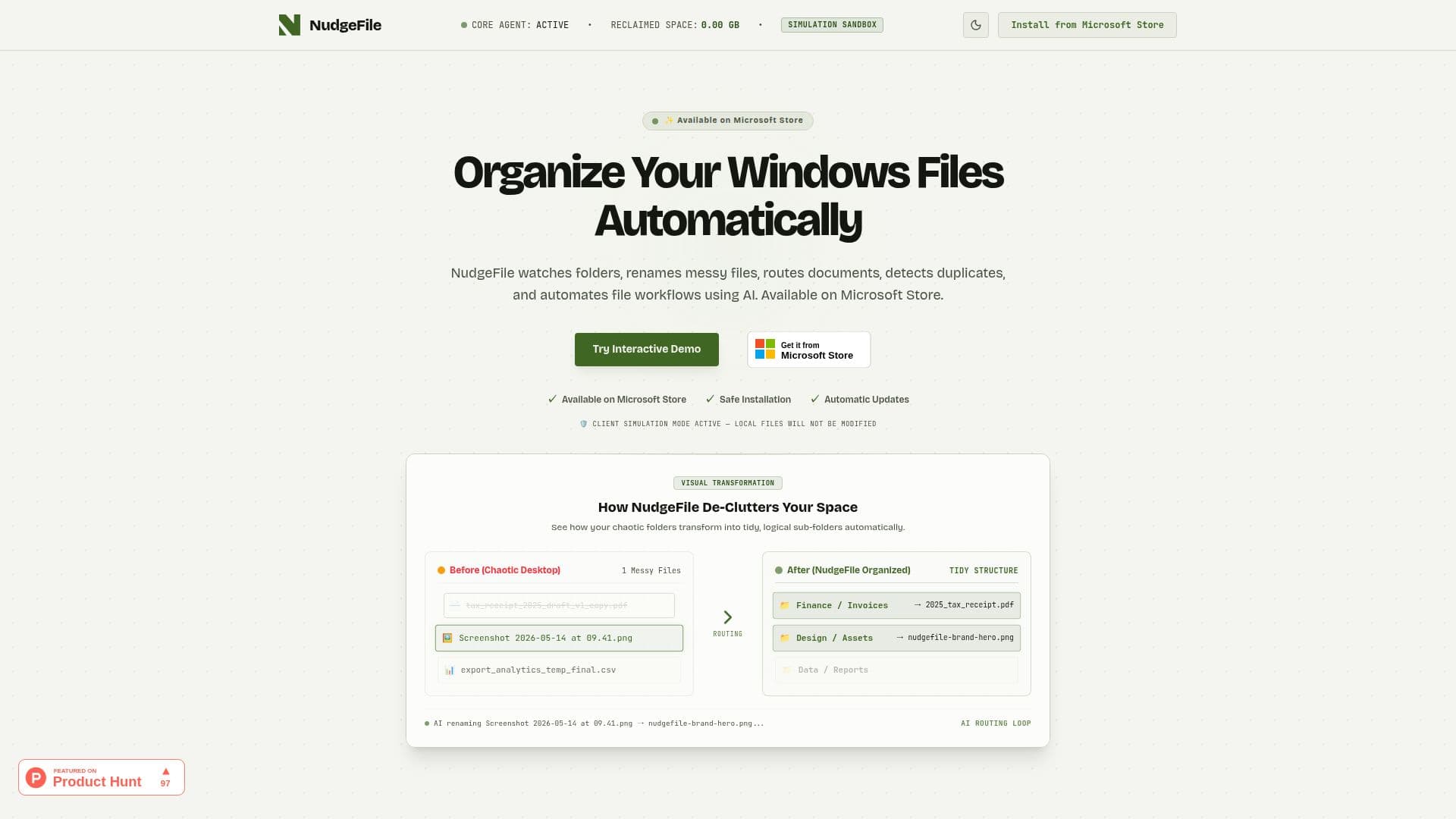
NudgeFile is an innovative AI file organizer and workflow automation tool that is now officially available on the Microsoft Store. Designed to enhance productivity, NudgeFile automatically organizes files, renames documents, routes folders, detects duplicates, and automates Windows workflows using advanced AI technology.
Read More
The core functionality of NudgeFile revolves around its ability to monitor specified directories in real-time. When a new file is detected, NudgeFile employs local AI models to analyze the file's metadata and structure, generating clear, descriptive, and standardized names. This feature significantly reduces the time spent searching for files, as users can easily locate documents with human-readable names.
One of the standout features of NudgeFile is its support for local offline AI processing. This ensures that sensitive documents and private files remain secure, as they never leave the user's computer. Additionally, the Human Approval Pipeline feature gives users complete control over file renaming and routing. Users can review and verify AI suggestions before they are committed or set them to run automatically, providing a balance between automation and user oversight.
NudgeFile also excels in duplicate file detection. It performs byte-level checksum matching and utilizes local visual AI to identify near-identical images and duplicates. Users are shown the exact size offset of duplicates and are offered quick actions to reclaim storage space, making file management more efficient.
Overall, NudgeFile is ideal for anyone looking to streamline their file organization process, whether for personal use or in a professional setting. It caters to users who want to maintain an organized digital workspace without the hassle of manual sorting and renaming. With its powerful AI capabilities, NudgeFile transforms the way users interact with their files, making it a valuable tool for enhancing workflow efficiency.
- CategoryWorkflow Automation
- Pricing ModelFree
- DeploymentLocal
- PlatformsWindows
NudgeFile's Core Features
Real-time directory monitoring
Local offline AI processing
Human Approval Pipeline
Duplicate file detection
Automated file renaming
Folder routing
Metadata analysis
Standardized naming conventions
How to use NudgeFile?
Configure: Set up NudgeFile to monitor your desired directories.
Use: Allow NudgeFile to automatically rename and organize files as they are added.
Review: Check AI-generated suggestions through the Human Approval Pipeline.
Optimize: Adjust settings to refine how files are named and routed.
NudgeFile's Use Cases
- Organizing Downloads
- Document Management
- Image Sorting
- File Naming Standardization
- Workflow Automation