Description
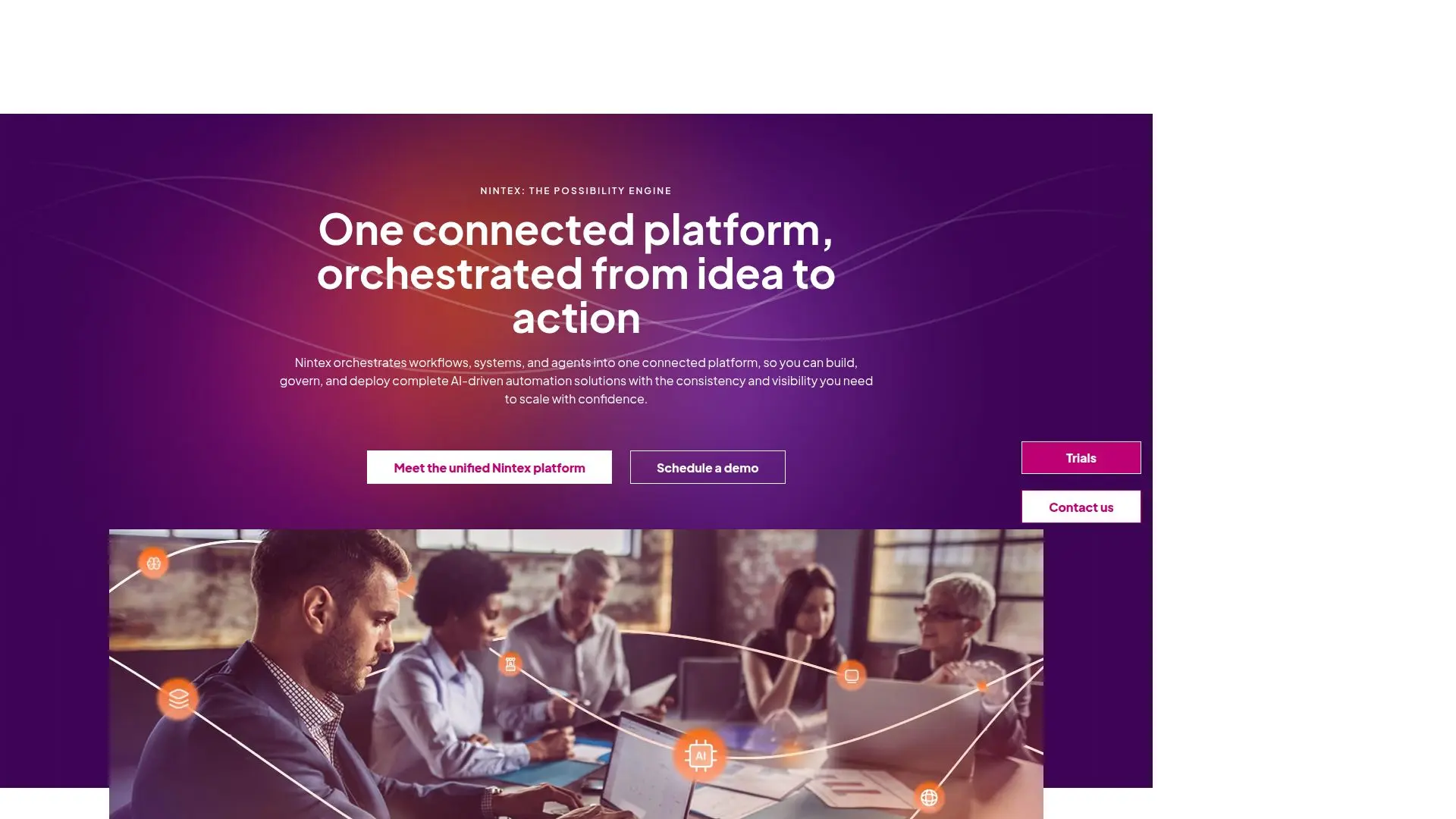
Nintex Automation is designed to empower organizations by automating complex workflows and processes, enabling teams to focus on high-impact work rather than repetitive tasks. The platform integrates seamlessly with existing systems, allowing for real-time data flow and collaboration across departments. With Nintex, businesses can automate everything from employee onboarding to document generation, ensuring that workflows are efficient and compliant with industry standards.
Read More
The core of Nintex Automation lies in its agentic business orchestration capabilities, which combine process intelligence, workflow orchestration, and AI-driven solution building. This unified approach allows organizations to adapt quickly to changing business needs while maintaining governance and security. Nintex's intuitive drag-and-drop interface makes it accessible for non-developers, enabling users to design workflows without the need for coding skills.
Nintex Automation also features built-in AI tools that enhance workflow efficiency by identifying patterns, flagging inefficiencies, and suggesting improvements. This continuous learning aspect ensures that automations become smarter over time, helping teams make better decisions and optimize performance. The platform supports a wide range of integrations with popular tools like Microsoft 365, Salesforce, and SAP, ensuring that data flows smoothly across systems.
In addition to its automation capabilities, Nintex provides robust governance tools to ensure compliance with regulations and internal policies. Users can track workflows, manage approvals, and generate audit-ready documentation effortlessly. With Nintex, organizations can achieve process excellence, reduce operational risks, and drive innovation across their teams.
- CategoryWorkflow Automation
- Pricing ModelSubscription
- DeploymentCloud
- PlatformsWeb
Nintex Automation's Core Features
AI Workflow Generator
AI Forms Assistant
Seamless Integrations
Low-Code Development
Real-Time Data Flow
Built-In Governance Tools
Document Automation
Dynamic Case Management
Modular Workflow Phases
Agentic AI Integration
How to use Nintex Automation?
Design: Use the drag-and-drop interface to create workflows.
Integrate: Connect Nintex with existing systems for seamless data flow.
Automate: Set up automated tasks for approvals and document generation.
Monitor: Track workflow performance and make adjustments as needed.
Optimize: Use AI insights to refine workflows and improve efficiency.
Nintex Automation's Use Cases
- Employee Onboarding
- Document Generation
- Approval Workflows
- Compliance Tracking
- Task Management