
Description
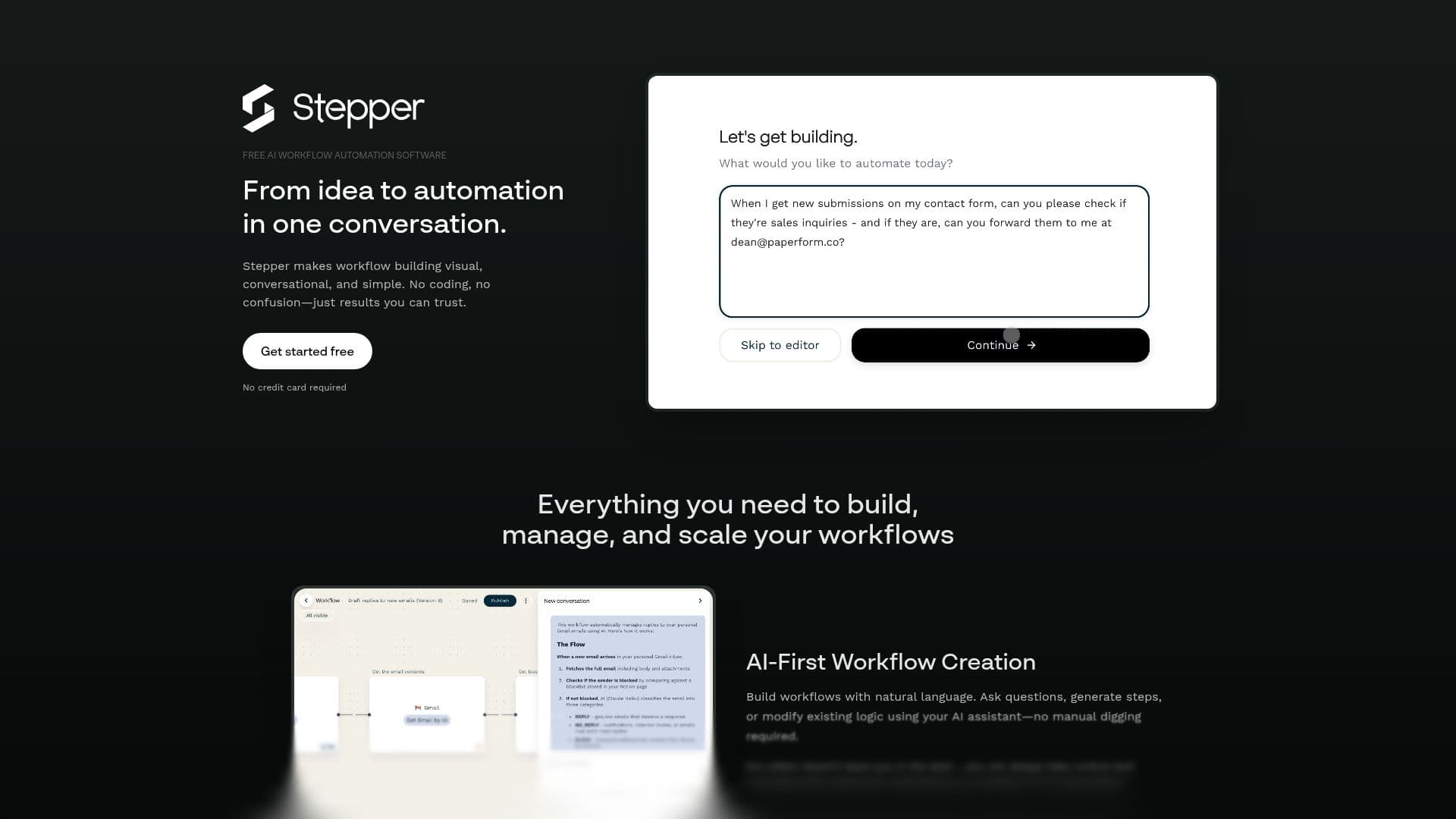
Stepper is a free AI workflow automation software designed to make workflow building visual, conversational, and straightforward. It eliminates the need for coding, allowing users to create, manage, and scale workflows with ease. The platform is AI-first, enabling users to build workflows using natural language. Users can ask questions, generate steps, or modify existing logic with the help of an AI assistant, avoiding manual digging. The visual editor provides users with the ability to manually build, tweak, and understand workflows, ensuring they are never left in the dark.
Stepper supports modular and reusable components, allowing users to design once and reuse everywhere. This feature is ideal for recurring logic such as authentication, lookups, and common transforms, turning complex logic into a building block rather than a bottleneck. Stepper can help businesses automate various processes, including AI-powered lead qualification, automated receipt processing, change notifications, approvals, meeting follow-ups, customer onboarding, content distribution, support ticket routing, contract management, webinar registration, sales pipeline automation, and survey response analysis.
The platform currently supports 487 apps, with more being added weekly. Some of the popular integrations include Gmail, Google Calendar, Slack, Trello, and Salesforce. Stepper also offers a permissioned API gateway over integrations, allowing users to define exactly which capabilities an AI agent should have. This ensures that teams can work efficiently with full audit trails and team-scoped access controls. Stepper is built differently from other automation tools, focusing on providing a seamless and intuitive experience for users.
Stepper AI Workflow Automation's Core Features
AI-first workflow creation
Visual and conversational interfaces
No coding required
Modular, reusable components
Supports 487 apps
Permissioned API gateway
Full audit trail
Team-scoped access controls
30-day call log retention
Manual workflow editing
How to use Stepper AI Workflow Automation?
Configure: Set up your workflows using the visual editor
Use: Automate tasks with AI-powered workflows
Optimise: Reuse components for efficiency
Stepper AI Workflow Automation's Use Cases
- Lead Qualification
- Receipt Processing
- Change Notifications
- Customer Onboarding
- Sales Pipeline Automation