Description
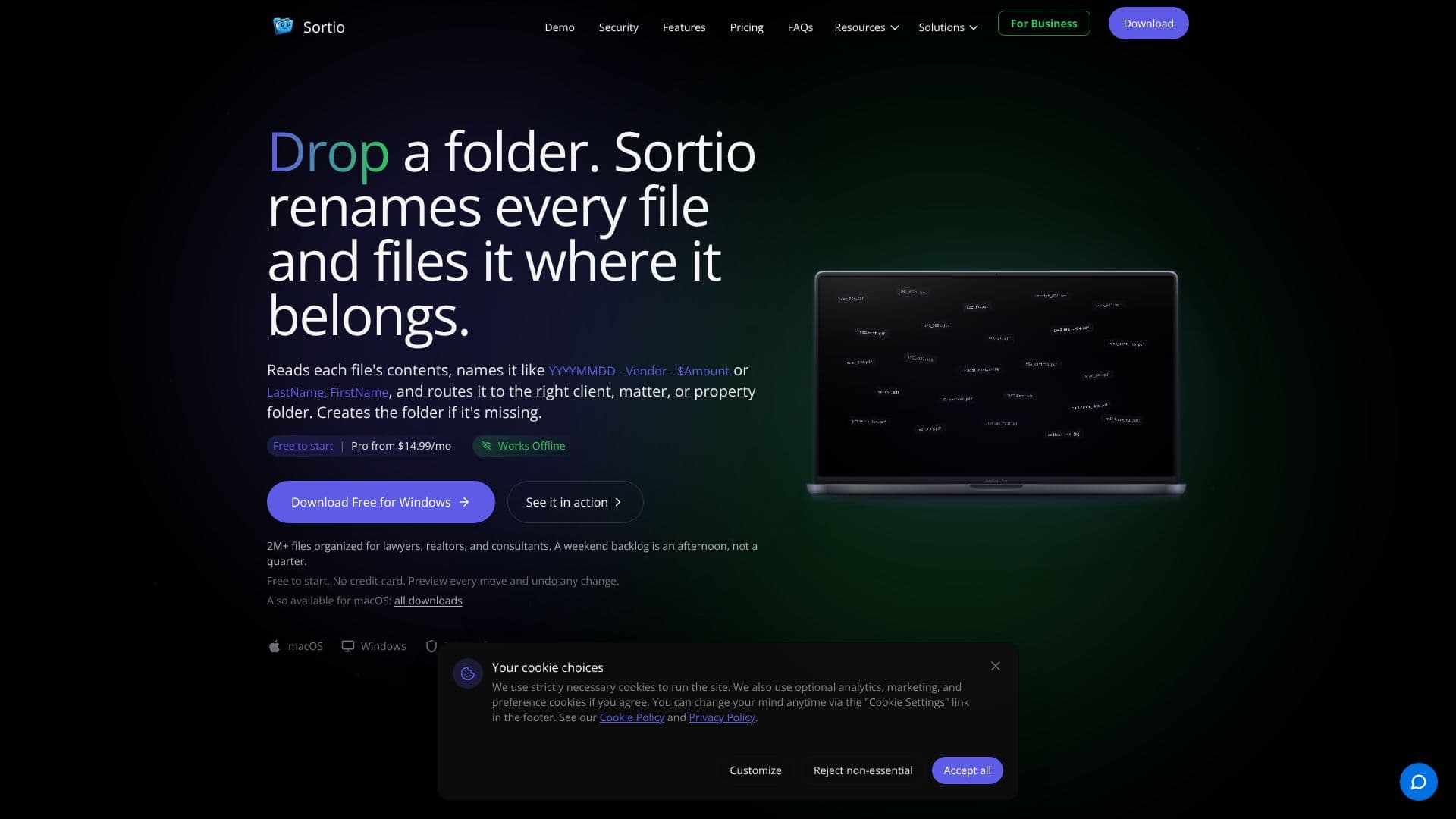
Sortio is an intelligent AI file sorter designed for both Mac and Windows users, streamlining the process of organizing digital documents. It goes beyond traditional file management by reading the content of your files to rename them and route them to their correct locations. Users can define sorting criteria through simple prompts, such as renaming files to 'YYYYMMDD - Vendor - $Amount' or 'LastName, FirstName', and then directing them to specific client, matter, or property folders. Sortio can even create new folders if they don't exist, ensuring a complete organizational structure.
Read More
The application is built with privacy and control in mind. By default, AI sorting uses cloud-based services like OpenAI, but it primarily sends filenames and metadata. File contents are only uploaded if a content-based feature is explicitly enabled. For maximum privacy, users can switch to local AI processing with Ollama or use their own API keys, ensuring sensitive data never leaves their machine. All file operations are logged locally for audit purposes, providing a transparent history of changes.
Sortio caters to a wide range of professionals, including lawyers, realtors, bookkeepers, consultants, project managers, and home archivists. It helps tackle backlogs of documents, such as legal intake forms, real estate property photos, or financial records, transforming hours of manual work into minutes. The tool offers features like an AI Rule Builder, Smart Folders for continuous organization, and intelligent file renaming. It also allows searching by meaning, not just filename, making it easy to find documents even with generic names.
Users can try Sortio for free, with a Pro subscription starting at $14.99 per month, offering advanced features like unlimited automations and watch folders. The platform is continuously developed based on community feedback, with users able to vote on upcoming features. Sortio aims to make file organization intuitive and efficient, allowing users to focus on their core work rather than managing files manually.
- CategoryProductivity
- Pricing ModelFreemium
- DeploymentDesktop
- PlatformsmacOS, Windows, Linux
Sortio AI File Sorter's Core Features
AI-powered file sorting, renaming, and routing based on content
Organizes files into client, matter, project, or property folders
Automatic folder creation when needed
Prompt-based organization for intuitive control
Preview changes before applying and ability to undo actions
Supports local AI processing (Ollama) and Bring Your Own Key (BYOK) options for enhanced privacy
Audit-logged file movements for compliance and record-keeping
Smart search functionality to find files by content, not just filename
Works with cloud-synced folders from services like OneDrive, Google Drive, Dropbox, and iCloud
Available for macOS and Windows
Free tier available with limited AI sorting credits
Pro, Team, and Enterprise pricing plans available
How to use Sortio AI File Sorter?
Configure: Select the folder you want to organize.
Prompt: Describe how you want your files sorted and renamed in plain English.
Preview: Review the proposed changes to filenames and folder structures.
Apply: Execute the sorting and renaming process with a single click.
Automate: Set up Watch Folders for continuous, automatic organization of new files.
Sortio AI File Sorter's Use Cases
- Legal Case File Organization
- Real Estate Document Management
- Small Business Back Office
- Consultant Project Management
- Personal Document Archiving
- Engineering Project Files
- Student Download Management
- Freelancer Client Files