
Description
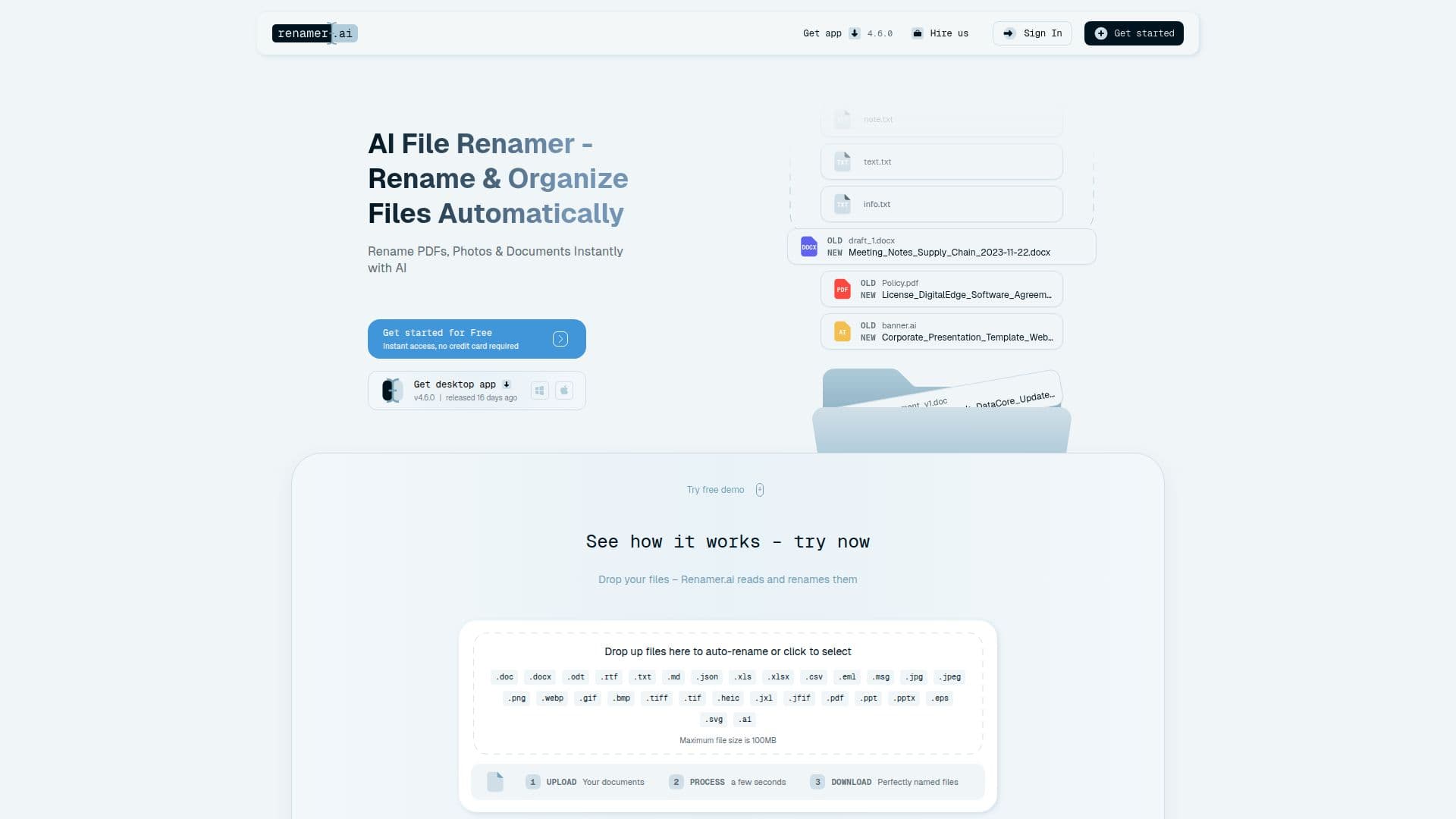
Renamer.ai is an AI-powered file renaming tool that organizes digital files by analyzing their content. Its OCR and computer-vision technology reads documents, images, and other files, then generates descriptive, searchable names based on what is actually inside. Instead of "IMG_2847.jpg" or "Document1.pdf," it produces names like "invoice-acme-corp-2024-03-15.pdf," extracting details such as dates, amounts, company names, and document types.
Read More
The tool supports 30+ file formats, including PDFs, Office documents, spreadsheets, images, presentations, vector files, and email files, and works in 20+ languages with automatic language detection. Magic Folders automation monitors designated folders, such as Downloads or a shared drive, and renames files automatically as they arrive using your chosen naming pattern. A drag-and-drop template builder lets you create custom naming templates from variables like document type, date, company, and invoice number.
Renamer.ai is available as a Windows and Mac desktop app with full features, plus a web interface for quick renaming. Files are encrypted and, on the desktop app, deleted immediately after processing, with GDPR compliance and no use of content for model training. Plans range from a free Starter tier (25 files/month) to Pro, Power User, and Ultimate tiers, with API access and custom services available.
- CategoryProductivity
- Pricing ModelFreemium
- DeploymentDesktop app, Cloud
- PlatformsWindows, macOS, Web
Renamer.ai's Core Features
Content-aware AI renaming using OCR and computer vision
Reads and names PDFs, Office files, images, and 30+ formats
Magic Folders automation that renames files as they arrive
Custom naming templates via a drag-and-drop builder
20+ language support with automatic detection
Batch and bulk renaming with preview and undo
Desktop apps for Windows and Mac plus a web interface
API access for custom integrations with cloud storage and other tools
How to use Renamer.ai?
Add your files: Drop files into the app or point it at a folder.
Let AI read them: The OCR and vision engine analyzes each file's content.
Choose a pattern: Pick a pre-built template or build a custom naming template.
Preview and apply: Review the suggested names, then apply or undo as needed.
Automate with Magic Folders: Turn on monitoring so new files are renamed automatically.
Renamer.ai's Use Cases
- Invoice organization
- Downloads automation
- Legal and HR filing
- Photo naming
- Bulk cleanup