Description
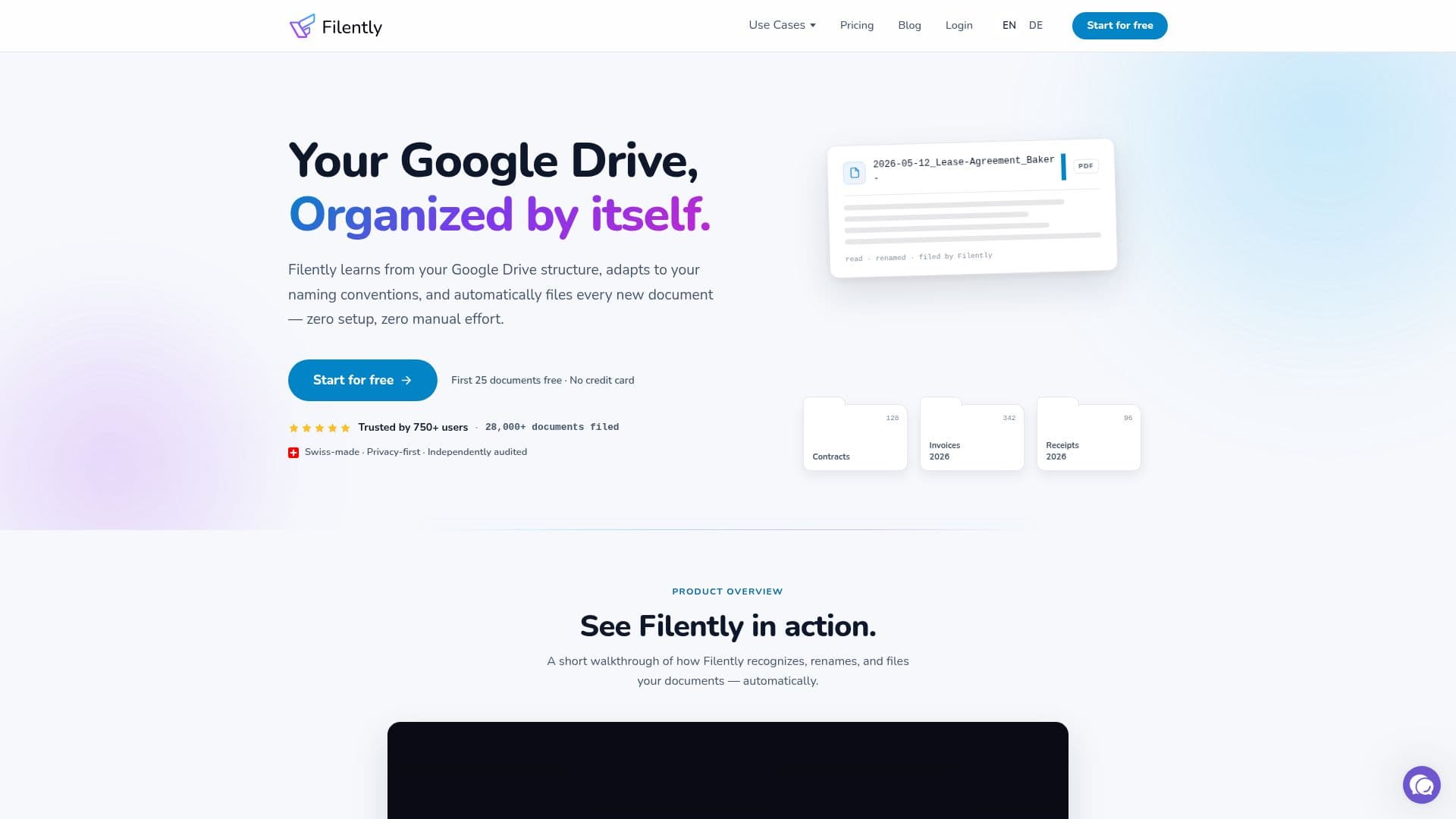
Filently is an AI-powered document organization tool that works on top of Google Drive. It reads your existing Drive structure, learns your naming conventions and folder logic, and then automatically renames and files every new document that arrives — via direct upload, an inbox folder, or email forwarding. The goal is zero-setup, zero-touch organization: you drop files and Filently recognizes the document type, date, and vendor, applies a clean name, and moves it to the right folder.
Read More
Filently uses OCR and language models to process a wide range of formats, including PDFs, Microsoft Office and OpenDocument files, Google Workspace documents, and images, in most major languages. Other file types like ZIPs, videos, and audio can be organized by filename with custom rules. By default you review each suggested name and folder before filing, or you can enable automatic filing where confident documents are handled on their own and uncertain ones still come to you. An Activity Timeline logs every change with one-click undo.
The tool emphasizes privacy and Swiss quality: files stay in your own Google Drive and are never permanently stored, content is processed only temporarily in the EU and Switzerland, and it is GDPR compliant and CASA Tier 2 certified. Filently offers a free trial of 25 documents with no credit card, and Personal, Professional, and Teams plans. Support for Dropbox and OneDrive is planned.
- CategoryAI Document & PDF Tools
- Pricing ModelFreemium
- DeploymentCloud
- PlatformsWeb
Filently's Core Features
AI that reads new documents and renames them to your conventions
Automatic filing into the correct Google Drive folders
Learns your existing folder structure and naming patterns
Multiple intake methods: upload, inbox folder, and email forwarding
OCR and language models supporting 20+ languages
Review mode or fully automatic filing with confidence checks
Activity Timeline with one-click undo for every change
EU/Swiss processing, GDPR compliance, and CASA Tier 2 certification
How to use Filently?
Connect Google Drive: Link your Drive so Filently can learn your structure and conventions.
Add a document: Upload it, drop it in the inbox folder, or forward it by email.
AI recognizes it: Filently identifies the document type, date, and vendor.
Review or auto-file: Approve the suggested name and folder, or let confident files file themselves.
Track changes: Use the Activity Timeline to see and undo any filing.
Filently's Use Cases
- Hands-off Drive organization
- Invoice and receipt filing
- Email attachment sorting
- Multilingual document management
- Small team filing