Description
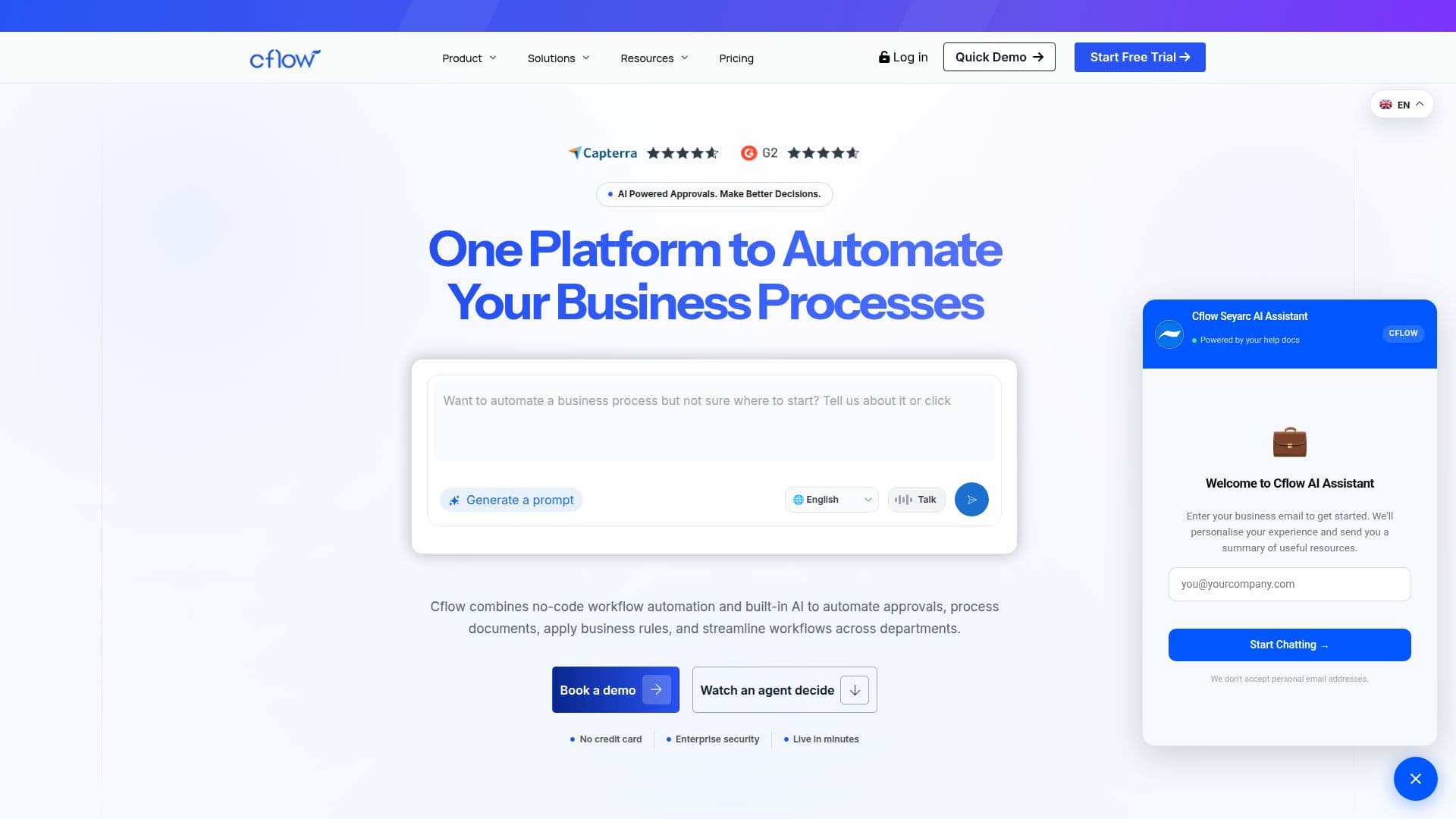
Cflow is a no-code business process management software designed to automate workflows across various departments such as procurement, finance, and operations. By leveraging AI-powered decision-making, Cflow reads requests, documents, and policies to automate approvals and streamline processes. This automation reduces manual intervention, ensuring faster transactions and minimizing policy violations.
Read More
Cflow offers a visual workflow builder and integrates seamlessly with tools like Salesforce, Slack, and Google Drive, allowing businesses to create and deploy workflows without IT involvement. The platform supports role-based access and maintains compliance with standards like GDPR and HIPAA, ensuring data security.
Pricing plans include Starter, Growth, and Enterprise options, with a free trial available. Cflow provides AI credits for enhanced capabilities like data extraction and document processing. The platform is trusted by companies like Del Monte and NutriAsia for transforming their approval processes, delivering significant ROI and operational transparency.
Cflow's value proposition lies in its ability to automate workflows 10 times faster without coding, making it accessible to business users. Its robust security features, including AES-256-bit encryption and multi-factor authentication, safeguard sensitive data. With Cflow, businesses can optimize their operations, improve compliance, and achieve better decision-making outcomes.
- CategoryWorkflow Automation
- Pricing ModelFreemium
- DeploymentCloud
- PlatformsWeb
Cflow Workflow Automation's Core Features
No-code workflow automation
AI-powered decision-making
Visual workflow builder
Seamless integrations
Role-based access control
Compliance with GDPR and HIPAA
Data encryption
Free trial available
AI credits for enhanced capabilities
End-to-end migration service
Built-in electronic signature solution
Customizable workflows
Real-time visibility
Audit trails
Enterprise-grade security
How to use Cflow Workflow Automation?
Configure: Set up workflows using the visual builder
Use: Automate approvals and processes
Optimize: Utilize AI insights for better decision-making
Integrate: Connect with existing tools like Salesforce and Slack
Cflow Workflow Automation's Use Cases
- Procurement Automation
- Finance Workflow
- HR Process Automation
- IT Workflow Management
- Document Processing