
Description
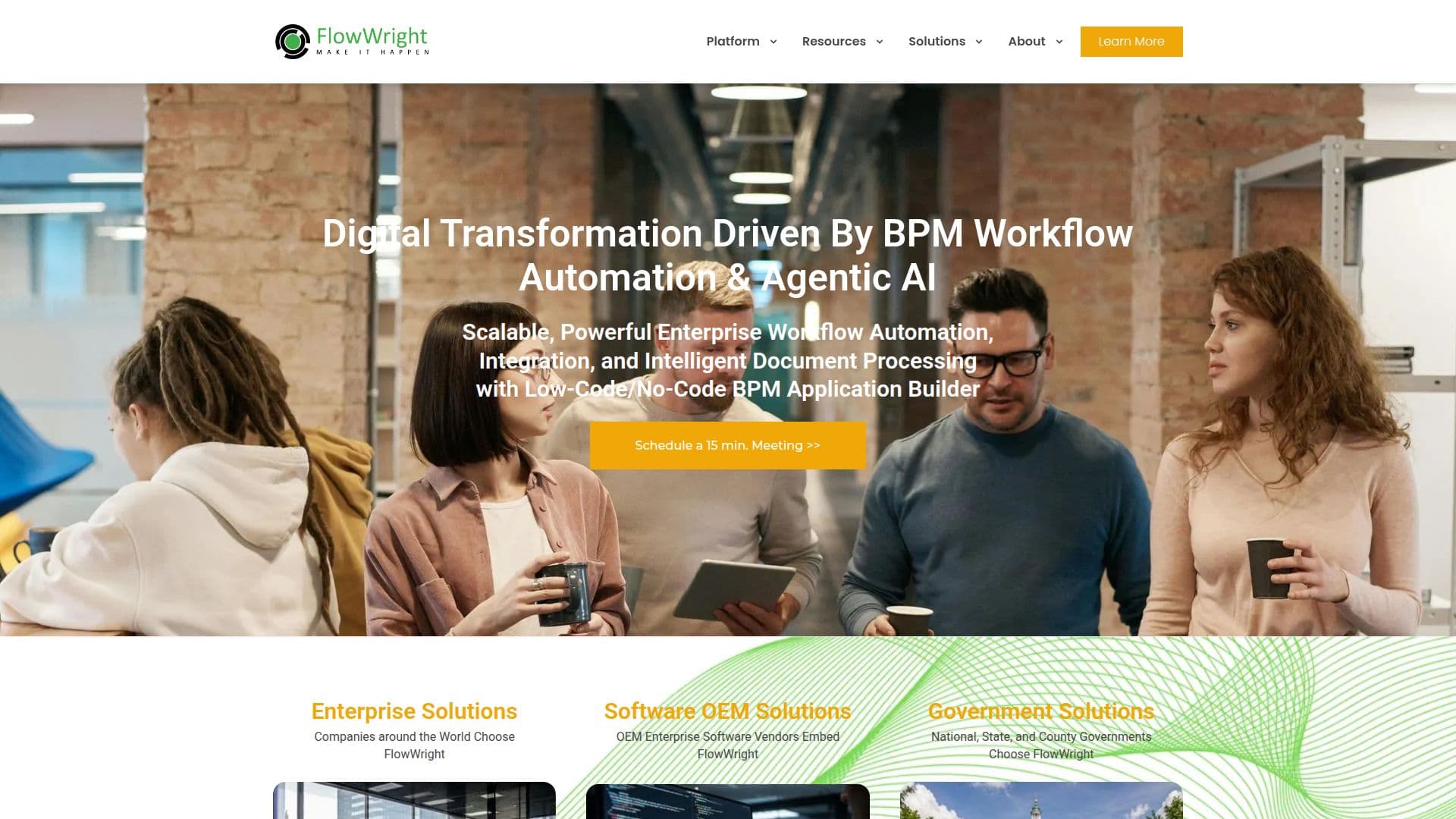
FlowWright is an enterprise workflow automation platform that integrates AI-driven business process management (BPM) with low-code tools and secure integrations. Designed to streamline complex processes, FlowWright helps businesses achieve true agility and scalability. Its powerful features include a drag-and-drop process designer, embeddable engine, and extensive analytics capabilities, allowing organizations to connect people, systems, and AI seamlessly.
Read More
FlowWright's solutions cater to a wide range of industries, including manufacturing, legal, insurance, and government sectors. The platform supports various use cases such as legal case management, supply chain management, insurance reconciliation, and project management. With its intuitive process designer, users can automate manual tasks and computerized steps, reducing workflow design time significantly.
The platform offers flexible pricing plans for OEM, Pro, and Enterprise users, with options for unlimited workflows, forms, and integrations. FlowWright also provides a 14-day trial and a customizable proof of concept (POC) to help businesses evaluate its capabilities. The software is built on the .NET framework and supports multi-tenant SaaS configurations, making it suitable for both on-premise and cloud deployments.
FlowWright's mission is to enhance organizational success by providing a robust, flexible, and intuitive workflow solution. It empowers businesses to control and optimize their processes, ultimately improving efficiency, reducing risk, and driving innovation. Trusted by companies worldwide, FlowWright is a preferred choice for those seeking comprehensive workflow automation solutions.
- CategoryWorkflow Automation
- Pricing ModelCustom
- DeploymentCloud, On-premise
- Platforms.NET
FlowWright's Core Features
AI-driven BPM
Low-code tools
Secure integrations
Drag-and-drop process designer
Embeddable engine
Extensive analytics
Multi-tenant SaaS support
Customizable POC
How to use FlowWright?
Configure: Set up workflows and integrations
Use: Automate and manage processes
Optimize: Analyze and improve workflows
Deploy: Implement across enterprise systems
FlowWright's Use Cases
- Legal Case Management
- Supply Chain Management
- Insurance Reconciliation
- Project Management
- Document Processing