Description
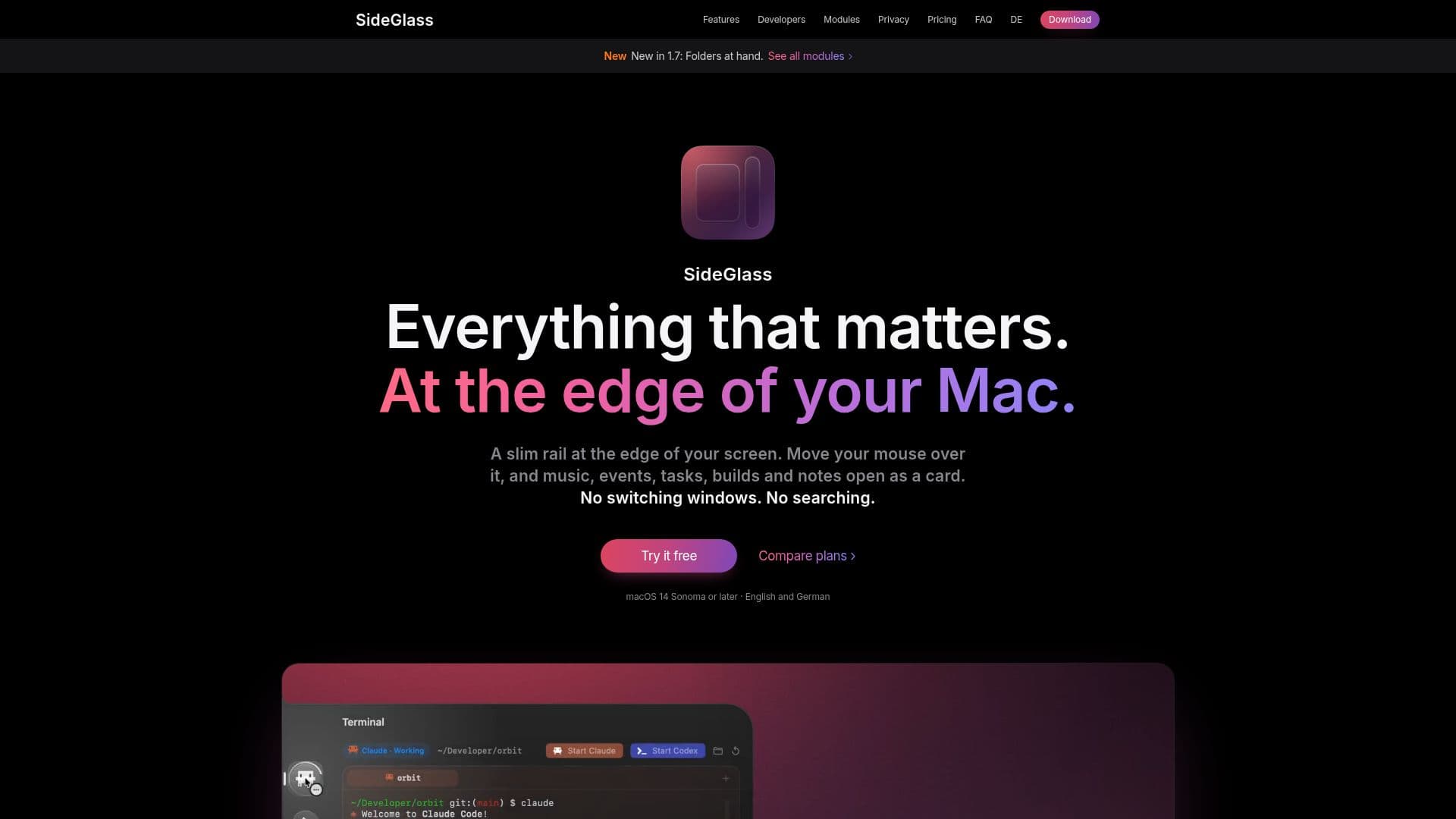
SideGlass transforms your macOS experience by integrating a customizable rail at the edge of your screen, providing instant access to critical information and applications. This innovative approach eliminates the need for constant window switching, allowing users to maintain focus while managing various tasks.
Read More
The application functions as a discreet strip that can be positioned on the left, right, top, or bottom of your display. When you hover your mouse over it, a card glides out, revealing modules such as music players, calendar events, reminders, notes, and developer tools. A simple click pins the card open, enabling continuous interaction, while another click or pressing Escape retracts it, restoring your screen space. This design ensures that SideGlass is always available when needed but never intrusive.
SideGlass offers a comprehensive suite of 32 modules, each designed to streamline specific workflows. Users can activate, reorder, and configure modules to suit their individual needs. Key modules include Calendar for managing events and joining meetings, Reminders for tracking tasks, Contacts for quick communication, and Notes for capturing thoughts without opening a separate app. For productivity, there are integrations with Todoist and Things, a Pomodoro timer, and Streaks for habit tracking.
Entertainment and utility modules cover Apple Music and Spotify playback, Weather forecasts, Stocks tracking, a Clock with world times, RSS feeds, and a Timer. System-level controls are also available through modules like Batteries, Calculator, Control Center, and System Plus for monitoring Mac performance. A Clipboard Plus module offers history and pinning for copied items, while Folders provides quick access to files and directories.
Developers benefit from specialized modules like Terminal Pro, offering a real login shell with support for Claude Code and Codex agents, Localhost Pro for monitoring dev servers, GitHub Pro for managing pull requests and CI status, and Xcode Cloud Pro for tracking builds. The Assistant Plus module integrates with Apple Intelligence for on-device chat and summarization, while Voice Notes Plus and Translator Plus provide transcription and translation capabilities directly on your Mac. SideGlass prioritizes user privacy, ensuring all data remains on your Mac and only connects to services you explicitly enable.
- CategoryProductivity
- Pricing ModelSubscription
- DeploymentDesktop app
- PlatformsmacOS
SideGlass's Core Features
Slim rail interface at screen edge
Hover-to-open and click-to-pin card functionality
32 customizable modules for various tasks
Calendar module with event management and meeting links
Reminders and Contacts integration
Notes module with full-text search and quick note entry
Apple Music and Spotify player modules with multiple views
Weather, Stocks, Clock, RSS, Timer, and Batteries modules
Developer tools: Terminal Pro with AI agents, Localhost Pro, GitHub Pro, Xcode Cloud Pro
Assistant Plus with Apple Intelligence integration
Voice Notes Plus for on-device recording and transcription
Translator Plus for on-device language translation
Clipboard Plus for history and pinning copied items
System Plus for live system monitoring
Customizable rail position, size, glass style, and colors
Privacy-focused design: data stays on your Mac, no cloud accounts
How to use SideGlass?
Install SideGlass: Download and install the SideGlass application on your macOS 14 Sonoma or later device.
Position the Rail: Choose to place the slim rail at the left, right, top, or bottom edge of your screen in the settings.
Hover to Open: Move your mouse cursor over the rail to make a module card glide out instantly.
Pin a Card: Click on an open card to pin it, keeping it visible while you continue working.
Customize Modules: Select and reorder from 32 available modules, configuring individual settings for each.
Adjust Appearance: Personalize the rail's size, glass effect, color scheme, and icon spacing to match your style.
Manage Subscription: Access the Lemon Squeezy customer portal to switch plans or cancel your subscription.
SideGlass's Use Cases
- Quick Information Access
- Enhanced Productivity
- Developer Workflow Streamlining
- Media Control
- System Monitoring & Utilities
- Clipboard Management
- On-Device AI Assistance
- Organized File Access