Description
FocusDrop is a dedicated focus timer and to-do deck application specifically designed for adults with ADHD, available across iPhone, Apple Watch, and Mac. Its core philosophy revolves around simplifying the starting process by presenting users with one task at a time, eliminating the overwhelm of a long to-do list. Users can swipe right to focus on a task, up when it's done, or left for later, making task management intuitive and less daunting.
Read More
The app offers flexible focus sessions, including preset lengths (10, 15, 25 minutes free), Pomodoro rounds, or an open focus mode with no countdown, allowing users to choose what best suits their current energy and focus level. Pro users gain access to custom focus lengths and the ability to add five minutes mid-session. A unique aspect of FocusDrop is its "Drop" mascot, a small purple droplet that celebrates accomplishments without dwelling on unfinished tasks, fostering a positive and forgiving environment.
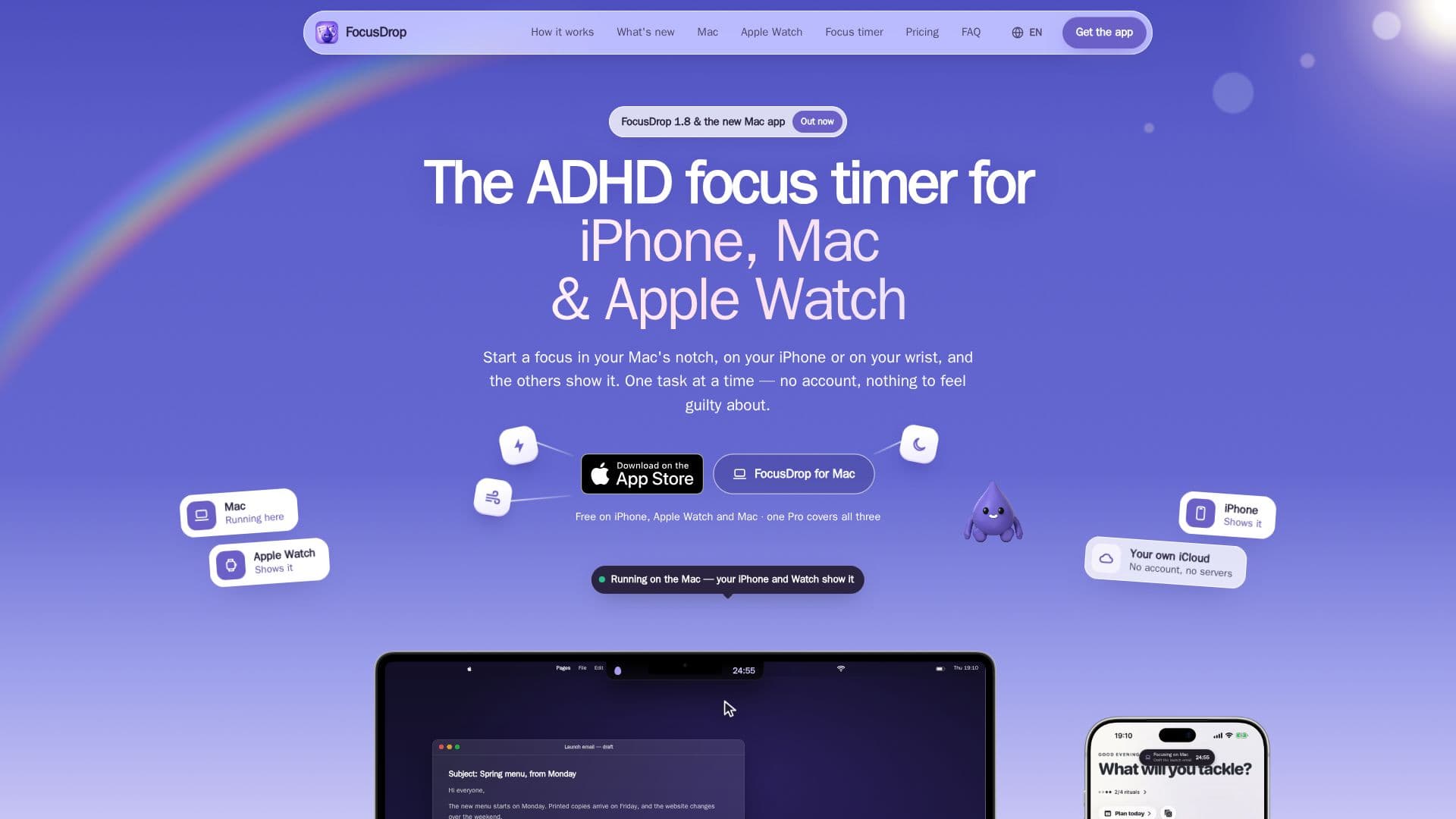
FocusDrop integrates seamlessly across Apple devices. A session started on one device, like a Mac's menu bar or an Apple Watch, syncs and displays on others via iCloud. The Apple Watch app acts as a remote, enabling users to start, pause, or end sessions from their wrist, keeping the iPhone out of sight to minimize distractions. For Mac users, the app lives in the menu bar, offering quick access to tasks and the focus dial, even appearing in the MacBook's notch.
Privacy is a cornerstone of FocusDrop's design. It operates without an account system, proprietary servers, analytics SDKs, or third-party code, ensuring user data remains on their device and syncs privately through iCloud. The AI features, such as the AI body double (Co-Focus) and AI Task Breakdown, run entirely on the user's device via Apple Intelligence, meaning no personal data is sent to external AI services or the developer.
FocusDrop distinguishes itself from traditional Pomodoro timers and to-do list apps by prioritizing the "starting problem" inherent to ADHD. While it includes Pomodoro-style rounds, its primary focus is on making the initial decision to begin a task as small and easy as possible. The app also features forgiving streak tracking, allowing for "gentle days," "mending yesterday," and a "weekly streak freeze" for Pro users, acknowledging that consistency can be challenging. It is developed by Kiryl Zhukouski, a solo developer with ADHD, who built the app based on his own lived experience and needs.
- CategoryProductivity
- Pricing ModelFreemium
- DeploymentCloud
- PlatformsiPhone, Mac, Apple Watch
FocusDrop's Core Features
One-task-at-a-time swipe deck for focused task management
Customizable focus sessions: 10, 15, 25 minutes free; any length with Pro
Pomodoro rounds with customizable lengths and breaks
Open focus mode with no countdown, tracking time spent
Cross-device sync for tasks, habits, and sessions via iCloud (iPhone, Mac, Apple Watch)
AI body double (Co-Focus) for personalized coaching during sessions (Pro, iPhone)
AI Task Breakdown for breaking down complex tasks (Pro, iPhone with Apple Intelligence)
Mac menu bar timer with notch integration for quick access
Apple Watch app for starting and managing sessions from the wrist
Forgiving streak tracking with gentle days, mend yesterday, and streak freeze (Pro)
Lock Screen and Dynamic Island integration for session visibility
Six clock faces for desk clock mode (Classic and Disc free; Numerals, Flip, Big, Drop with Pro)
No account required and works offline for enhanced privacy
Multilingual support: English, Japanese, Korean, Traditional Chinese, German, French, Spanish, Brazilian Portuguese
Habit tracking with options to park or revive habits
How to use FocusDrop?
Download FocusDrop: Get the free app from the App Store on your iPhone, Mac, or Apple Watch.
Add Tasks: Create your to-do list in the swipe deck, adding tasks one at a time.
Start a Focus Session: Swipe right on a task to begin a focus session, choosing a preset length or open focus.
Manage on Devices: Use the Mac menu bar or Apple Watch to start, pause, or end sessions, with progress syncing across devices.
Track Progress: Monitor your streaks and completed sessions, utilizing features like gentle days for flexibility.
Upgrade to Pro (Optional): Unlock unlimited tasks, custom focus lengths, AI features, and more with a Pro subscription or lifetime purchase.
FocusDrop's Use Cases
- Overcoming Task Initiation
- Focused Work Sessions
- Cross-Device Productivity
- Habit Building and Tracking
- Personalized Focus Support
- Task Breakdown and Planning
- Distraction-Free Focus
- Private Productivity Tracking