Description
PopTask is a comprehensive AI-powered to-do list and task manager specifically built for Apple's ecosystem, including Mac, iPhone, and iPad. It simplifies task management by allowing users to input tasks using natural language, whether typed or dictated. The system intelligently interprets phrases like "standup weekdays 9am" or "gym mon wed fri 6am" to automatically set up repeating tasks with the correct days and times.
Read More
The application integrates deeply with user workflows, offering quick task addition from any app on Mac via a keyboard shortcut (⌘⌃P) or with a single tap on iPhone from the Home Screen, widgets, Control Center, or the Share sheet. PopTask is designed to be intuitive, avoiding complex formatting, dropdowns, or date pickers. It learns user habits, such as preferred times for certain tasks, and offers smart suggestions that can be corrected with a single tap, remembering those corrections for future use.
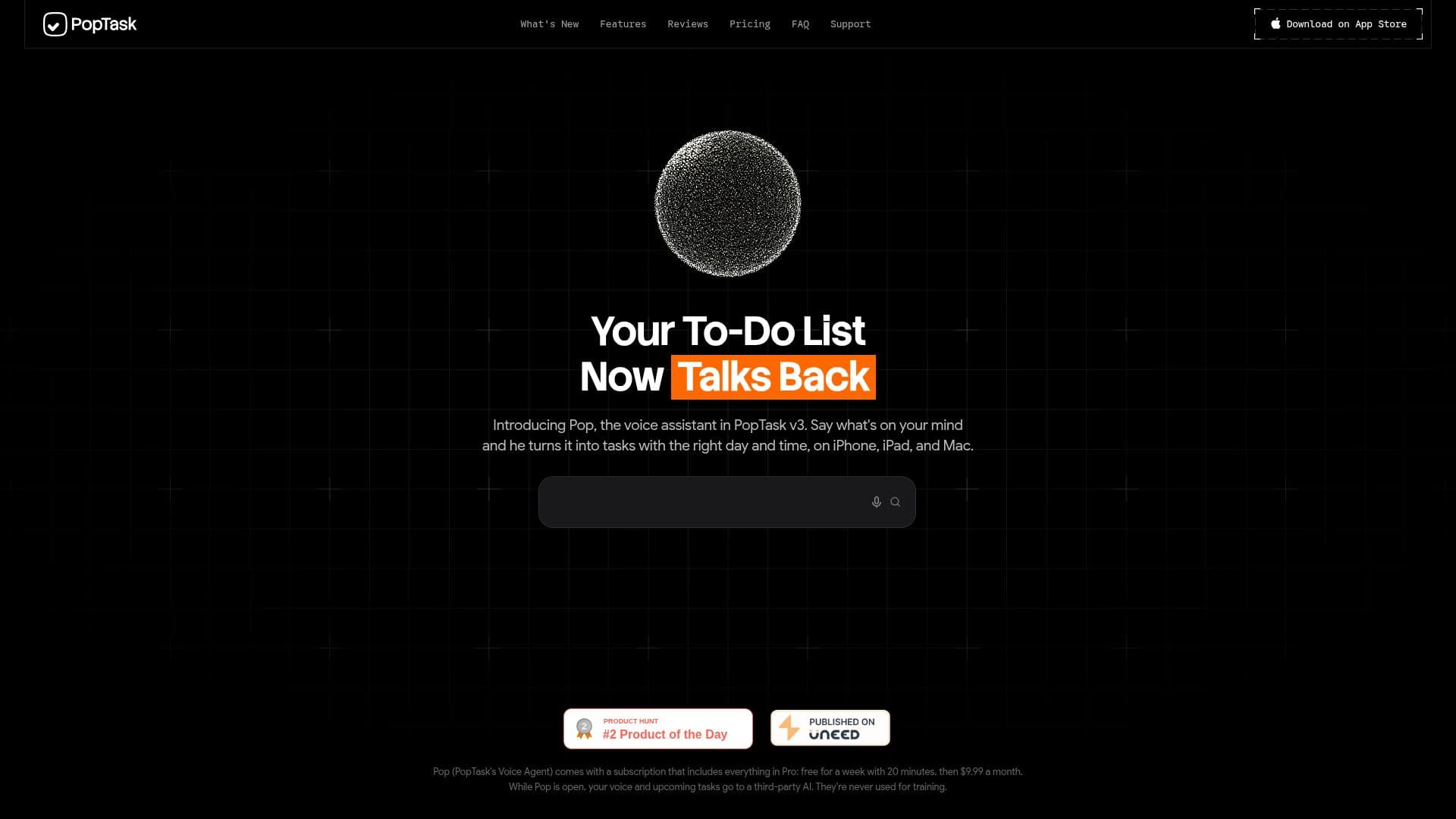
A standout feature is "Pop," PopTask's voice assistant, introduced in version 3.0. Pop allows users to talk through their entire day, and he intelligently plans it by understanding weekly routines and usual activity times. He presents tasks on cards for user confirmation before adding them to the list. For larger tasks, PopTask can break them down into actionable steps with one tap, which users can tick off or customize.
PopTask offers robust calendar synchronization, supporting two-way sync with Google Calendar, Outlook, and Apple Reminders. Events moved or deleted in these calendars are reflected in PopTask, and tasks added to the PopTask calendar appear as events in external calendars. All tasks sync privately and instantly across Mac, iPhone, and iPad via the user's iCloud account, ensuring data privacy with no accounts, tracking, or ads. Dictation is processed on-device, and cloud AI for tasks is used only when necessary, with data kept for a maximum of 90 seconds and never tied to the user. Pop's voice processing, however, involves a third-party AI, but data is never used for training.
The app supports 9 languages for dictation and typing, including English, Arabic, Chinese (Simplified and Traditional), Dutch, Spanish, French, Japanese, and Italian, plus Roman Urdu and Hindi for typing. PopTask offers a free tier for up to 3 active tasks, with Pro and Pop subscriptions available as in-app purchases to unlock unlimited tasks, custom lists, and the voice assistant's full capabilities.
- CategoryProductivity
- Pricing ModelFreemium
- DeploymentCloud
- PlatformsMac, iPhone, iPad
PopTask's Core Features
Natural Language Task Input: Type or dictate tasks in plain words.
AI-Powered Task Interpretation: Automatically sets days, times, and repeats from natural language.
Pop Voice Assistant: Plans your day based on spoken input and learned routines.
Quick Task Entry: Add tasks from any app on Mac (⌘⌃P) or via widgets/Share Sheet on iPhone/iPad.
Two-Way Calendar Sync: Integrates with Google Calendar, Outlook, and Apple Reminders.
Cross-Device iCloud Sync: Tasks sync instantly and privately across Mac, iPhone, and iPad.
Smart Suggestions: Learns user habits and offers likely times for tasks.
Task Breakdown: AI can break large tasks into actionable steps.
Custom Reminders: Set multiple reminders for each task.
Multi-Language Support: Dictation and typing in 9 languages, plus Roman Urdu and Hindi.
Privacy-First Design: No account, tracking, or ads; data stored on iCloud.
Repeating Tasks: Automatically sets up recurring tasks from natural language.
Widgets & Siri Integration: Add tasks and check due items hands-free.
Custom Lists: Organize tasks into personalized lists (Pro feature).
Offline Functionality: Dictation and core features work on-device.
How to use PopTask?
Add a Task: Press ⌘⌃P on Mac or tap from Home Screen/widget on iPhone/iPad.
Input Task Details: Type or dictate your task in plain words, e.g., "standup weekdays 9am" or "dentist friday at 10".
Confirm or Adjust: PopTask interprets your input; confirm or make one-tap adjustments to times or dates.
Utilize Pop Assistant: Hold ⌘⌃P on Mac or tap "Talk to Pop" on iPhone/iPad to speak your day's plan.
Manage Tasks: Use keyboard shortcuts on Mac or taps on iPhone/iPad to complete, snooze, or delete tasks.
Sync with Calendars: Connect Google Calendar, Outlook, or Apple Reminders in settings for two-way synchronization.
Break Down Tasks: Tap to use AI to break a big task into smaller steps.
PopTask's Use Cases
- Daily Task Management
- Meeting Scheduling
- Routine Planning
- Project Breakdown
- Voice-Activated Planning
- Calendar Synchronization
- Cross-Device Productivity
- Language-Specific Task Entry
- Personal Habit Tracking