Description
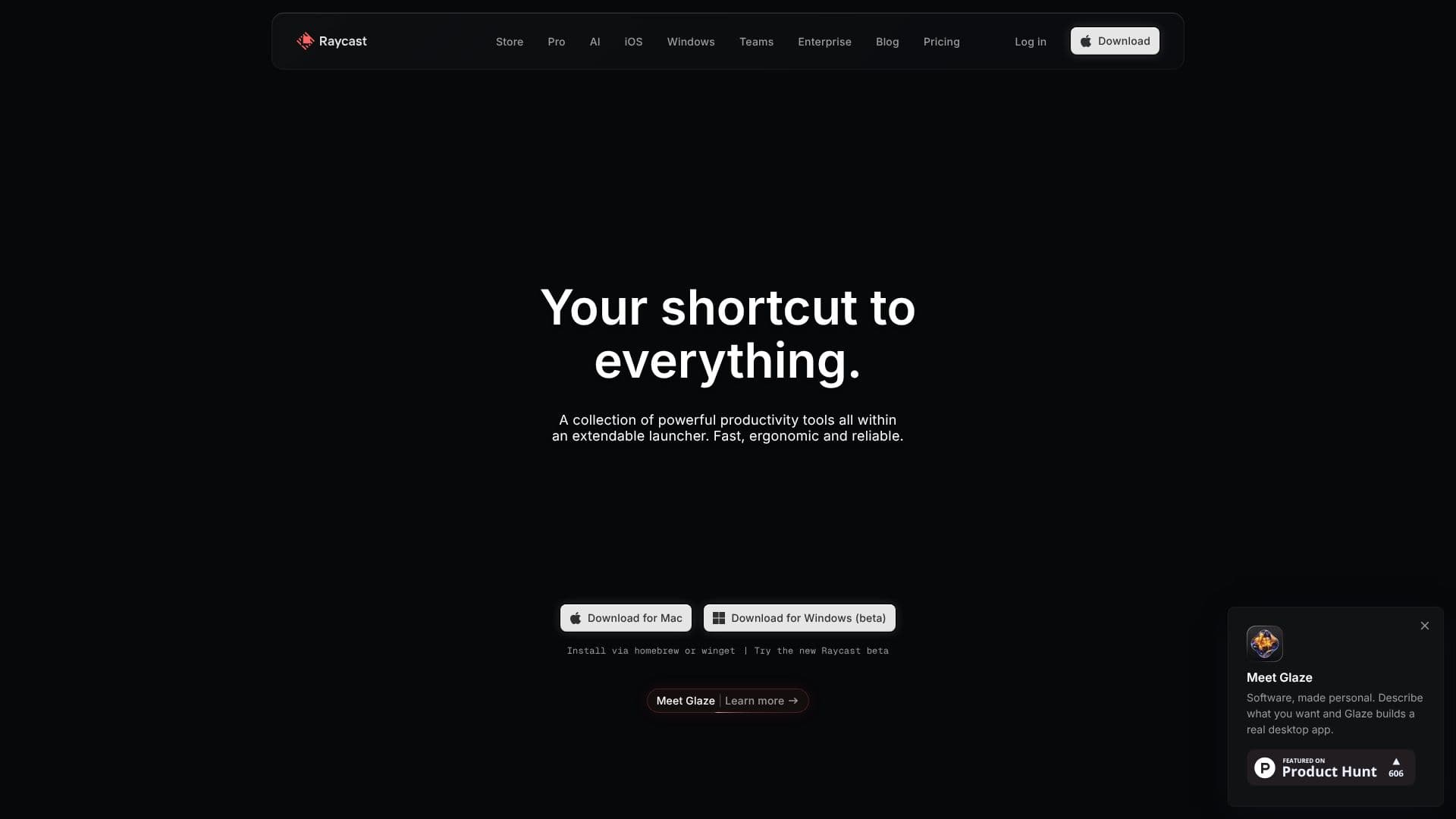
Raycast is designed to be your shortcut to everything on your computer, consolidating a collection of powerful productivity tools into a single, extendable launcher. It offers a fast, ergonomic, and reliable interface for navigating your digital workspace. By typing queries, users can instantly access applications, commands, files, clipboard history, calendar events, and even AI-powered features.
Read More
One of Raycast's core strengths lies in its extensibility. The Raycast Store hosts thousands of extensions, allowing users to integrate their favorite tools and services directly into the launcher. This means you can manage JIRA issues, translate text with Google Translate, control Spotify playback, compress images with TinyPNG, or grab passwords from 1Password, all without leaving the Raycast interface.
Raycast also embraces AI, making your Mac smarter by bringing AI capabilities directly to your operating system. Features like Quick AI allow you to ask anything, anytime, anywhere, combining AI power with web access. Always-on ChatGPT is available for coding assistance or writing help, and users can create custom AI Commands to automate repetitive tasks.
The application is built with a keyboard-first approach, emphasizing speed and efficiency. It boasts native performance and a high crash-free rate, ensuring a reliable user experience. Key features include Clipboard History, which remembers everything you copy, and Snippets, allowing you to store and quickly insert frequently used text. Quicklinks enable launching anything from anywhere, and hotkeys/aliases can be assigned to common commands for further workflow acceleration.
Raycast is ideal for professionals, developers, designers, and anyone looking to optimize their productivity. It helps users take shortcuts, not detours, by providing a unified interface for a vast array of tasks. Whether it's managing windows, planning your day, translating languages, or finding text in screenshots, Raycast aims to be the central command center for your digital life.
- CategoryProductivity
- Pricing ModelFreemium
- DeploymentDesktop App
- PlatformsmacOS, Windows (beta)
Raycast's Core Features
Extendable launcher for accessing apps, commands, and files
Integrated AI capabilities for answering questions and automation
Clipboard History to recall copied items
Snippets for storing and inserting frequently used text
Quicklinks for launching anything from anywhere
Customizable hotkeys and aliases for faster workflows
Extensive Raycast Store with thousands of community-built extensions
Window management tools for organizing application windows
Calendar integration for managing schedules
Pomodoro timer for focused work sessions
File search and management capabilities
AI Chat for real-time knowledge and assistance
How to use Raycast?
Configure: Download and install Raycast on your Mac or Windows machine.
Search: Type to filter and find applications, commands, files, or AI queries.
Extend: Browse the Raycast Store to add integrations for your favorite tools.
Automate: Create custom AI Commands or use Snippets and Quicklinks for repetitive tasks.
Integrate: Connect Raycast with services like JIRA, Spotify, or Google Translate.
Optimize: Utilize hotkeys, aliases, and window management for a streamlined workflow.
Raycast's Use Cases
- App Launcher
- Command Execution
- File Search
- AI Assistant
- Clipboard Management
- Task Automation
- Calendar Access
- Third-Party Integrations