Description
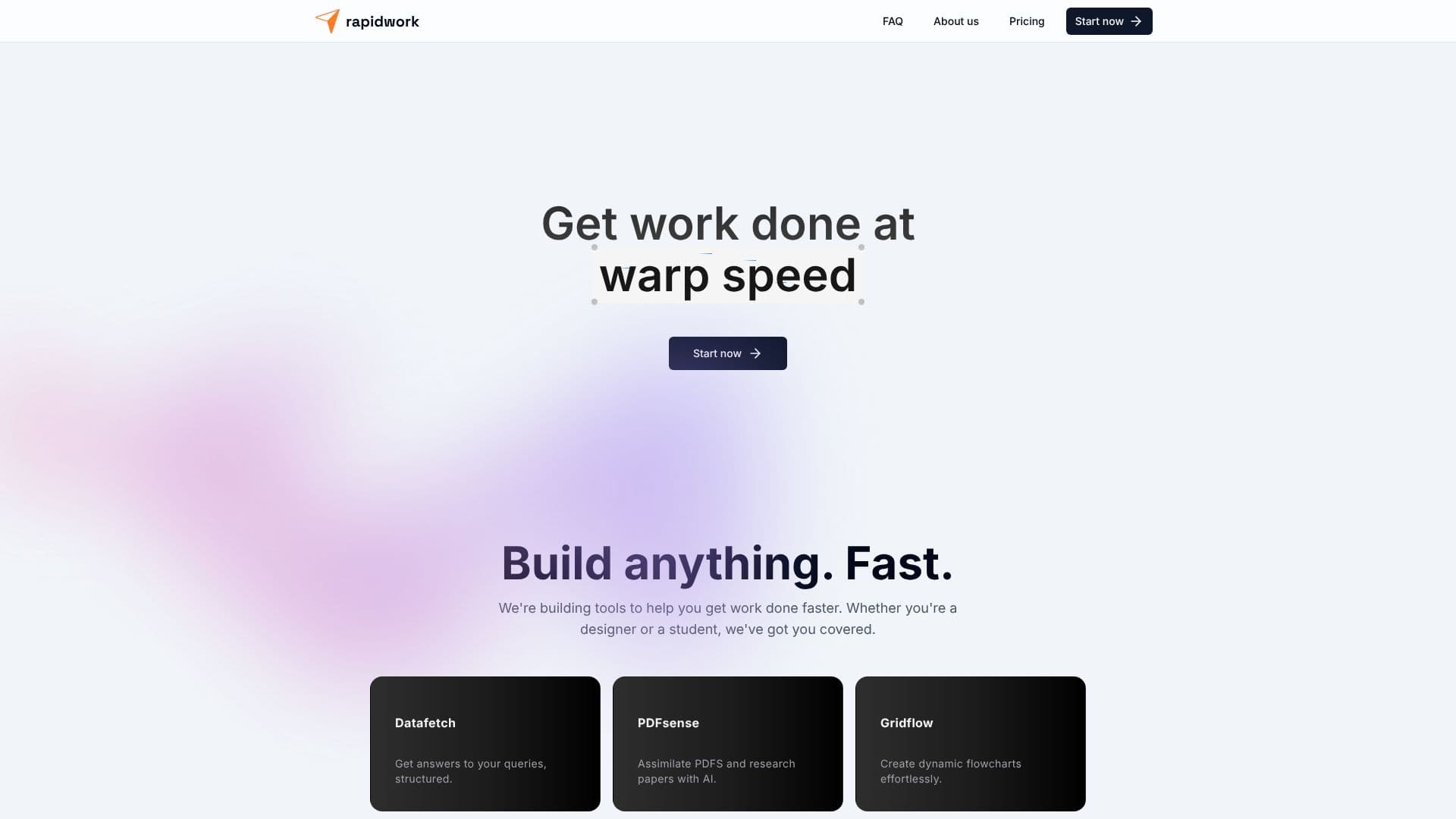
rapidwork is a comprehensive platform built to significantly speed up your work, whether you're a creative professional, a student, or anyone looking to enhance productivity. The platform provides a growing collection of AI-powered tools, each designed to tackle specific tasks with remarkable efficiency. The core mission is to help users get work done faster, turning ideas into tangible assets with ease.
Read More
Key tools within the rapidwork suite include Datafetch, which provides structured answers to your queries; PDFsense, an AI assistant for assimilating information from PDFs and research papers; Gridflow, for effortless creation of dynamic flowcharts; Designbox, a powerful yet user-friendly graphic design tool; and Docstream, enabling real-time document creation and team collaboration. More tools are continuously being developed to expand the platform's capabilities.
A standout feature is rapidUI, which allows users to design and share simple components using semantic HTML, shadcn/ui, and Tailwind CSS. This AI-powered interface offers intelligent design assistance, enabling lightning-fast creation and editing of components, with instant sharing and saving for effortless collaboration and storage. Users can also explore and utilize a vast library of community components.
rapidwork is designed for a broad audience. Designers can leverage Designbox and rapidUI for their visual projects. Students can benefit from Datafetch for research and Docstream for assignments. Professionals can use Gridflow for process mapping and PDFsense for document analysis. The platform aims to be an all-in-one solution, reducing the need to switch between multiple applications.
The value proposition of rapidwork lies in its ability to consolidate essential productivity and creative tools into a single, intuitive interface. By leveraging AI, it automates complex tasks, accelerates workflows, and fosters collaboration. The platform's commitment to continuous improvement and user feedback ensures it remains at the forefront of digital productivity solutions.
- CategoryProductivity
- Pricing ModelFreemium
- DeploymentCloud
- PlatformsWeb
rapidwork's Core Features
AI-powered tools for accelerated productivity
Datafetch for structured query answers
PDFsense for AI-driven PDF assimilation
Gridflow for dynamic flowchart creation
Designbox for user-friendly graphic design
Docstream for real-time document collaboration
rapidUI for semantic HTML component design
AI-assisted interface design
Instant sharing and saving of designs
Community component library
Image format conversion (JPEG, PNG, SVG, ICO)
JSON editor and validator
Password generator for strong, unique passwords
How to use rapidwork?
Explore Tools: Browse the suite of AI-powered applications available on rapidwork.
Select a Tool: Choose the tool that best fits your current task, such as Datafetch or PDFsense.
Input Data: Provide the necessary information or documents to the selected tool.
Generate Output: Let the AI process your input and generate the desired result.
Refine and Collaborate: Use features like rapidUI for design refinement or Docstream for team collaboration.
Save and Share: Effortlessly save your work and share it with team members or the community.
rapidwork's Use Cases
- Accelerated Design
- Efficient Research
- Streamlined Document Creation
- Data Querying
- Process Visualization
- Secure Password Generation
- Image Format Conversion