Description
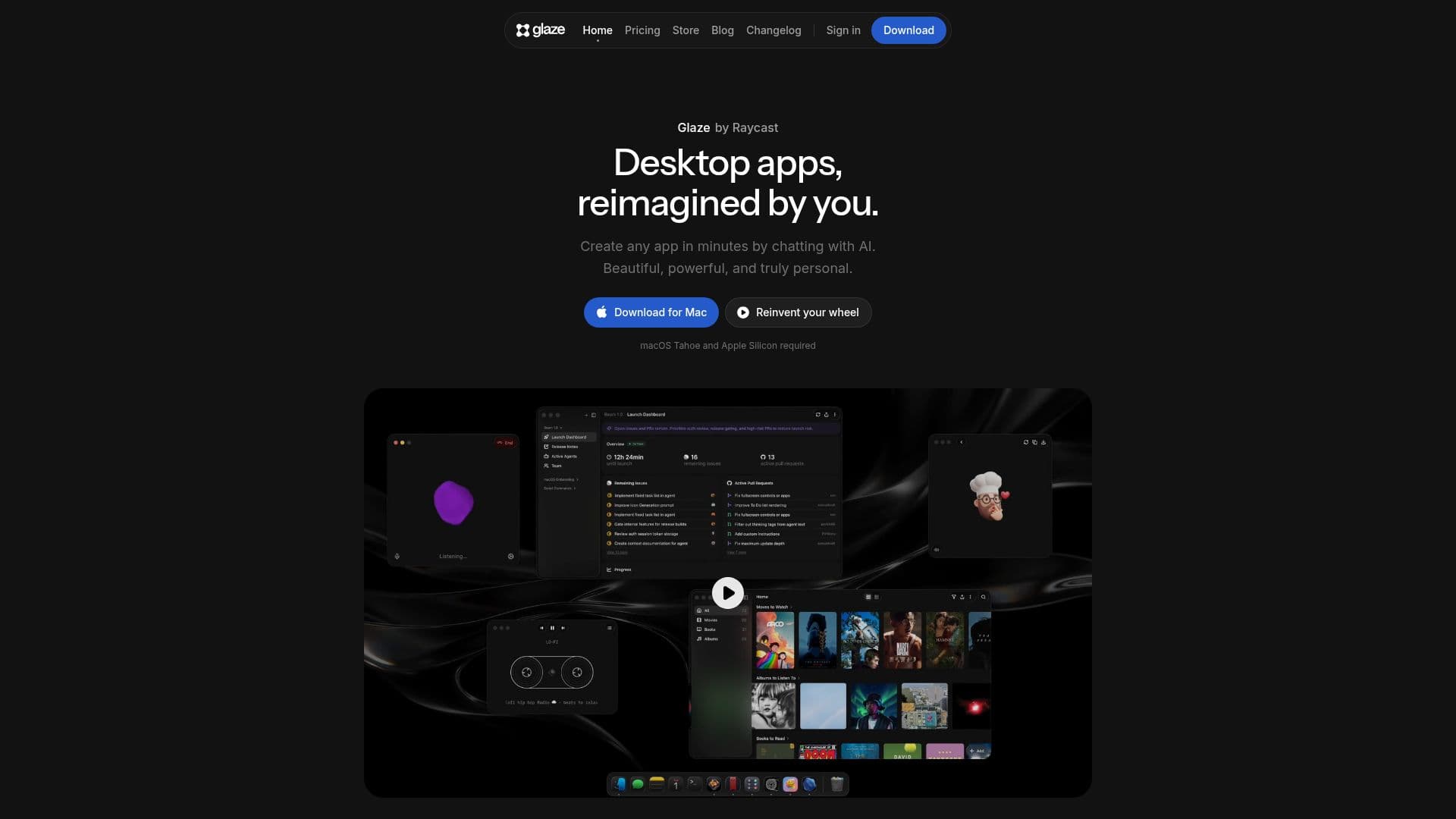
Glaze lets you build your own desktop apps just by describing what you want. The apps live on your Mac, launch instantly, and work offline, so you get real software that fits how you work, without writing code.
Read More
Because Glaze apps run locally, they can access the file system, keyboard shortcuts, menu bar, background processes, and deeper OS integration, and your data stays on your machine. You describe an app in plain language and Glaze builds it, and you can refine it by talking to it or by editing the code directly. Apps can connect to your APIs, local files, and hardware, and pull in AI models. You can also sign in with a Claude subscription so your Claude models appear in the model picker.
Glaze apps can be shared with anyone who has Glaze installed, published to the public Glaze Store for anyone to discover and download, or distributed inside a team via a private Team Store. You own the apps you build, including their code and content. Glaze currently requires macOS Tahoe and Apple Silicon, with Windows and Linux support planned. A free tier is available, along with paid plans.
- CategoryAI App Builders
- Pricing ModelFreemium
- DeploymentRuns locally
- PlatformsmacOS
Glaze's Core Features
Build desktop apps by chatting with AI
Local-first apps that launch instantly and work offline
Deep OS integration (file system, shortcuts, menu bar, background processes)
Connect to your APIs, local files, hardware, and AI models
Use a Claude subscription or Glaze credits to build
Full ownership of your app, code, and content
Publish to the public Glaze Store or a private Team Store
Annotate apps to send changes directly to the agent
How to use Glaze?
Download Glaze: Install Glaze for Mac (macOS Tahoe and Apple Silicon required).
Describe your app: Tell Glaze in plain language what you want to build.
Refine: Talk to it to change things, or edit the code directly and annotate the app.
Publish and share: Share with your team or publish to the public Glaze Store.
Glaze's Use Cases
- Personal utilities
- Team internal tools
- Menu bar and automation apps
- Publishing apps