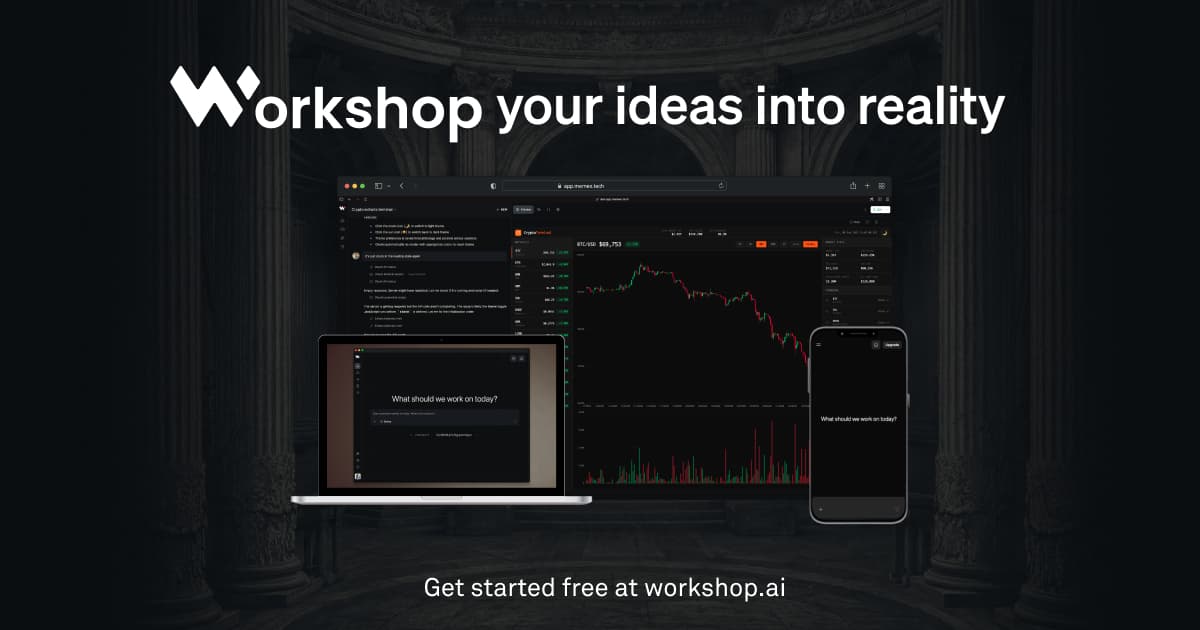
Description
Workshop AI, made by Atlas Futures, Inc., is a platform that builds software from a chat prompt: websites, dashboards, internal tools and AI-powered web apps. It's used through Workshop Cloud in the browser or Workshop Desktop, a downloadable app for Mac, Windows and Linux; the site says it's used by more than 30,000 people.
Read More
Workshop generates real HTML, CSS and JavaScript for a site, or a full application with a FastAPI backend, database and built-in authentication, rather than assembling drag-and-drop templates. For websites it can call a built-in Gemini connector to generate original images, hero visuals, product shots, icons, instead of stock photography. For AI apps, Claude, GPT and Gemini are wired in directly, so a builder can switch models per task without managing API keys, and the generated backend handles inference, database access and access control on the server side.
Every project can be deployed to production with one click, running frontend and backend together on serverless infrastructure that scales to zero when idle. Access control is built in, so a builder can share an app with specific users or teams, or leave it public. Workshop Desktop adds the ability to work with local models through Ollama or LM Studio, build native mobile apps, and import projects created in other AI builders.
Workshop AI has a free Discover plan with 250 AI credits and no credit card required, and paid Build ($20 a month), Scale ($50 a month) and Max ($200 a month) plans that add more AI and cloud credits, larger file storage, private apps, custom domains and team management; an Enterprise tier adds single sign-on and volume discounts.
Workshop AI is aimed at builders who want a working product rather than a mockup: solo founders, product teams and internal-tools teams building websites, dashboards or AI apps. The site positions itself against tools including Lovable, Replit, Retool and Bubble.
- CategoryAI App Builders
- Pricing ModelFreemium
- DeploymentCloud and Desktop
- PlatformsMac, Windows, Linux
Workshop AI's Core Features
Chat-based generation of websites, dashboards, internal tools and AI-powered web apps
Real generated code, HTML/CSS/JS or a FastAPI backend, not drag-and-drop templates
Built-in Claude, GPT and Gemini connectors with no separate API keys
Built-in Gemini image generation for original website visuals
One-click deploy to serverless infrastructure that scales to zero when idle
Built-in authentication and access control on every deployed app
Workshop Desktop for local development, native mobile apps and local models via Ollama or LM Studio
Import and continue projects started in other AI builders
How to use Workshop AI?
Describe what you want: Type a prompt for a website, dashboard, internal tool or AI app
Pick a starting point: Choose a category like Landing, Portfolio, Assistants or Chatbots, or start from scratch
Iterate in Workshop Cloud: Review the live preview and refine the app or site through further prompts
Connect data and models: Add databases, APIs or a specific model, Claude, GPT or Gemini, as needed
Deploy: Publish the app to production in one click, or move to Workshop Desktop to work locally
Workshop AI's Use Cases
- Internal tool building
- Website creation
- AI app prototyping
- Local and offline development