Description
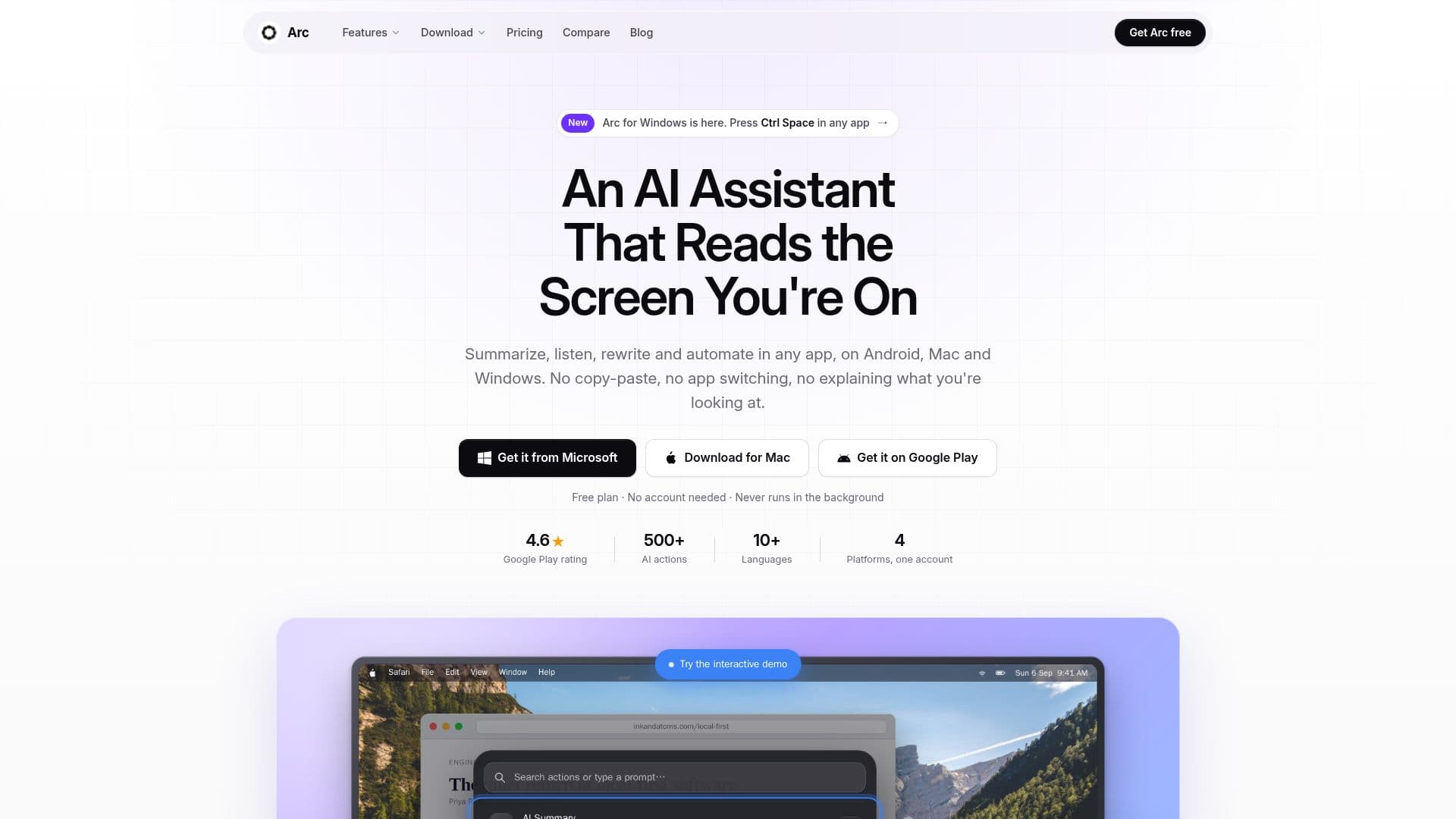
Arc AI Screen Assistant is a comprehensive AI tool designed to work seamlessly across Android, Mac, and Windows platforms. It provides users with the ability to summarize, rewrite, and automate tasks directly on the screen they are working on, eliminating the need to switch between applications. The assistant features a floating sidebar on Android and a Control+Space panel on Mac, allowing users to interact with content on their screen effortlessly.
Read More
The free plan offers users 7 requests per week on basic features, while the premium subscription unlocks unlimited access to AI summaries, text-to-speech, AI chat, and custom workflow automation. Arc is designed with privacy in mind, ensuring that it only reads screen content when explicitly activated by the user and automatically disables itself in sensitive applications like banking and password managers.
Arc's capabilities include AI-powered text summarization, natural text-to-speech with automatic language detection, and the ability to create custom AI actions and workflows. Users can also access a community library of shared AI actions, enhancing the tool's versatility. The assistant supports multiple languages and works across various applications, making it a valuable tool for professionals and students alike.
Arc prioritizes user privacy by processing screen content locally and storing saved content on the user's device unless cloud backup is enabled. It does not monitor screens in the background, ensuring a secure user experience. With its robust feature set and commitment to privacy, Arc AI Screen Assistant is an ideal choice for users seeking an efficient and secure AI assistant.
- CategoryAI Personal Assistants
- Pricing ModelFreemium
- DeploymentCloud
- PlatformsAndroid, macOS, Windows
Arc AI Screen Assistant's Core Features
AI-powered text summarization
Natural text-to-speech with language detection
AI chat assistant for screen content
Custom AI actions and workflow automation
Community-shared AI actions
Floating sidebar for instant access
Local storage for privacy
Cross-platform functionality on Android, Mac, and Windows
How to use Arc AI Screen Assistant?
Install: Download and install Arc on your device
Activate: Open Arc and access the floating sidebar or Control+Space panel
Use: Select an action such as summarize, rewrite, or automate
Customize: Create and save custom AI actions for quick access
Arc AI Screen Assistant's Use Cases
- Text Summarization
- Text-to-Speech
- Custom Workflows
- AI Chat
- Privacy Protection