
Description
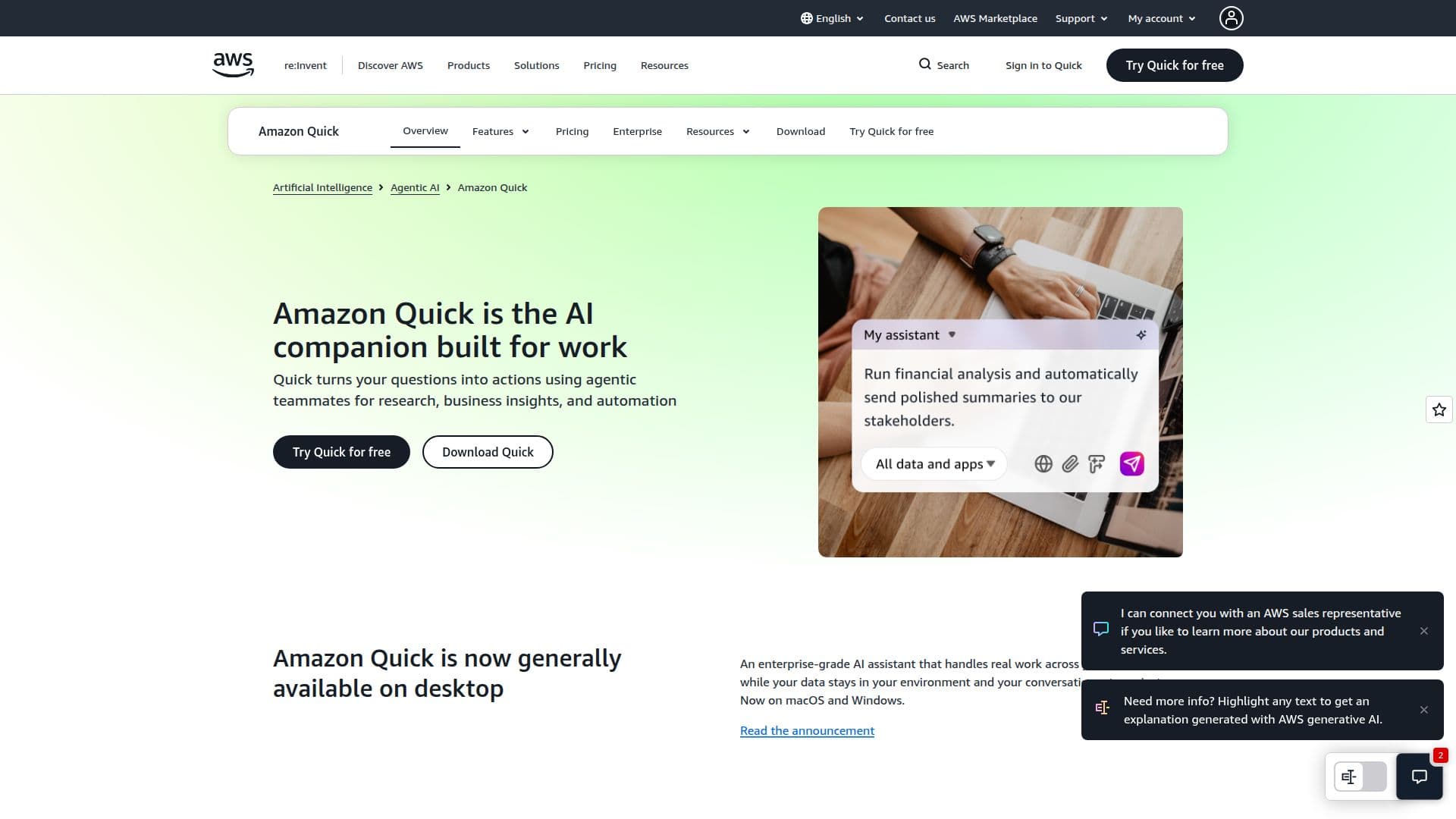
Amazon Quick is an AI assistant tailored for enhancing productivity in the workplace. It connects various tools, data, and teams, providing a centralized platform for AI-powered research, business intelligence, dashboards, and automation. Trusted by leading companies, Amazon Quick facilitates seamless integration across multiple tools, allowing users to conduct deep research, build custom applications, and automate repetitive tasks.
Read More
The platform is available on desktop for macOS and Windows, ensuring that data remains within the user's environment and conversations stay private. Amazon Quick enables users to create polished deliverables, such as documents, presentations, spreadsheets, and images, directly within the platform. It also supports the creation of interactive tools and applications without the need for coding.
Amazon Quick offers flexible subscription plans for individuals and teams, including a free tier that provides proactive AI across email, messaging, and local files. The Plus and Max plans offer additional features like shared spaces, user management, and increased storage capacity. For enterprises, the Professional and Enterprise plans provide unlimited user scaling, governance, compliance features, and custom dashboards.
Pricing is based on agent hours, which measure the time used by AI features. Users can choose between Fast, Balanced, and Smart modes, affecting the rate of agent hour consumption. Amazon Quick integrates with popular apps like Slack, Microsoft Outlook, and Salesforce, making it a versatile tool for various industries and job roles.
- CategoryAI Personal Assistants
- Pricing ModelFreemium
- DeploymentDesktop
- PlatformsmacOS, Windows
Amazon Quick AI Assistant's Core Features
AI-powered research and business intelligence
Integration with tools like Slack and Outlook
Custom app and workflow creation
Desktop app for macOS and Windows
Privacy-focused data handling
Flexible subscription plans
Agent hour-based pricing
Enterprise-grade governance and compliance
Automated workflow and task management
Deep multi-source research capabilities
Interactive dashboard creation
No-code app development
Proactive AI across email and messaging
Shared spaces for team collaboration
Customizable agent modes
How to use Amazon Quick AI Assistant?
Configure: Set up integrations with your tools
Use: Conduct research and automate tasks
Optimize: Adjust agent modes for efficiency
Deploy: Scale usage across your organization
Amazon Quick AI Assistant's Use Cases
- Business Intelligence
- Workflow Automation
- Custom App Development
- Data Integration
- Team Collaboration