Description
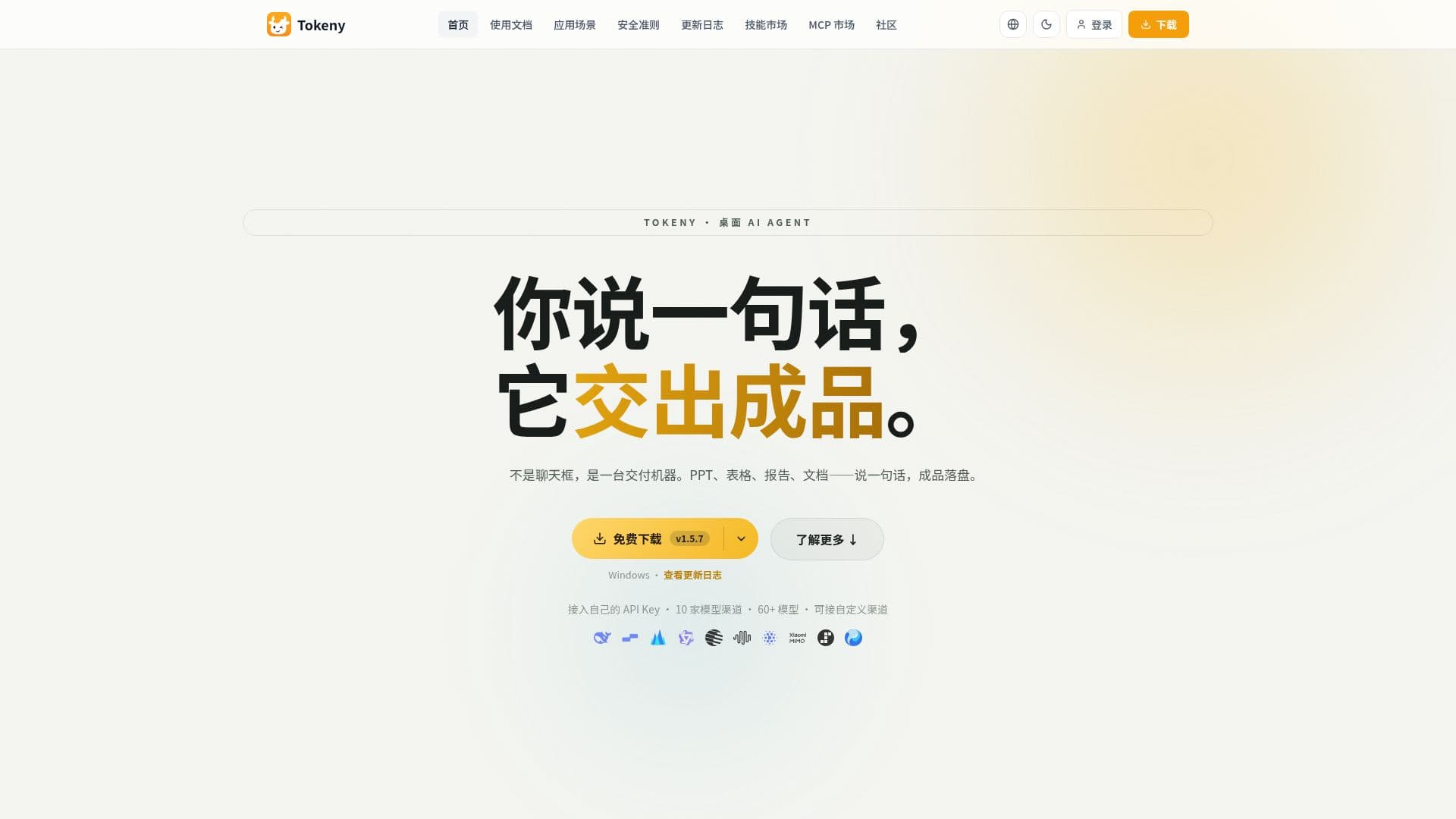
Tokeny is a desktop AI assistant built around the idea of producing a finished deliverable from one instruction rather than acting as a chat window. A user might ask for a presentation, a data spreadsheet, a report, or a document rewritten from meeting notes, and Tokeny works in the background and hands back the finished file, such as a ready-to-use PPT, Word, Excel, or PDF document.
Read More
The assistant connects to seven Chinese large language model providers with more than 50 models to choose from, and users can switch between API protocols for a model from a configuration page. Its Skill system ships 12 built-in, one-click skills covering areas such as web search, deep multi-round research with structured reporting, code review, frontend and visual design with a live preview, presentation generation with multiple themes, layouts, and native charts, spreadsheet handling, and infographic-style HTML reports. Users can also write their own custom skill as a plain-text SKILL.md file, compatible with the open Agent Skills standard, and share skills with other users. For connecting to external tools, Tokeny supports the Model Context Protocol (MCP) and ships with a built-in browser automation connector, letting the assistant take over an already-logged-in browser to fill forms, extract data, or submit information, with screenshots kept as a record of what it did. For complex requests, a main agent can delegate subtasks to separate, isolated agent instances to avoid mixing context between steps.
Safety is handled through a human-in-the-loop approval flow: before Tokeny runs a shell command, it pauses and shows the user what it intends to do along with an automatic risk rating, and higher-risk commands trigger a deeper AI-driven safety analysis before the user approves, edits, or rejects them. File operations are also limited to a workspace directory by default. On the data side, Tokeny stores conversation history, memory, settings, and workspace files locally in a SQLite database on the user's machine, with no cloud sync and no account system; searching the web or calling an online model still needs an internet connection, but existing chats and files remain accessible offline.
Tokeny is available as a Windows installer and a macOS app, runs multiple independent chat sessions per workspace with separate model choices, and can integrate with Feishu (Lark) to operate documents, calendars, contacts, and knowledge bases through a chat bot. It also supports team workspace file sharing and a private-deployment option for companies that need data to stay inside their own network.
- CategoryAI Personal Assistants
- DeploymentDesktop app
- PlatformsWindows, macOS
Tokeny's Core Features
Delivers finished files (PPT, Word, Excel, PDF) from a single instruction
Connects to 7 Chinese LLM providers with 50+ selectable models
12 built-in one-click skills covering search, research, code review, design, and data analysis
Custom skills defined as plain-text SKILL.md files, compatible with the open Agent Skills standard
Model Context Protocol (MCP) support with a built-in browser automation connector
Multi-agent task delegation to isolated sub-agent instances
Human-in-the-loop approval and risk rating before running shell commands
Local-only SQLite storage with no cloud sync or account system
Feishu (Lark) integration for documents, calendar, contacts, and knowledge base access
How to use Tokeny?
Install Tokeny: download the Windows or macOS build and run it.
Connect a model: pick one of the supported Chinese LLM providers and add your API access.
Give an instruction: describe the deliverable you want, such as a report or presentation.
Let a skill run: Tokeny activates a matching built-in skill, such as deep research or PPT generation.
Approve risky steps: review and approve, edit, or reject any flagged shell command.
Collect the file: open the finished PPT, Word, Excel, or PDF output from the workspace.
Tokeny's Use Cases
- Automated report writing
- Presentation generation
- Browser task automation
- Custom skill building