Description
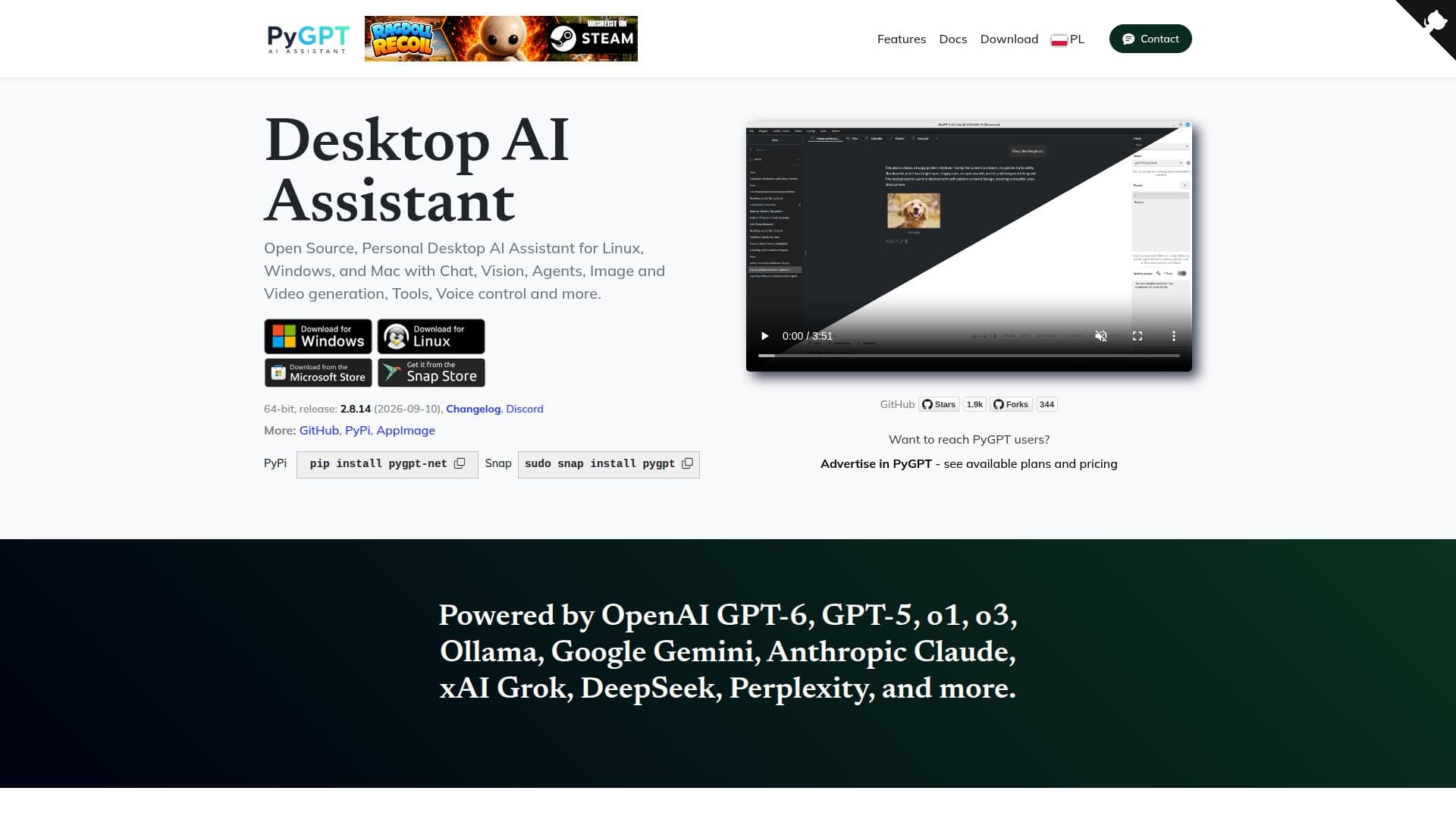
PyGPT is an open-source desktop AI assistant designed for Windows, macOS, and Linux platforms. It provides users with the ability to interact with multiple AI models, including GPT-6, GPT-5, and GPT-4, as well as non-OpenAI models like Google Gemini and Anthropic Claude. This flexibility allows users to choose the model that best suits their needs.
The application offers 12 modes of operation, such as Chat for natural conversation, Vision for image analysis, and Agents for handling complex tasks autonomously. Users can also engage in audio-based interactions and conduct in-depth research using advanced models from Perplexity and OpenAI.
PyGPT is fully integrated with system and custom commands, enabling users to generate and run Python code, connect to various services, and handle multiple file types. This integration facilitates task automation and productivity enhancement by incorporating local and external tools into the user's workflow.
As an open-source project, PyGPT's source code is available on GitHub, allowing users to contribute to its development. It supports a wide range of plugins, including Files I/O, Code Interpreter, and Web Search, and offers features like customizable keyboard shortcuts and voice control for accessibility.
The assistant maintains the full context of conversations with both short and long-term memory capabilities. It also provides internet access via Google, Microsoft Bing, and DuckDuckGo, and supports speech synthesis and recognition through services like Microsoft Azure and OpenAI Whisper.
PyGPT is free to use, with options for users to support the project through donations. Its comprehensive feature set and open-source nature make it a versatile tool for individuals seeking to enhance their productivity and automate tasks using AI technology.
PyGPT's Core Features
Open-source desktop AI assistant
Supports multiple AI models
12 modes of operation
System and custom command execution
Python code generation and execution
Integration with various services
Short and long-term memory
Internet access and web search
How to use PyGPT?
Download: Access the PyGPT website and download the application
Install: Follow installation instructions for your operating system
Configure: Set up your preferred AI models and plugins
Use: Engage with the assistant through various modes and features
Optimize: Customize settings and integrate additional tools
PyGPT's Use Cases
- Natural conversation
- Image analysis
- Task automation
- Python coding
- Research exploration