
Description
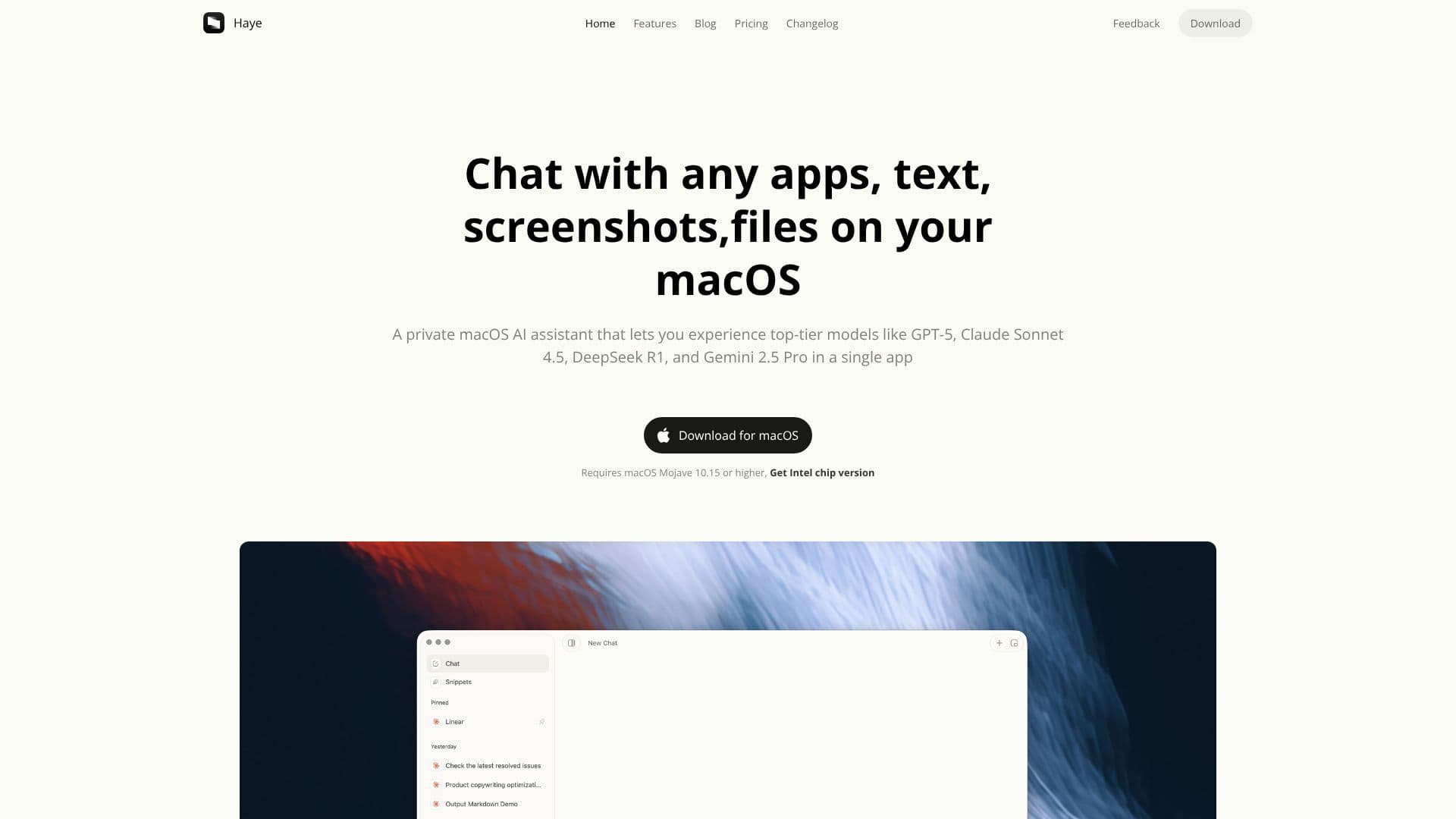
Haye is a sophisticated AI chat assistant designed exclusively for macOS, providing users with private access to a range of leading AI models. This application aims to enhance productivity by allowing users to interact with AI through text, screenshots, and files directly on their desktop. Haye supports advanced models such as GPT-5, Claude Sonnet 4.5, DeepSeek R1, and Gemini 2.5 Pro, all accessible within a single, unified interface.
Read More
The integration with macOS is a core aspect of Haye's functionality. Users can invoke the assistant from anywhere on their system using a simple keyboard shortcut (Command+E), enabling quick questions or actions on any selected text or image. This seamless integration ensures that Haye becomes a natural extension of the user's workflow, offering capabilities that go beyond standard operating system features.
Haye distinguishes itself by offering a centralized platform for multiple AI models. Users can compare responses from different AIs like o3, GPT-4.1, Claude-3.7, and Gemini-2.5 simultaneously, allowing for a more comprehensive understanding and selection of the best answer. The application also features robust customization options, including chat styles, memory and context settings, and advanced preferences for language, response style, and AI model selection, tailoring the AI experience to individual needs.
Beyond text-based interactions, Haye can also interact with PDFs and local files, enabling users to ask questions and gain insights from documents through natural conversations. The ability to search the web provides fast, timely, and credible answers with links to relevant sources, extending its utility beyond local data. The interface is designed with a modern macOS aesthetic, focusing on user experience, usability, and elegant typography for comfortable reading.
Haye offers a tiered pricing structure, including a free trial with basic features, a lifetime purchase option for Haye 2 features, and a Pro subscription for full access with premium AI services. The developers emphasize privacy, stating they do not access user-generated data, only collecting software usage logs for development and optimization. Haye is built as an Electron application, balancing lightweight development with macOS-specific features.
- CategoryAI Personal Assistants
- Pricing ModelFreemium (Trial), One-time purchase, Subscription
- DeploymentDesktop Application
- PlatformsmacOS
Haye AI Chat Assistant's Core Features
Private macOS AI assistant
Access to top-tier AI models including GPT-5, Claude Sonnet 4.5, DeepSeek R1, and Gemini 2.5 Pro
Interact with text, screenshots, and files on macOS
Global shortcut (Command+E) for instant invocation
Compare responses from multiple AI models simultaneously
Chat with PDF documents and local files
Web search capabilities with source links
Highly customizable chat styles, memory, and advanced preferences
Modern macOS-native interface with elegant typography
Supports both Apple Silicon and Intel Mac devices
Configure custom API keys for services
Seamless integration with desktop applications
How to use Haye AI Chat Assistant?
Download: Get the Haye application from the official website and install it on your Mac.
Configure Services: Use built-in services or configure your own API keys for preferred AI models.
Invoke Anytime: Use the Command+E shortcut to bring up Haye anywhere on your Mac.
Interact: Ask questions, perform actions on text or images, or chat with files and PDFs.
Customize: Adjust chat styles, memory, and advanced preferences to personalize your AI experience.
Compare Models: Select multiple AI models to compare their responses side-by-side.
Haye AI Chat Assistant's Use Cases
- AI-powered research
- Content creation assistance
- Code assistance
- Learning and study
- Workflow automation
- Document analysis
- Cross-model comparison