Description
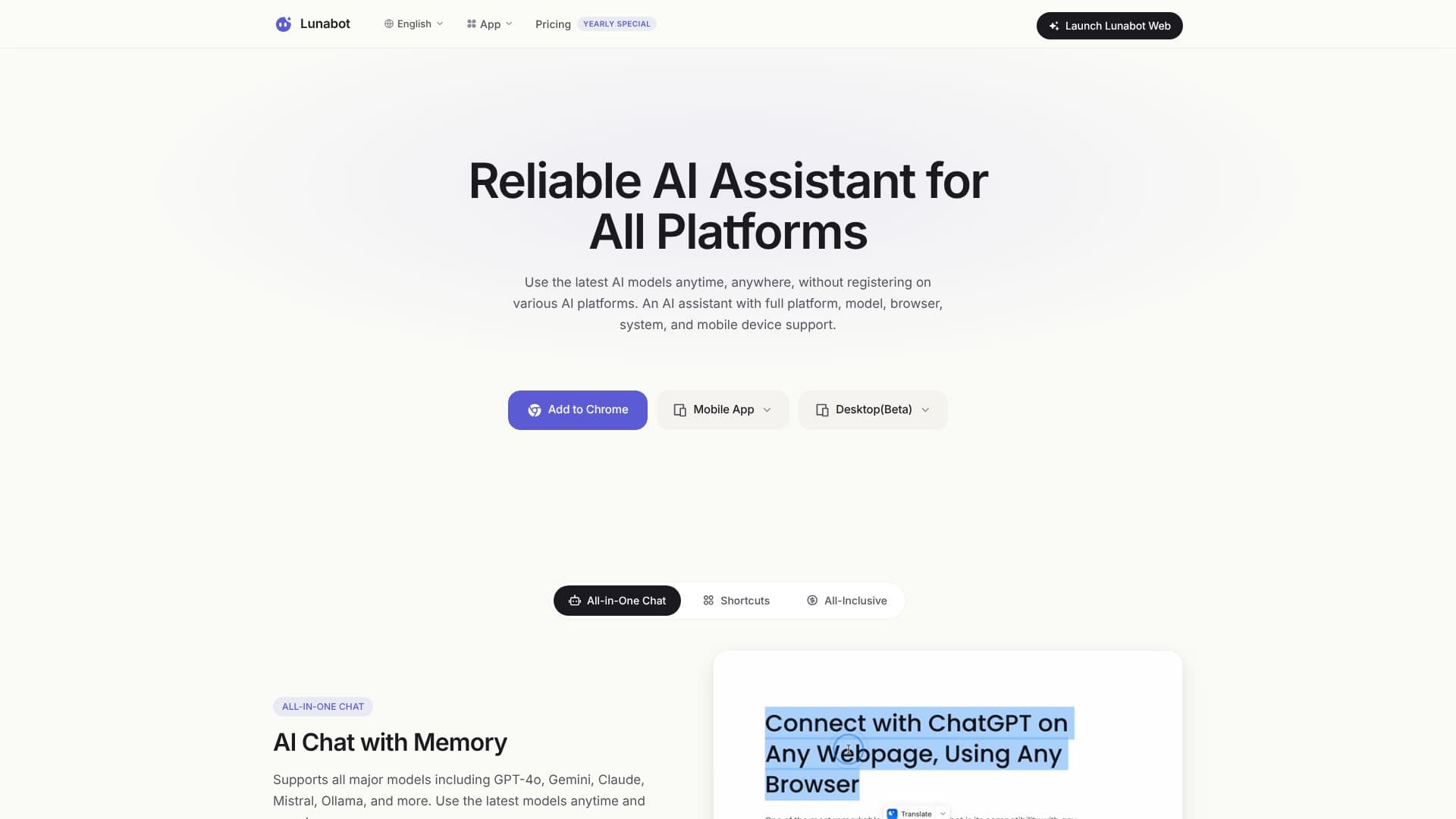
Lunabot offers a powerful and accessible AI assistant experience, designed to simplify your work and enhance productivity across any webpage. As a chatbot sidebar, Lunabot integrates seamlessly into your workflow, providing instant AI assistance wherever you are online. It eliminates the need for separate AI platform accounts or API keys, making advanced AI models readily available.
Read More
This AI assistant supports a wide range of leading AI models, including GPT-4o, Gemini, Claude, Mistral, and Ollama, ensuring you always have access to the latest and most capable AI technologies. Lunabot's commitment to broad platform support means you can use it on browsers, mobile devices (iOS and Android), desktop applications (macOS and Windows), and even via a Telegram bot and Siri shortcut (beta). This comprehensive reach ensures AI assistance is always at your fingertips.
Key capabilities include AI chat with memory, which remembers your requests and context without requiring re-entry, and custom AI commands that allow you to create personalized shortcuts for increased efficiency. Lunabot also features a night mode for eye protection and seamless synchronization across all your devices, ensuring a consistent experience. For developers, API integration is available to incorporate AI functionality into projects. Privacy is a priority, with state-of-the-art encryption and a user-controlled privacy panel.
Lunabot is designed for a broad audience, from students and professionals looking to streamline reading and writing tasks to developers integrating AI into their applications. Its budget-friendly pricing, dynamic usage-based costs, and opportunities to earn points by contributing data make it an attractive option. The tool also boasts voice interaction for hands-free operation and robust infrastructure for 24/7 availability, ensuring you can access advanced models anytime, anywhere.
- CategoryAI Personal Assistants
- Pricing ModelFreemium
- DeploymentCloud
- PlatformsWeb, iOS, Android, macOS, Windows, Telegram
Lunabot AI Assistant's Core Features
Supports GPT-4o, Gemini, Claude, Mistral, Ollama, and more
Works as a chatbot sidebar on any webpage
No API key or ChatGPT account required
Cross-platform support: Web, Mobile (iOS, Android), Desktop (macOS, Windows)
Telegram Bot and Siri shortcut integration (Beta)
AI Chat with Memory remembers context and requests
Custom AI Commands for personalized shortcuts
Seamless synchronization across all devices
Night Mode for eye protection
Document Chat for answering questions from documents
AI Image Generation from text and vice versa
Voice Interaction for input and output
Privacy Protection with encryption and control panel
Budget-friendly dynamic pricing and point system
How to use Lunabot AI Assistant?
Install: Add the Lunabot extension to your browser or download the desktop/mobile app.
Configure: Set up custom commands or preferences if desired.
Access: Open the chatbot sidebar on any webpage or use the dedicated app.
Interact: Ask questions, request summaries, generate content, or chat with documents.
Sync: Utilize seamless synchronization across all your connected devices.
Optimize: Leverage custom commands and AI memory for personalized workflow enhancements.
Lunabot AI Assistant's Use Cases
- Webpage Summarization
- Content Creation
- Document Analysis
- Cross-Platform AI Access
- Workflow Automation
- Voice-Assisted Tasks
- Image Generation
- Learning and Research