Description
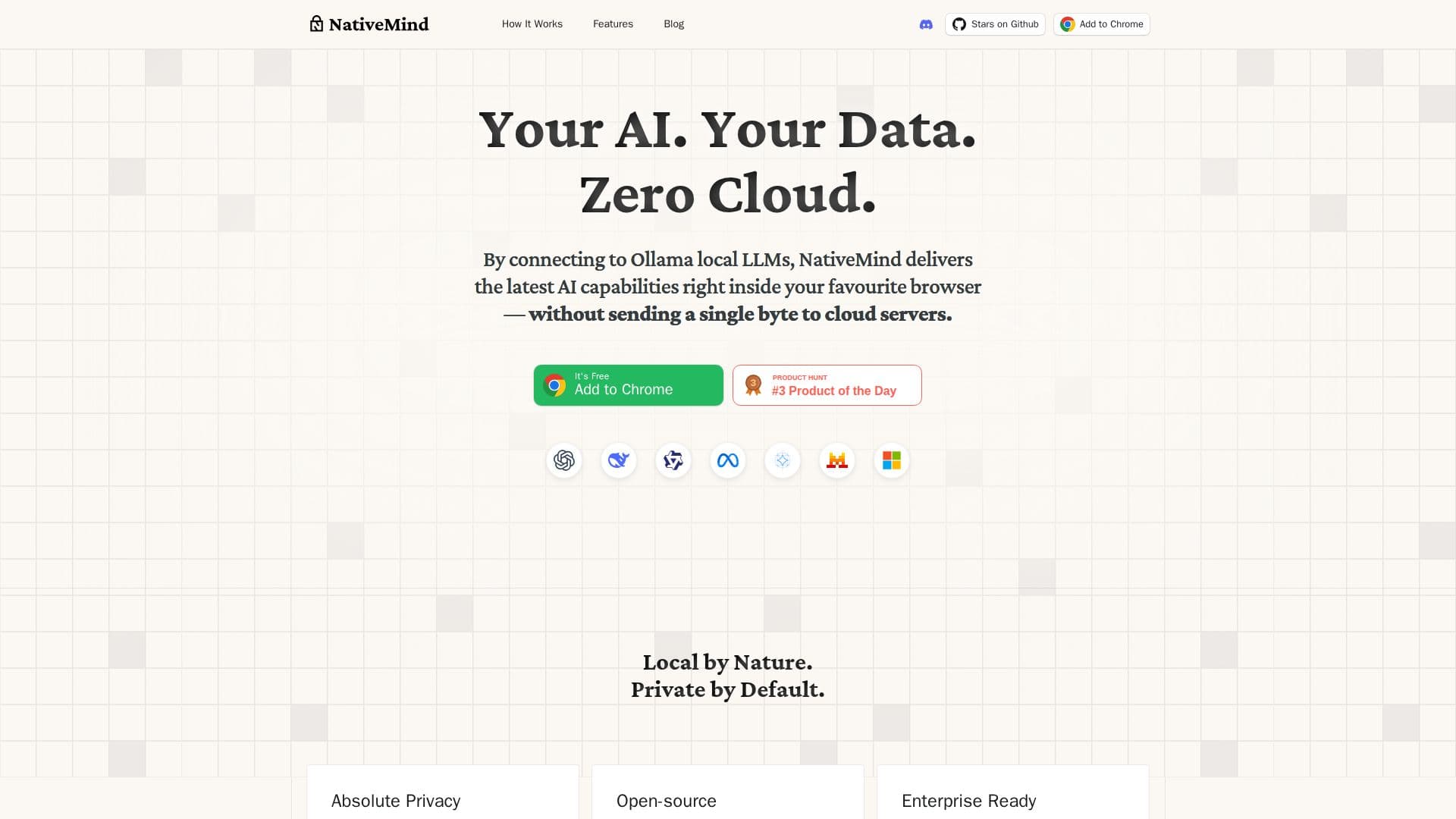
NativeMind is an open-source, on-device AI assistant that works as an offline ChatGPT alternative inside your browser. By connecting to local LLMs through Ollama, it delivers AI capabilities without sending any data to cloud servers — everything runs locally, so your data never leaves your machine.
Read More
It supports trusted open models including gpt-oss, DeepSeek, Qwen, Llama, Gemma, and Mistral, and Ollama integration lets you load and switch models instantly. NativeMind is context-aware: you can add open tabs to the conversation for questions and summaries that carry across sites, and chat with local PDFs, images, or screenshots that are analyzed privately on your device. An autonomous agent mode uses on-device tools such as local web search and file analysis to complete multi-step tasks, and a local web search finds answers within your browser without external APIs. It embeds into your workflow with a Gmail assistant, writing tools, and immersive page translation, and offers a lightweight in-browser API to run prompts against your local LLM.
NativeMind is fully open source, auditable, and requires no sign-up or tracking for personal use — you install it and go. An enterprise offering is available via a waitlist.
- CategoryAI Personal Assistants
- Pricing ModelOpen source
- DeploymentBrowser extension
- PlatformsWeb
NativeMind's Core Features
100% on-device AI with no data sent to the cloud
Runs local LLMs via Ollama (gpt-oss, DeepSeek, Qwen, Llama, Gemma, Mistral)
Instant model loading and switching
Chat across tabs for cross-site questions and summaries
Chat with local PDFs, images, and screenshots
Agent mode with local web search and file analysis
Gmail assistant, writing tools, and immersive translation
Open source, no sign-up, no tracking for personal use
How to use NativeMind?
Install: Add the NativeMind extension to your browser.
Connect Ollama: Set up Ollama and load a local model like Llama or Qwen.
Chat privately: Summarize pages, ask across tabs, or chat with PDFs and images.
Use agent mode: Let the on-device agent run local web search and file analysis for multi-step tasks.
NativeMind's Use Cases
- Private AI assistance
- Webpage summaries
- Document analysis
- Local web search
- Writing and email