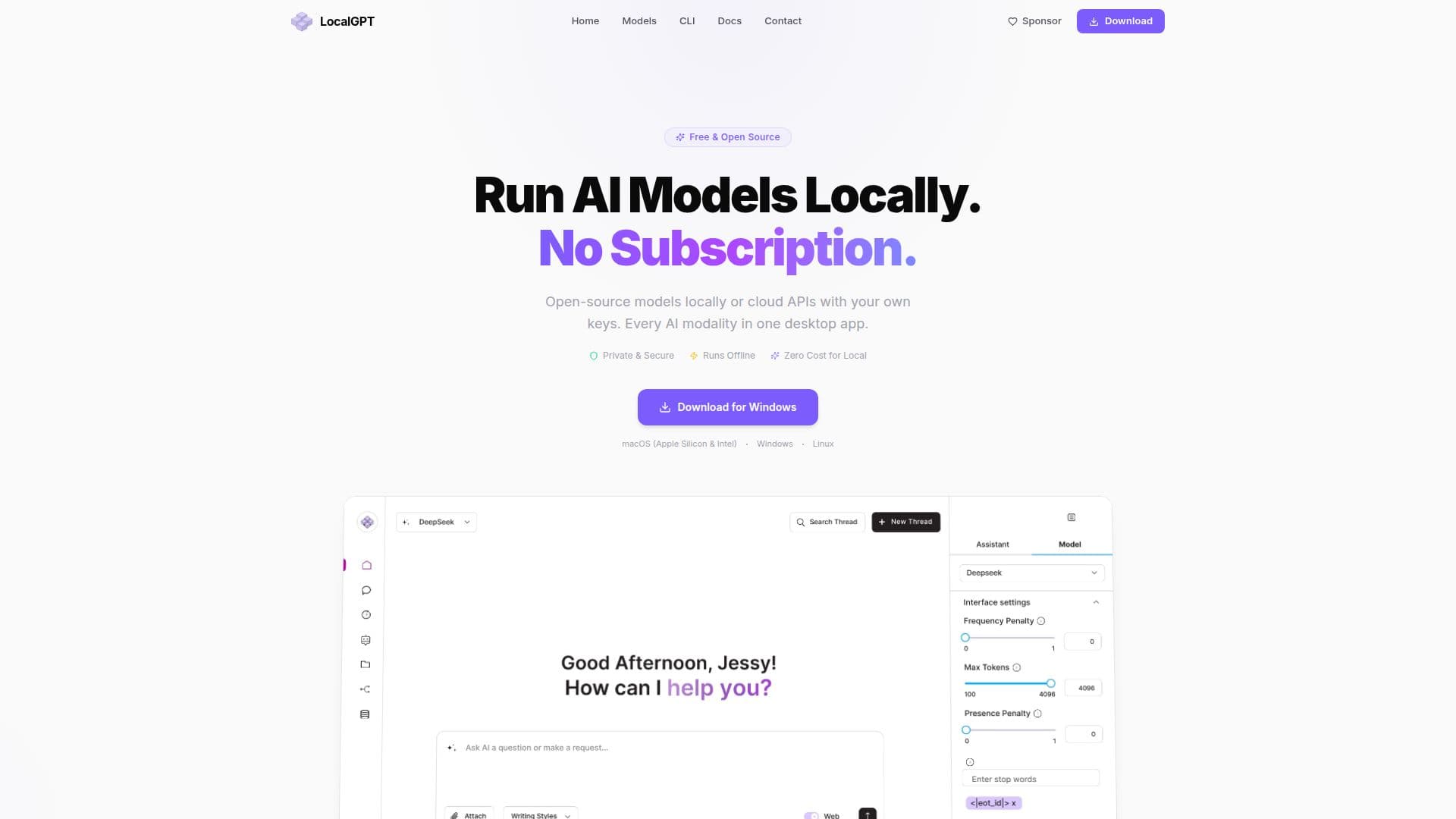
Description
LocalGPT is a versatile AI application designed to run AI models locally or connect to cloud APIs, providing users with a comprehensive suite of AI tools in one desktop app. It supports various AI modalities, including chat, image, video, audio, and agents, making it a powerful tool for diverse applications. Users can choose between running models on their hardware or connecting to cloud providers like OpenAI, Anthropic, Google, and Mistral using their own API keys. This hybrid approach ensures flexibility and cost-effectiveness, as users only pay for the cloud services they use, with no subscription fees.
The app is open-source and free, licensed under the MIT license, ensuring transparency and community-driven development. Local models are free to use, while cloud API usage is pay-as-you-go, with users bringing their own API keys and paying providers directly. This model eliminates middleman markups and provides users with control over their expenses.
LocalGPT supports a wide range of AI models, including Llama 3, Mistral, GPT-4o, Claude, Gemini, and DeepSeek, among others. It offers a robust CLI tool for installation and management, compatible with macOS, Windows, and Linux. The app also features an AI chat interface, image and video generation tools, an audio studio, and a visual AI agent builder, making it suitable for developers, content creators, and businesses looking to leverage AI capabilities.
With privacy as a priority, LocalGPT ensures that data stays on the user's device, with no account required and no data collection. All local data is encrypted, and users can securely delete all data and API keys with a single click. This focus on privacy and security makes LocalGPT an attractive option for users concerned about data sovereignty.
LocalGPT's Core Features
Run AI models locally or connect cloud APIs
Supports chat, image, video, audio, and agents
Free and open-source under MIT license
Pay-as-you-go model with user-provided API keys
Supports macOS, Windows, and Linux
CLI tool for installation and management
Privacy-focused with no data collection
Supports over 30 AI models
How to use LocalGPT?
Download: Get the LocalGPT app for your platform
Install: Follow CLI instructions for setup
Configure: Set up API keys for cloud models
Use: Run models locally or via cloud APIs
Optimize: Choose models based on task requirements
LocalGPT's Use Cases
- AI Chat
- Image Generation
- Video Production
- Audio Editing
- AI Agents