Description
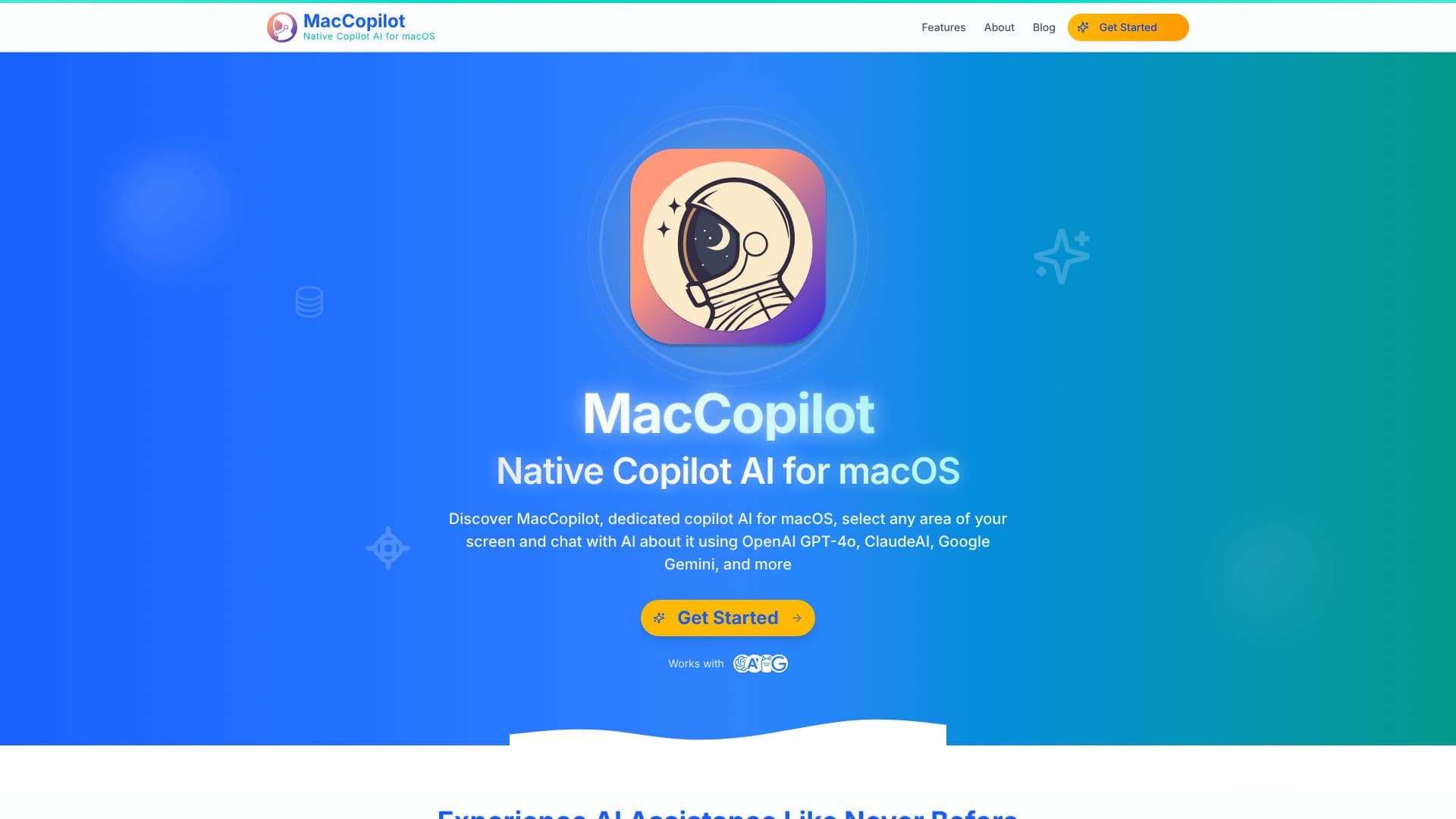
MacCopilot brings advanced AI assistance directly to your macOS desktop, enabling seamless interaction with powerful language models based on what you see on your screen. This native application allows you to select any region of your display and immediately engage in a conversation with AI about its content. Whether it's code, an email draft, a design mockup, or a complex chart, MacCopilot provides instant visual analysis and insights.
Read More
Leveraging cutting-edge AI models including OpenAI's GPT-4o, Anthropic's ClaudeAI (Haiku, Sonnet, Opus), and Google's Gemini, MacCopilot offers a flexible and intuitive way to boost productivity. The application features flexible screenshot capture tools, allowing users to easily select, resize, and reuse screen areas for quick analysis. This visual-based interaction eliminates the need to copy and paste text or switch between multiple applications, streamlining workflows.
MacCopilot supports a wide range of AI model integrations, including OpenAI, Google Generative AI, Anthropic, and Ollama for local LLM servers. Subscription users gain access to built-in models like OpenAI GPT-4o and ClaudeAI 3.5 Sonnet. The tool is designed for anyone looking to enhance their interaction with digital content, from developers and designers to students and researchers.
Key capabilities include instant visual analysis of screen content, AI-powered conversational interaction, flexible screenshot capture, and multi-platform AI model support. MacCopilot aims to revolutionize how users interact with information on their screens, providing context-aware AI assistance that saves time and sparks creativity. The application is continuously updated with new features and model support, ensuring users always have access to the latest AI advancements.
- CategoryAI Personal Assistants
- Pricing ModelSubscription, One-Time Payment
- DeploymentDesktop Application
- PlatformsmacOS
MacCopilot's Core Features
Native macOS AI assistant
Screen content analysis with AI
Supports GPT-4o, ClaudeAI, Gemini
Flexible screenshot selection and capture
Visual-based AI interaction
Integration with OpenAI, Google, Anthropic, Ollama
Built-in AI models for subscribers
Instant AI insights and explanations
Streamlined workflow without app switching
Supports local LLM servers via Ollama
How to use MacCopilot?
Select Area: Use MacCopilot's tools to select any part of your screen.
Capture: Capture the selected area for AI analysis.
Interact: Chat with AI models about the captured screen content.
Analyze: Receive instant insights, explanations, or creative ideas from the AI.
Configure: Connect to your preferred AI models or use built-in options.
Optimize: Adjust settings and hotkeys for a personalized workflow.
MacCopilot's Use Cases
- Code Analysis
- Email Drafting
- Design Review
- Data Interpretation
- Language Learning
- Problem Solving
- Research Assistance