Description
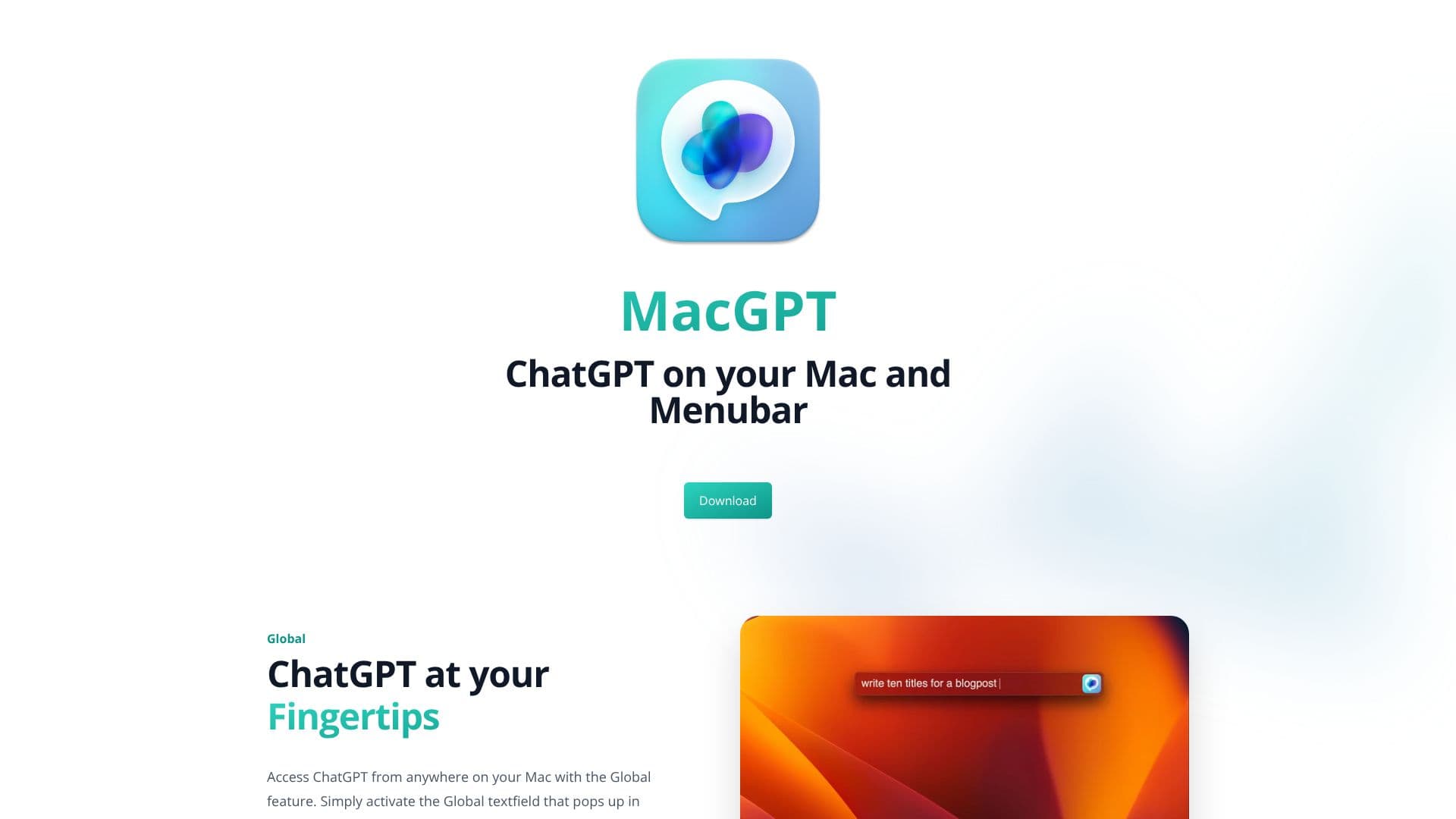
MacGPT integrates ChatGPT seamlessly into your macOS workflow, offering unparalleled accessibility. The 'Global' feature allows you to invoke ChatGPT from anywhere on your Mac, bringing up a textfield in the center of your screen for instant AI interaction. This means you can get answers, generate text, or brainstorm ideas without leaving your current application.
Read More
For even deeper integration, MacGPT's 'Inline' feature allows ChatGPT to type directly into any textfield. By using a simple trigger phrase followed by your prompt, ChatGPT will generate and insert the response, streamlining tasks like writing emails, drafting documents, or filling out forms. This feature aims to make AI assistance a natural part of your typing process.
The 'Menubar' access provides a quick way to launch ChatGPT, either through its website or a native interface powered by the OpenAI API. This ensures that the AI is always just a click away, ready to assist with your queries or creative tasks. MacGPT supports both web access and native API usage, offering flexibility for users.
Beyond text-based interaction, MacGPT introduces 'Conversation Mode,' enabling you to talk to ChatGPT using your voice. This hands-free approach allows for natural, back-and-forth dialogue, making the AI experience more dynamic and less reliant on keyboard input. The app also facilitates easy copying of entire conversations or clear, readable transcripts for later reference.
MacGPT is available for download, with a companion app called GeePeeTee also offered for iPhone. GeePeeTee currently supports using your own API key, with subscriptions planned for the future. It allows for multiple conversations with different prompts, enhancing productivity and organization. MacGPT is compatible with ChatGPT Plus accounts and can be used with your OpenAI API key for a faster experience. It requires macOS Monterey or Ventura due to its reliance on newer APIs.
- CategoryAI Personal Assistants
- Pricing ModelFreemium
- DeploymentCloud
- PlatformsmacOS
MacGPT's Core Features
Global ChatGPT access from anywhere on Mac
Inline typing of AI responses into any textfield
Menubar access for quick ChatGPT invocation
Web and native API access to ChatGPT
Conversation mode for voice interaction with ChatGPT
Copy entire conversations or transcripts
Companion iPhone app (GeePeeTee)
Supports ChatGPT Plus accounts
Option to use personal OpenAI API key
Multiple conversation management
Requires macOS Monterey or Ventura
How to use MacGPT?
Download MacGPT
Install the application on your Mac
Configure API key if using native mode
Activate Global feature for desktop access
Use trigger phrase for Inline typing
Enable Conversation Mode for voice input
Access via menubar for quick interactions
MacGPT's Use Cases
- Quick Information Retrieval
- Content Generation
- Coding Assistance
- Brainstorming Ideas
- Hands-Free Interaction
- Note Taking and Summarization
- Mobile AI Access