
Description
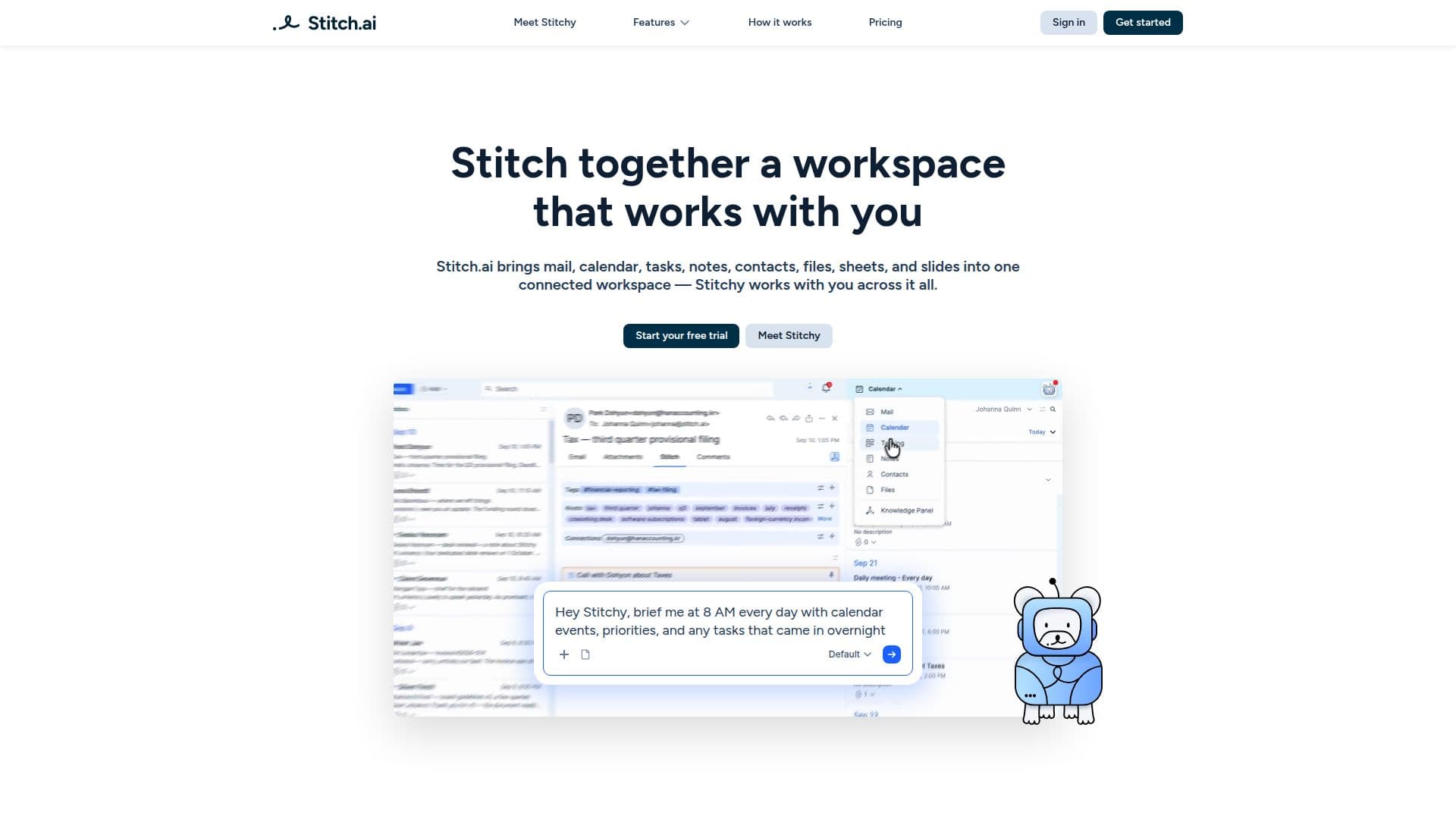
Stitch.ai provides a comprehensive, connected workspace designed to eliminate app-hopping and streamline productivity. It integrates eight essential applications—Mail, Calendar, Contacts, Tasks, Notes, Sheets, Slides, and Files—into a single interface. This unified environment allows users to manage all their work in one place, fostering a cohesive workflow where information is interconnected and easily accessible.
Read More
At the core of Stitch.ai is Stitchy, an AI assistant with full visibility across the entire workspace. Stitchy automates repetitive tasks, flags important information, and understands context without requiring lengthy explanations. This intelligent assistant works across all integrated apps, ensuring that users stay informed and focused on critical activities. The platform also features "Stitching," a drag-and-drop functionality that allows users to connect related items, such as emails to tasks or notes to files, creating a single thread of information.
To further enhance organization, Stitch.ai automatically generates "Tags" and "Knots." Tags are auto-generated labels based on broader themes like "Software Engineering" or "Finance," while Knots are AI-powered keywords extracted from messages, events, tasks, notes, contacts, and files. These features enable users to navigate high-level topics and keywords quickly, reducing the need for endless scrolling and searching. The Knowledge Panel and Knowledge Hub provide additional tools for contextual browsing, allowing users to view their workspace by topic, keyword, or person, and extract detailed summaries from complex documents.
Stitch.ai offers various pricing plans, including a 7-day free trial that provides access to all apps and automated organization features, with limited AI credits and context space. Paid plans—Standard, Plus, Pro, and Max—include the Stitchy AI Assistant and offer increasing allocations of AI credits and AI context space. Users can import MBOX files from other email clients like Gmail or Apple Mail to seamlessly integrate their existing data. The platform is available on iPhone, with an Android app coming soon, ensuring that users can access their connected workspace on the go.
- CategoryProductivity
- Pricing ModelFreemium
- DeploymentCloud
- PlatformsiPhone, Web
Stitch.ai's Core Features
Unified Workspace: Integrates Mail, Calendar, Tasks, Notes, Contacts, Files, Sheets, and Slides into one connected environment.
Stitchy AI Assistant: Automates repetitive work, flags important information, and provides context across all apps.
Stitching Functionality: Drag-and-drop to connect emails to tasks, notes to files, or meeting notes to events.
Automated Tags: Auto-generated labels for work based on broader themes like "Software Engineering" or "Finance."
AI-Powered Knots: Automatically extracted keywords from messages, events, tasks, notes, contacts, and files.
Knowledge Panel: Browse workspace by topic, keyword, or person for quick navigation.
Knowledge Hub: View all related emails, events, notes, tasks, and files connected to a single contact, or extract summaries from documents.
Dual Dynamic Panels: Work in two apps simultaneously on a single screen for focused work and easy data transfer.
MBOX Import: Import emails from Gmail, Apple Mail, and Microsoft Outlook.
Mobile App: Access the full workspace on iPhone, with an Android app coming soon.
AI Context Space: Dedicated storage for AI processing and contextual understanding.
AI Credits: Usage-based credits for AI assistant features.
Automated Connections: Automatically links people related to your work.
Manual Tags and Knots: Option to add custom tags and knots in addition to automated ones.
Connected Information Flow: Data flows freely between apps, ensuring context is never lost.
How to use Stitch.ai?
Create Stitch.ai Address: Get started by creating your unique @stitch.ai email address.
Choose Your Plan: Start with a 7-day free trial or upgrade to a paid plan to access Stitchy AI Assistant.
Import Data: Export MBOX files from email clients like Gmail or Apple Mail and import them into Stitch.ai.
Navigate Workspace: Access integrated apps like Mail, Calendar, and Tasks from dropdown menus in dual dynamic panels.
Stitch Work Together: Drag and drop items between panels to connect emails to tasks, notes to files, or events.
Utilize AI Organization: Leverage auto-generated Tags and Knots to navigate keywords and topics.
Engage Stitchy AI: Open the Stitchy panel to delegate repetitive tasks and receive attention flags.
Explore Knowledge Hub: Use the Knowledge Panel and Hub to browse work by topic, keyword, or person and get contextual summaries.
Stitch.ai's Use Cases
- Unified Communication
- Project Management
- Meeting Preparation
- Information Retrieval
- Contact Relationship Management
- Document Organization
- Financial Tracking
- Presentation Creation
- Repetitive Task Automation
- Contextual Workflows