Description
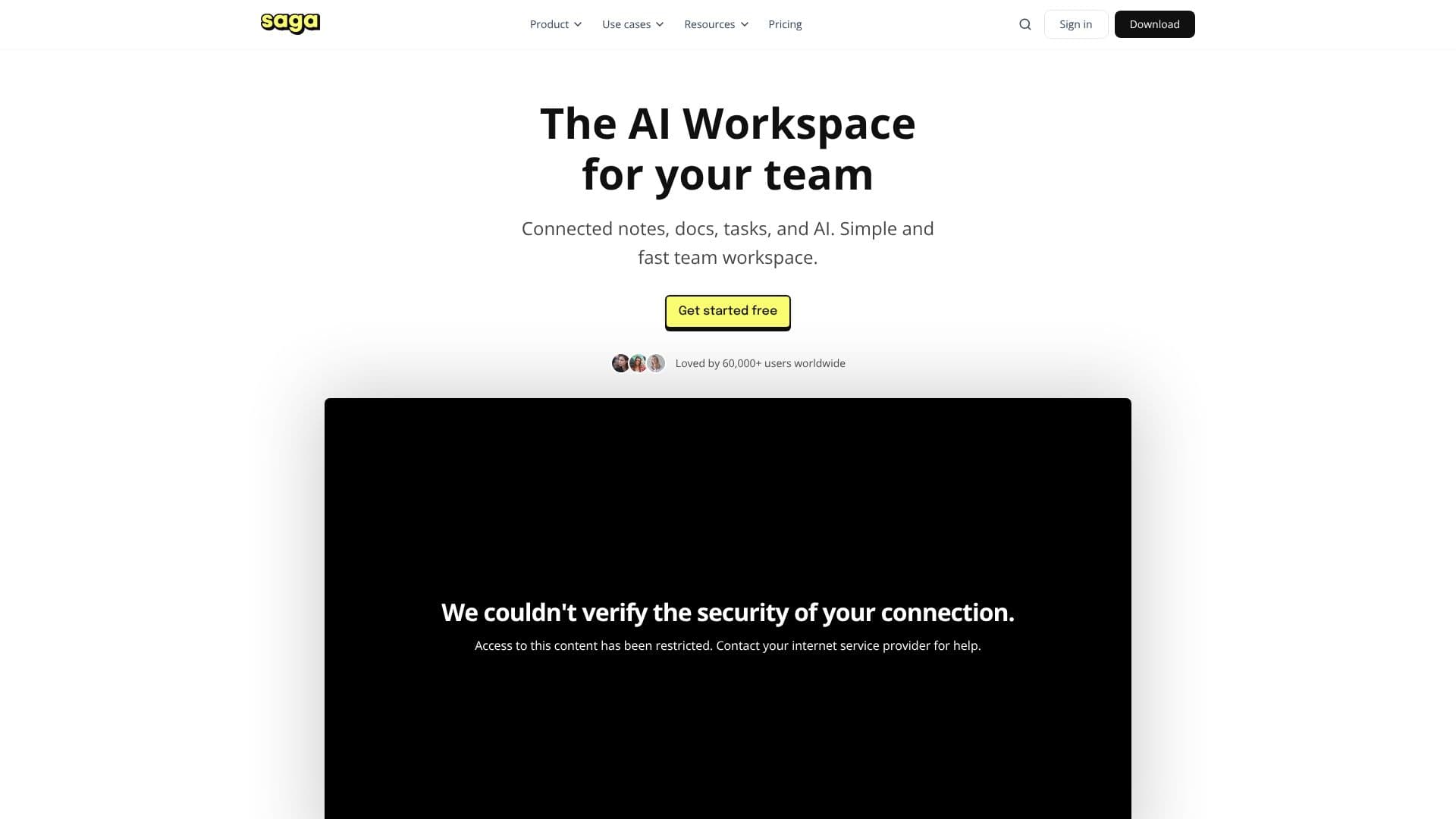
Saga offers a unified AI workspace designed to bring together your notes, documents, and tasks into a single, fast, and simple platform. It aims to help individuals and teams make sense of their collective knowledge by connecting disparate information sources and integrating them with AI capabilities.
The core of Saga lies in its ability to create a connected knowledge base. Users can write, edit, and share notes and documents within a user-friendly interface, focusing on their work rather than learning complex tools. The platform emphasizes speed and simplicity, ensuring a smooth user experience.
Saga's AI assistant is a key feature, designed to help users get things done faster by leveraging advanced AI models. This eliminates the need for manual copy-pasting between different applications, streamlining workflows. Integrated task management provides lightweight tools to keep teams aligned, with a visual Kanban view for organizing and tracking progress.
Collaboration is central to Saga, allowing teams to work together in real time, editing, sharing, and staying synced. The platform offers real-time collaboration for up to three people for free. Saga also facilitates deeper connections within your knowledge base through features like automatic linking, live blocks to update outdated notes, and reference discovery to reveal hidden relationships.
Integrations with popular tools like Google Drive and Linear allow users to quickly find and edit information across their favorite applications. Saga is built for teams, offering seamless collaboration and a connected workspace. The platform provides a free tier for personal use and small teams, with paid plans offering expanded features and AI capabilities.
Saga's Core Features
Connects notes, documents, and tasks in one workspace
AI assistant for faster task completion
Integrated lightweight task management
Visual Kanban board for task organization
Real-time collaboration for teams
Fast search and automatic linking of information
Live blocks to keep notes up-to-date
Discover hidden connections and relationships within knowledge
Autocomplete for content and mentions
Side-by-side view for pages, tasks, and files
Integrations with Google Drive and Linear
Free tier for personal use and small teams
How to use Saga?
Configure: Connect your notes, docs, and tasks into the workspace.
Integrate: Link with your favorite apps like Google Drive and Linear.
Collaborate: Invite team members to work together in real time.
Utilize AI: Leverage the AI assistant to speed up tasks and information retrieval.
Organize: Use the Kanban view to manage and track task progress.
Search: Quickly find and access information across your connected knowledge base.
Saga's Use Cases
- Team Knowledge Management
- Project Task Tracking
- Document Collaboration
- AI-Powered Research
- Personal Knowledge Base
- Workflow Automation