Description
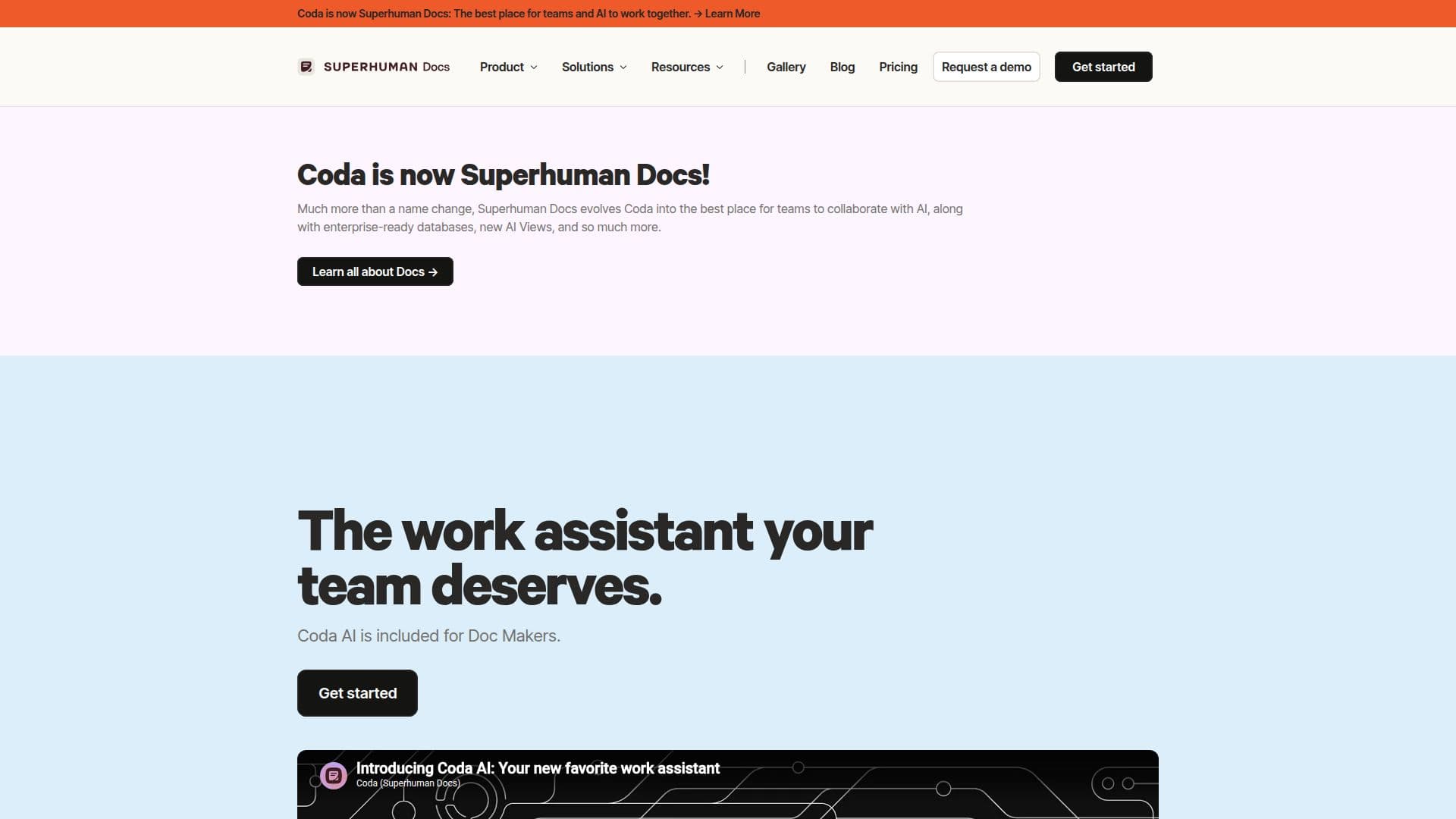
Coda AI is a versatile work assistant that integrates seamlessly with your team's workflow, offering AI-powered templates and insights to enhance productivity. Designed for enterprise teams, Coda AI helps users complete 80% of their writing in just 10% of the time, allowing them to focus on more critical tasks. The platform is included for all Doc Makers and provides instant insights to facilitate smarter decision-making.
Read More
Coda AI is part of the Superhuman Docs suite, which offers various pricing plans to accommodate different team sizes and needs. The Free plan includes limited trials, while the Pro and Business plans offer more extensive features, such as unlimited document creation and enhanced collaboration tools. Enterprise plans are available for larger organizations requiring advanced security and compliance features.
Coda AI leverages advanced AI models to provide users with a connected work assistant that understands team dynamics and can take action on their behalf. The platform is designed to eliminate repetitive work and streamline processes, making it an ideal solution for teams looking to maximize efficiency and productivity.
With Coda AI, users can jump in with AI-powered templates, find what they need quickly, and make informed decisions based on real-time data. The platform's integration capabilities and customizable features make it a valuable tool for teams across various industries, including product development, planning, and operations.
- CategoryAI Knowledge Management
- Pricing ModelFreemium
- DeploymentCloud
- PlatformsWeb
Coda AI's Core Features
AI-powered templates
Instant insights
Smarter decision-making
Reduces repetitive tasks
Free for Doc Makers
Enterprise team support
Advanced security features
Real-time collaboration
How to use Coda AI?
Configure: Set up your workspace with Coda AI
Use: Leverage AI-powered templates for tasks
Optimize: Utilize insights for smarter decisions
Collaborate: Share and edit documents in real-time
Coda AI's Use Cases
- Team collaboration
- Workflow automation
- Data-driven decisions
- Document management
- Template utilization