
Description
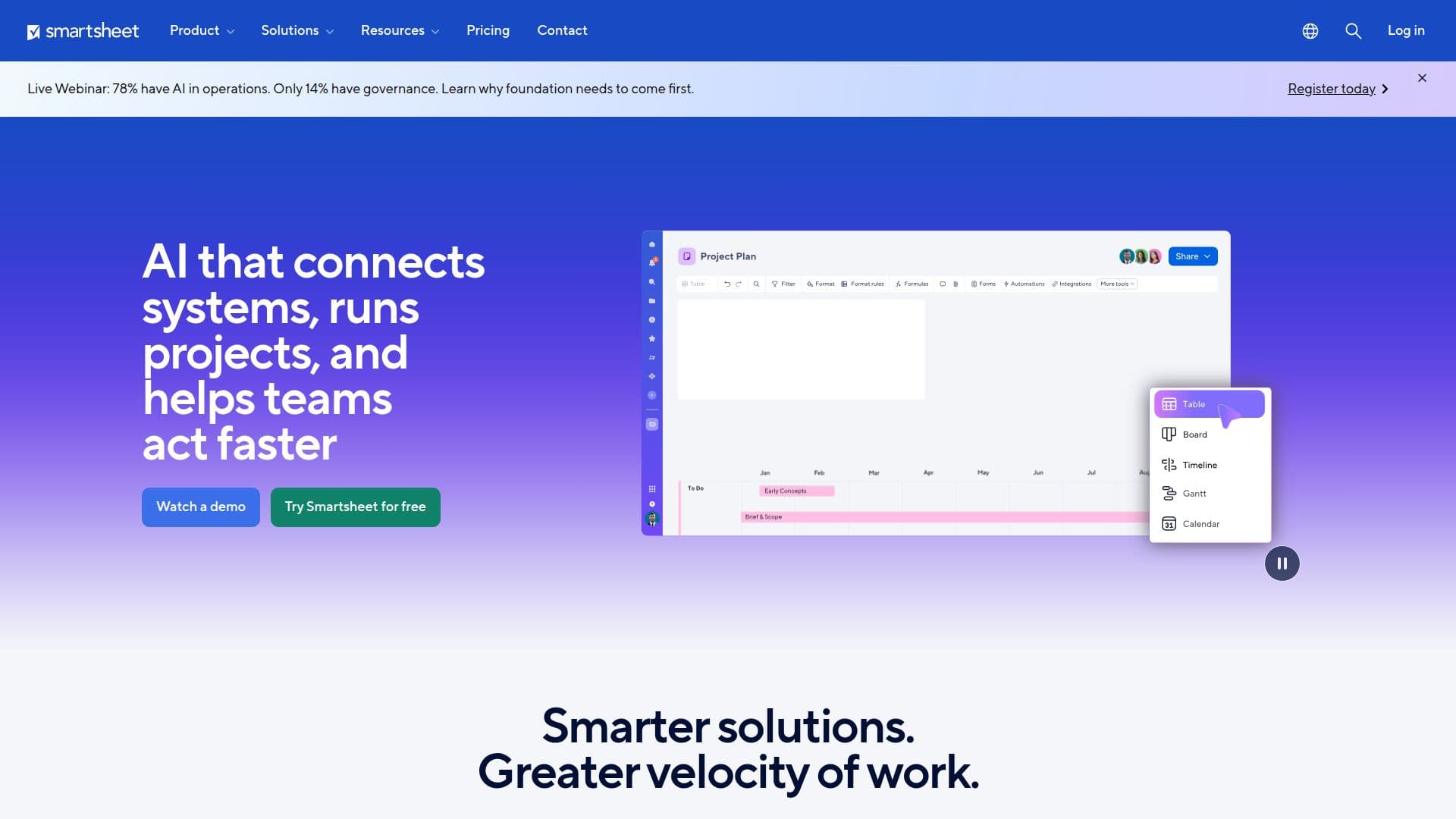
Smartsheet is an intelligent work management platform designed to help teams plan, capture, track, automate, and report on work at scale. By leveraging AI, Smartsheet enables organizations to personalize workflows and predict outcomes, allowing teams to move faster and more efficiently. The platform is built for the way teams work, providing real-time visibility into projects and portfolios, which is essential for effective decision-making.
Read More
The core capabilities of Smartsheet include project and portfolio management, where users can visualize work through various views such as Gantt, Kanban, and calendar. This flexibility allows teams to manage tasks in a way that suits their workflow. Additionally, Smartsheet offers automation features that streamline updates, approvals, and notifications, reducing the need for manual follow-ups.
Smartsheet also emphasizes collaboration, enabling teams to work together seamlessly through shared workspaces and integrated communication tools. This fosters transparency and accountability, ensuring that everyone is aligned on project goals. The platform supports resource management, allowing users to balance workloads and enhance decision-making, which is crucial for optimizing project delivery.
Security is a top priority for Smartsheet, with enterprise-grade features that protect sensitive data while maintaining compliance with industry standards. The platform is trusted by over 85% of Fortune 500 companies, showcasing its reliability and effectiveness in managing complex work environments.
With flexible pricing plans tailored to different team sizes and needs, Smartsheet is accessible to a wide range of organizations, from small businesses to large enterprises. The platform's integrations with popular tools like Microsoft Teams, Google Workspace, and various AI applications further enhance its functionality, making it a comprehensive solution for modern work management.
- CategoryAI Spreadsheet Tools
- Pricing ModelFreemium
- DeploymentCloud
- PlatformsWeb
Smartsheet's Core Features
AI-powered insights
Real-time project visibility
Multiple project views (Gantt, Kanban, Calendar)
Automated workflows
Resource management
Enterprise-grade security
Integration with popular tools
Customizable dashboards
How to use Smartsheet?
Configure: Set up your workspace and invite team members.
Plan: Create projects and define tasks with deadlines.
Automate: Set up automated notifications and updates.
Collaborate: Use shared workspaces for team discussions.
Track: Monitor project progress with real-time dashboards.
Integrate: Connect with other tools your team uses.
Analyze: Use AI features to gain insights from your data.
Smartsheet's Use Cases
- Project Management
- Resource Allocation
- Portfolio Management
- Collaboration
- Reporting