
Description
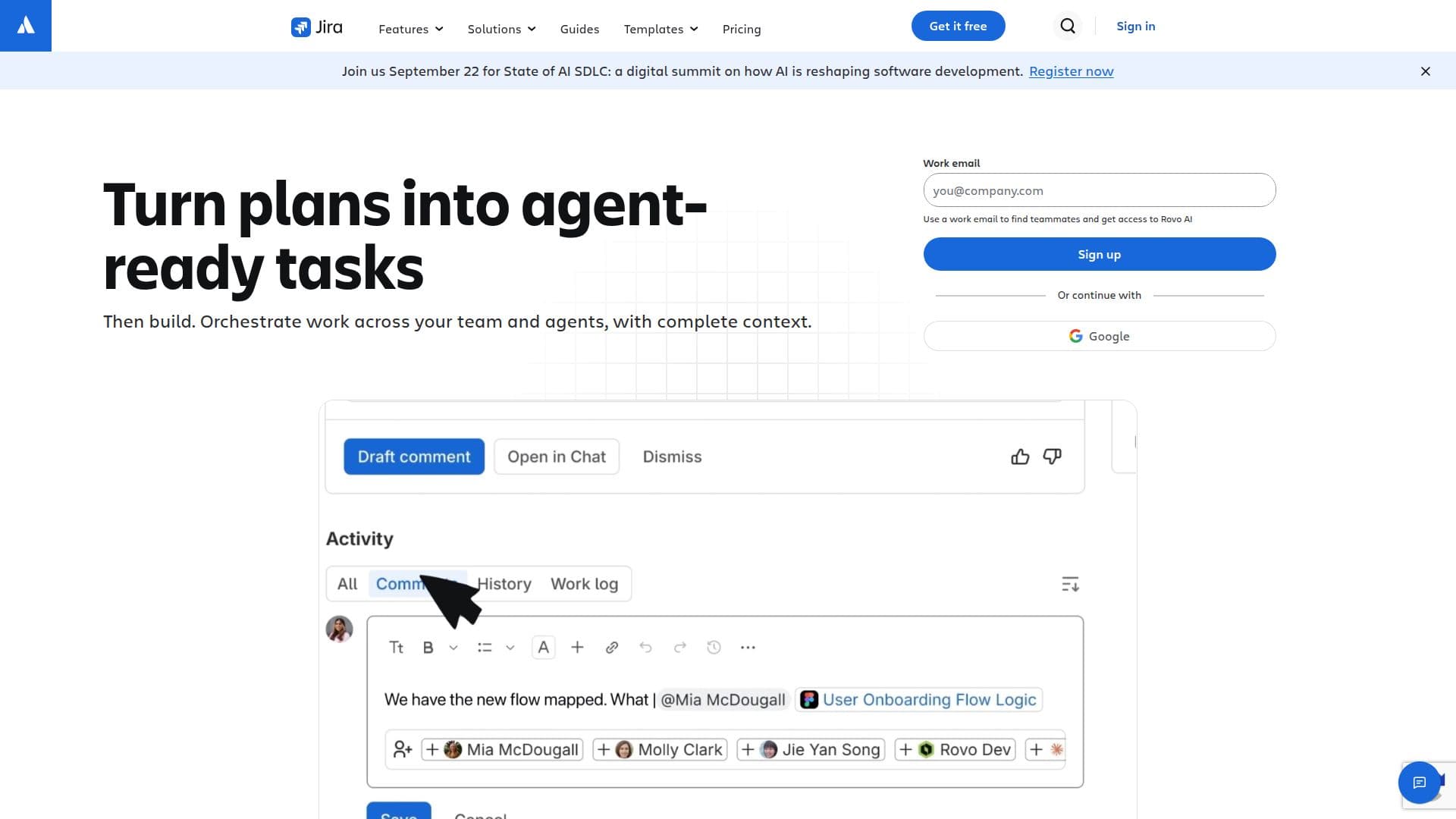
Jira is a leading project management tool that empowers teams to plan, track, and manage software development projects efficiently. With its AI-driven capabilities, Jira helps teams elevate their productivity by orchestrating tasks, planning workflows, and tracking progress at scale. It is particularly suited for agile teams, offering features that support both Scrum and Kanban methodologies.
Read More
One of the standout features of Jira is its ability to create custom workflows tailored to the specific needs of a team. Users can design workflows that reflect their unique processes, ensuring that every task moves smoothly from 'to do' to 'done'. Additionally, Jira provides advanced reporting and dashboard functionalities, allowing teams to visualize their progress and performance metrics in real-time.
Jira also integrates seamlessly with over 3,000 tools, making it a versatile choice for teams that rely on various applications for their workflows. This integration capability enhances collaboration across different platforms and ensures that all team members are on the same page.
For teams looking to manage their backlogs effectively, Jira offers dedicated backlog management tools that help prioritize tasks and streamline project planning. The platform's automation features further reduce manual work, allowing teams to focus on delivering value rather than getting bogged down by administrative tasks.
Jira's pricing model is flexible, offering a free tier for up to 10 users, which includes essential features like backlog management, boards, and reporting. Paid plans provide additional functionalities such as advanced permissions, unlimited storage, and 24/7 support, catering to the needs of larger organizations.
With over 300,000 companies using Jira across more than 200 countries, it has established itself as a trusted solution for project management. Whether you are a small startup or a large enterprise, Jira provides the tools necessary to enhance collaboration and drive project success.
- CategoryAI Project Management
- Pricing ModelFreemium
- DeploymentCloud
- PlatformsWeb, iOS, Android
Jira's Core Features
Scrum boards
Kanban boards
Backlog management
Custom workflows
Reports and dashboards
Automation
Integrations with 3,000+ tools
Advanced roadmaps (Premium)
Unlimited storage (Premium)
AI Search
How to use Jira?
Plan: Align work to goals and assign tasks using Jira's intuitive interface.
Track: Monitor progress through customizable dashboards and reports.
Collaborate: Use Jira's features to streamline requests and share resources.
Automate: Set up automation rules to reduce manual work and enhance efficiency.
Jira's Use Cases
- Agile Project Management
- Backlog Management
- Team Collaboration
- Custom Workflow Design
- Performance Tracking