Description
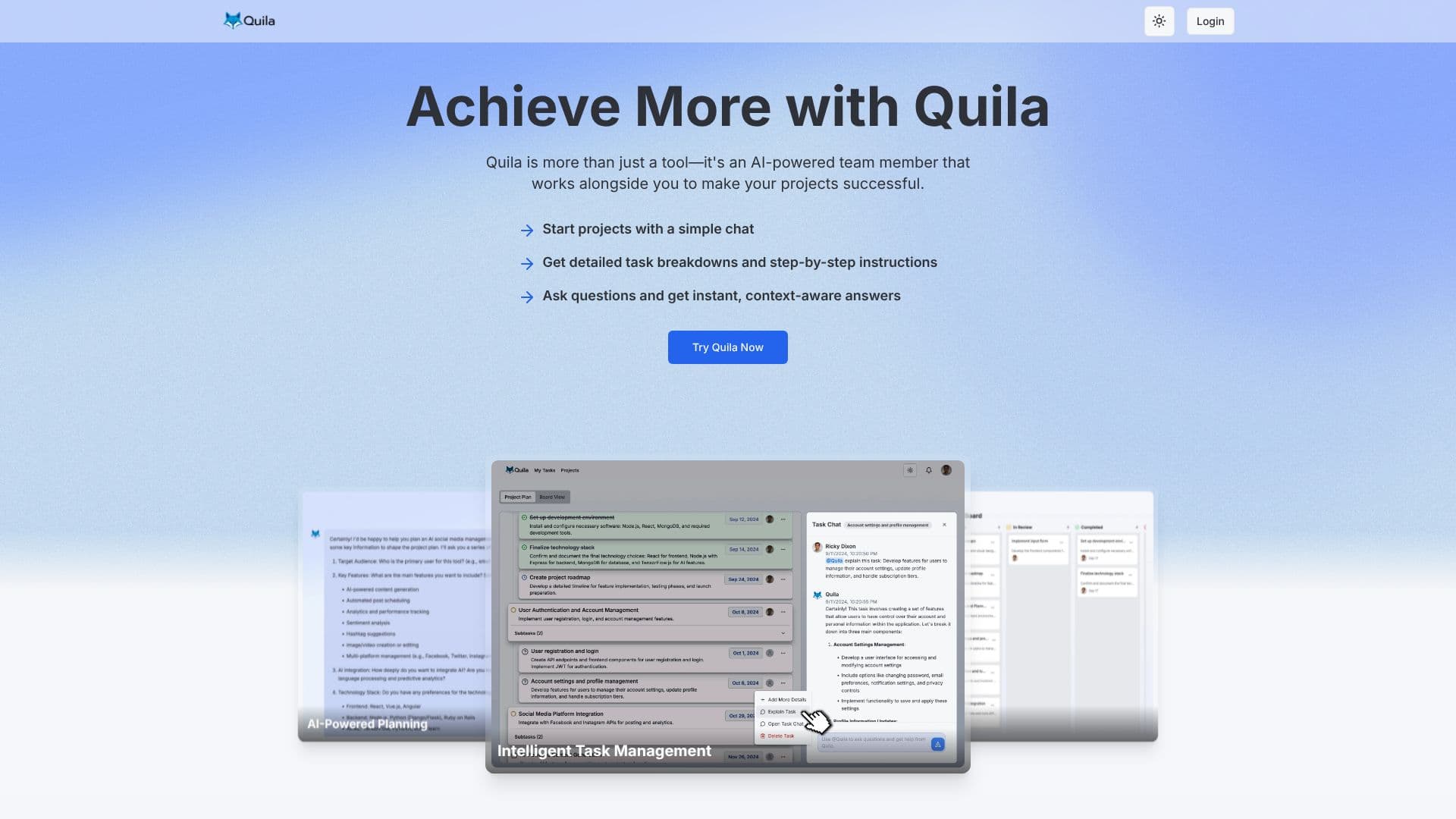
Quila is an AI-powered project management tool designed to function as an intelligent team member, enhancing project success from initiation to completion. It simplifies the project startup process by allowing users to begin with a simple chat, which Quila then translates into detailed task breakdowns and step-by-step instructions.
Read More
At its core, Quila offers robust project management capabilities, including an intuitive Kanban board for visualizing project workflows. Users can easily drag and drop tasks, set priorities, and gain a clear overview of project status. Seamless collaboration is facilitated by inviting team members, delegating tasks, and enabling instant communication, ensuring the entire team remains aligned and efficient.
Quila also provides personal task management features, offering a centralized view of tasks across all projects. Users can customize their task display between list and Kanban views for optimal personal organization. The AI assistant can be invoked at any time within team chats using the '@Quila' mention, providing instant answers, task elaborations, and expert advice without leaving the conversation.
Key functionalities include AI-powered planning, intelligent task management, and a collaborative workspace. Quila transforms project management by adding depth to every task, offering detailed explanations, AI-generated subtasks for complex projects, and intuitive drag-and-drop task management with visual indicators for status tracking. The platform supports streamlining workflows with customizable templates, allowing for instant project kickoffs and efficient management of recurring tasks.
Quila adapts to various domains, from software development and marketing campaigns to personal development and study planning. Its AI-driven features aim to reduce ambiguity, clarify objectives, and boost productivity for individuals and teams. The tool is designed for a wide range of users looking to improve their project execution and team collaboration.
- CategoryAI Project Management
- Pricing ModelFreemium
- DeploymentCloud
- PlatformsWeb
Quila's Core Features
AI-powered project planning and task breakdown
Intuitive Kanban board for workflow visualization
Seamless team collaboration features
Personal task management with list and Kanban views
AI assistant integrated into team chats (@Quila mention)
Detailed task explanations and AI-generated subtasks
Customizable project templates for streamlined workflows
Goal setting and progress tracking capabilities
Integration with fitness wearables (mentioned in example)
AI-driven personal coaching system (mentioned in example)
Real-time AI assistance in team chats
Contextual responses based on project details
Drag-and-drop task management
How to use Quila?
Start Project: Initiate a project by describing your idea via chat.
Visualize Plan: Review the AI-generated project plan in board or project views.
Manage Tasks: Use drag-and-drop functionality to update task status and assign tasks.
Collaborate: Invite team members, delegate tasks, and communicate within the platform.
Get AI Help: Use '@Quila' in chats for instant answers and task elaborations.
Utilize Templates: Create or use existing templates for recurring projects and tasks.
Track Progress: Monitor task status and project milestones visually.
Quila's Use Cases
- Project Planning
- Task Management
- Team Collaboration
- Workflow Streamlining
- Personal Productivity
- AI-Assisted Work
- Onboarding New Hires
- Software Development
- Marketing Campaigns